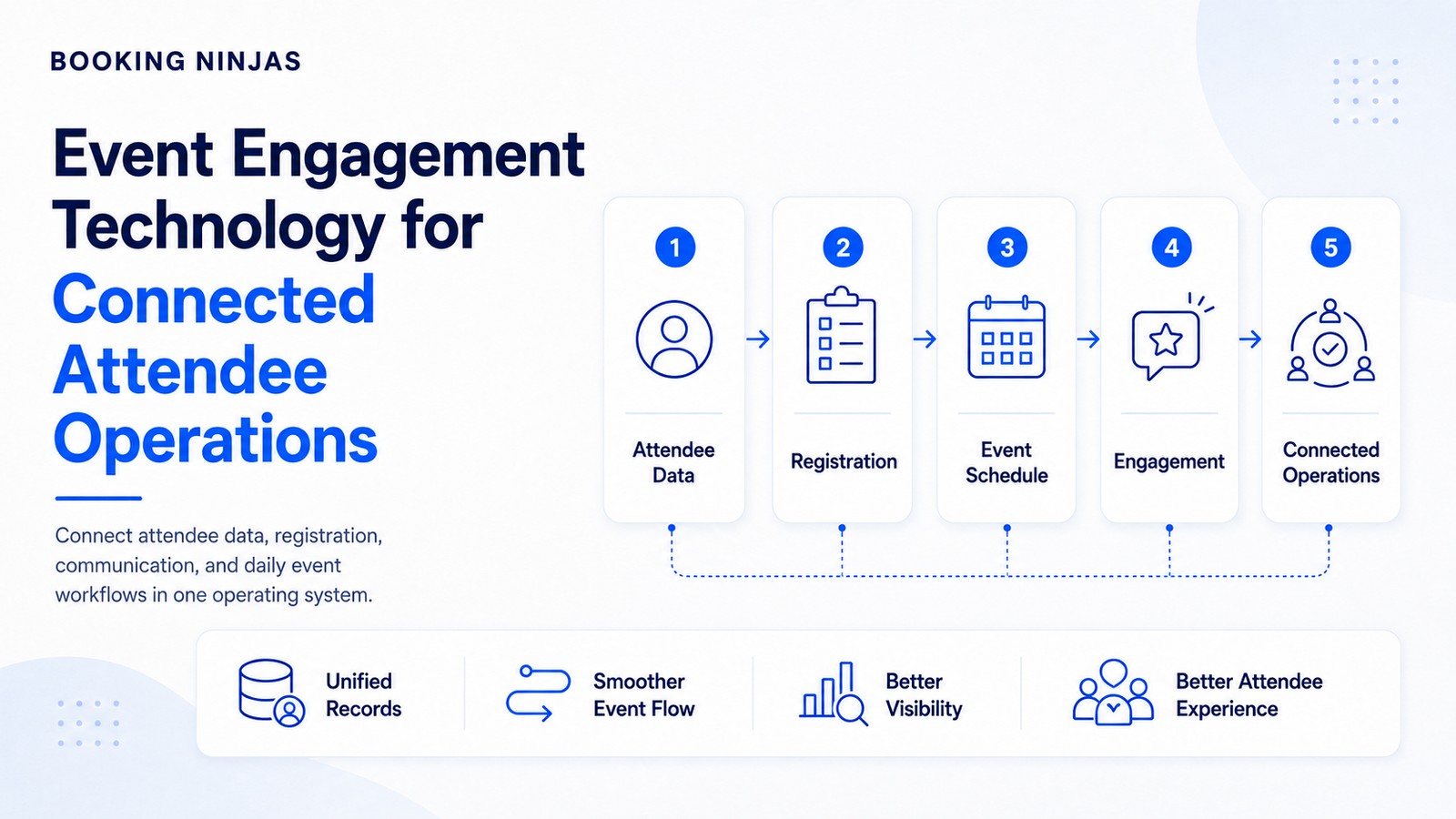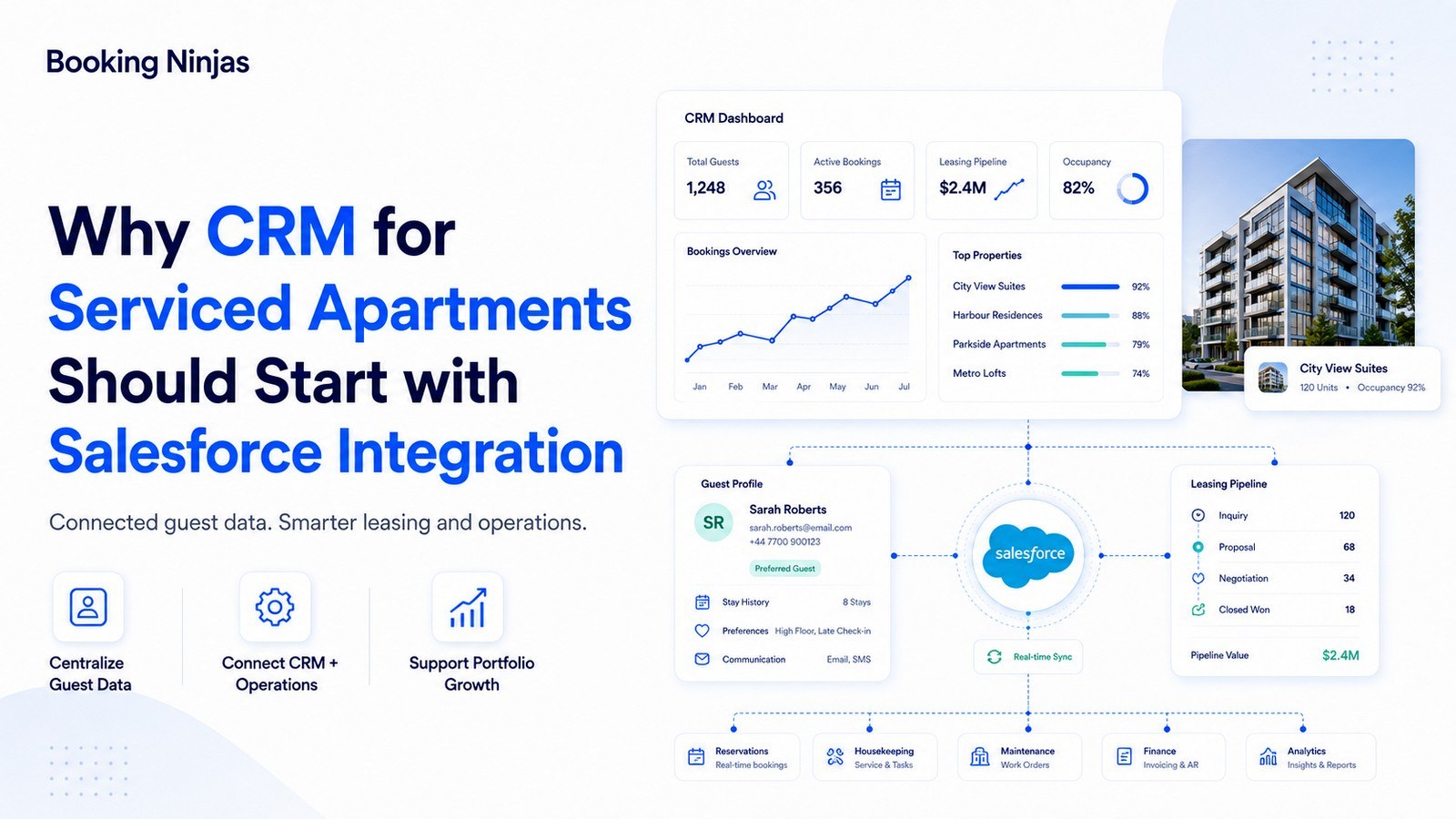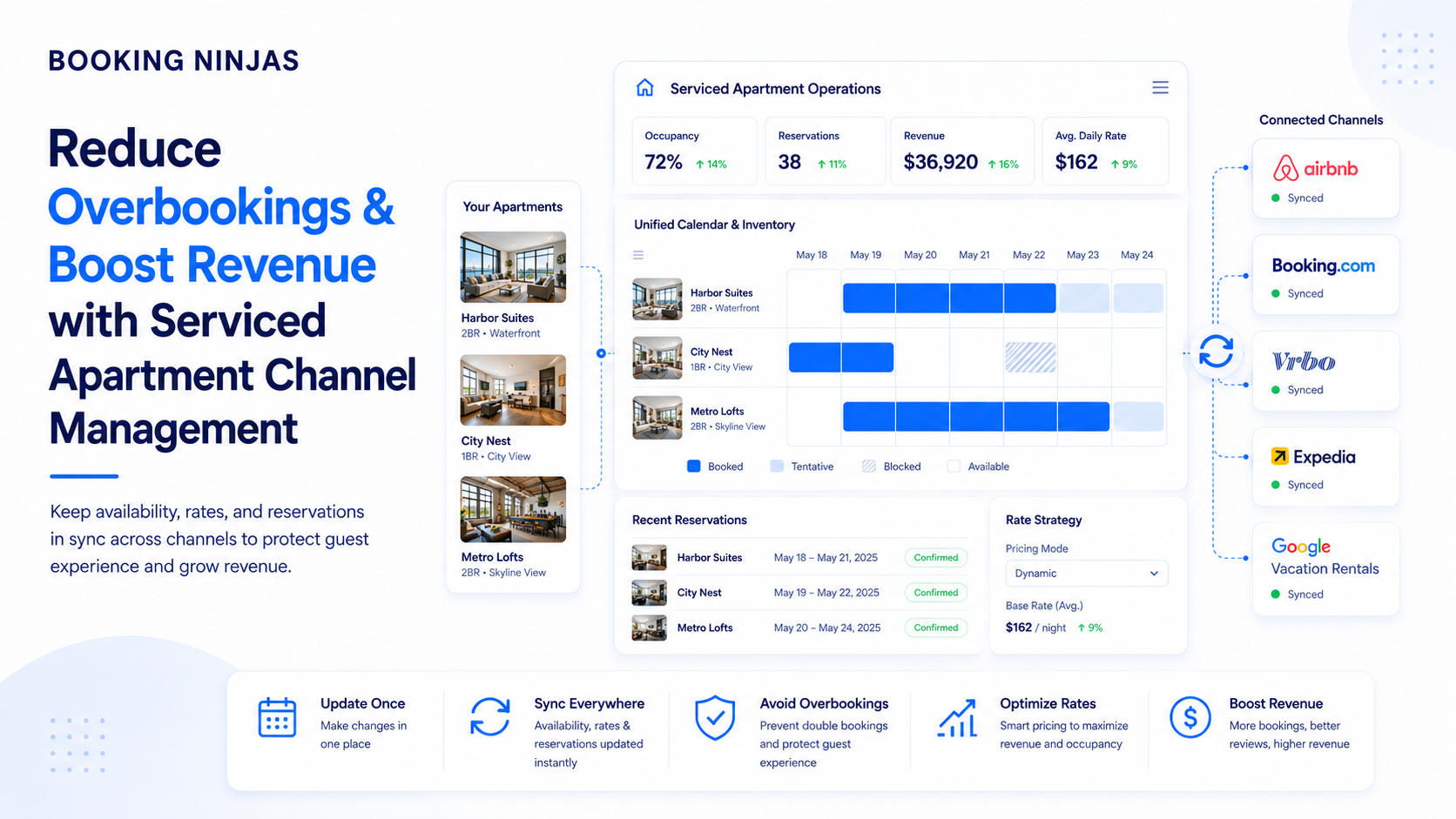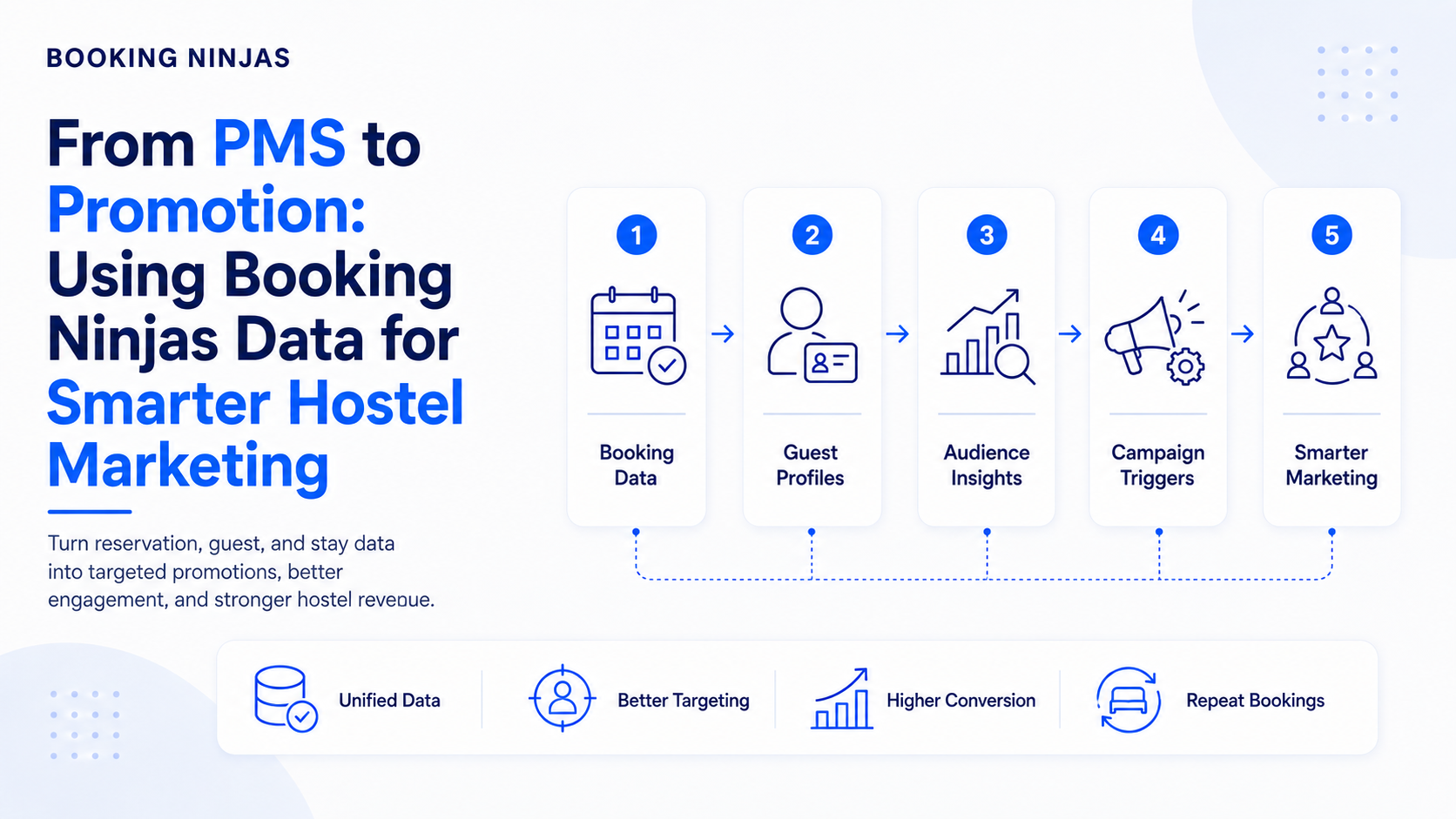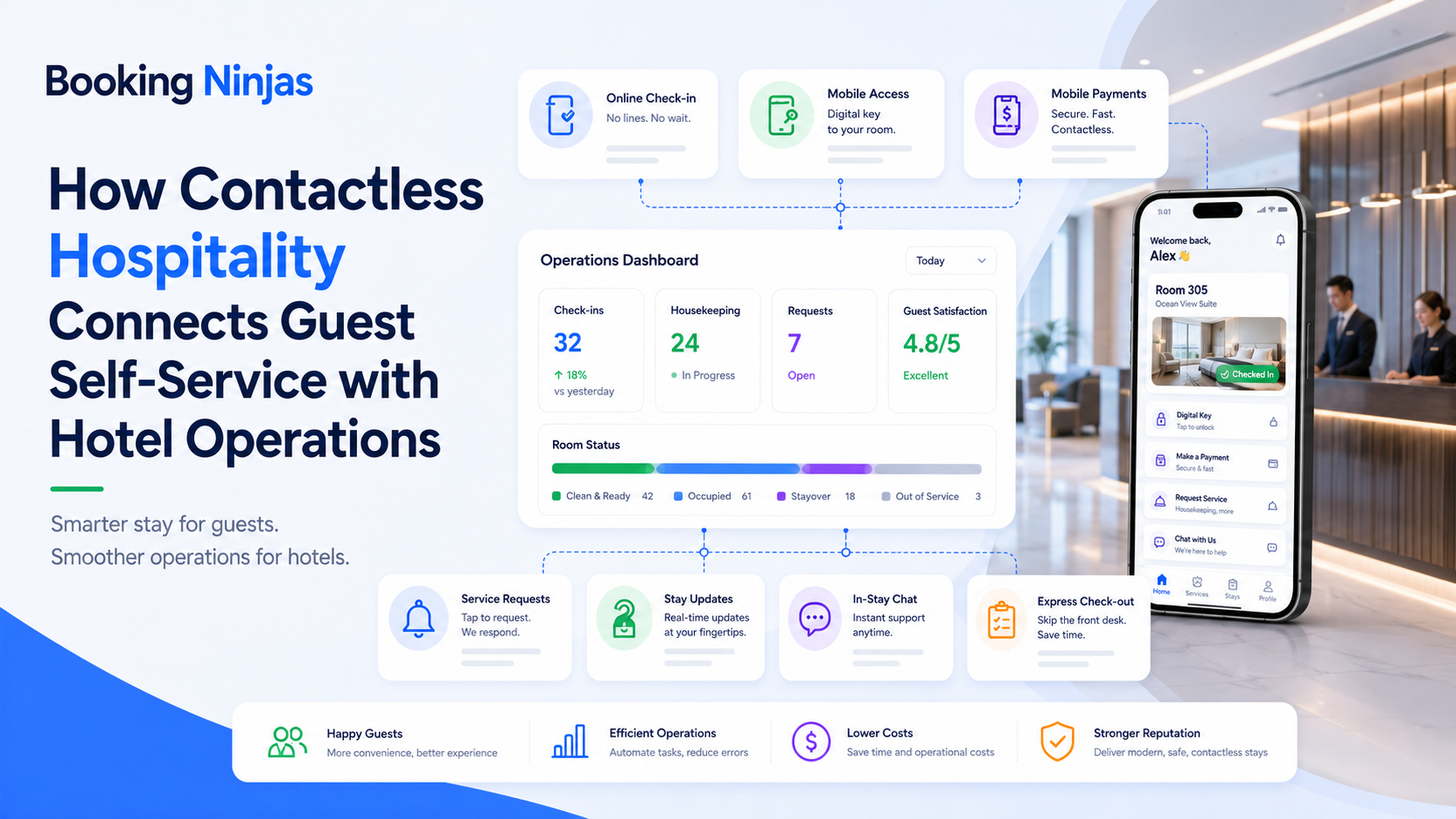
Contactless hospitality is not simply a collection of digital features. A guest may check information online, complete registration independently, make a digital payment, submit a service request, or use a self-service check-in point—but each action still needs to connect with the hotel's reservation and operational records.
The objective is therefore not to remove every human interaction. It is to make human assistance optional for appropriate routine steps while keeping staff available when judgment, hospitality, troubleshooting, or personal support is needed.
What does contactless hospitality actually mean?
Contactless hospitality uses digital and self-service workflows to reduce situations where a guest must rely on an employee to complete a routine step.
Depending on the hotel's operating model, this can include:
- Online reservation access
- Digital pre-arrival information
- Self-service registration
- Kiosk check-in
- Digital payments
- Automated confirmations and updates
- Guest portal access
- Digital service requests
- Configured booking changes
- Connected access workflows
These capabilities do not need to eliminate the front desk or other service teams. The better question is which interactions can be self-service and which interactions should remain staff-assisted.
What does a connected contactless guest journey look like?
Reservation data provides the dates, guest, room, payment, and other context required for the stay.
Guests complete permitted registration, payment, profile, booking, or service actions without unnecessary staff entry.
The resulting activity updates the records and workflows used by front desk, housekeeping, finance, service, or other teams.
Staff intervene when a guest needs help, a rule is not satisfied, or the situation requires judgment.

What can guests do before arriving at the hotel?
Self-service can begin before the guest reaches the property.
A guest-facing portal can provide controlled access to information that would otherwise require an email exchange or phone call.
Booking Ninjas' Guest Portal can provide access to booking information, configured reservation changes, profile information, invoices, payments, documents, communication, and service requests.
The actions available should depend on the reservation, guest role, property policy, and configured permissions rather than giving every guest unrestricted control over every booking field.
How should self-service hotel check-in work?
Self-service check-in should connect the guest interaction to the existing reservation rather than creating a separate arrival record.
Depending on the configured workflow, the process may need to:
- Locate the reservation
- Confirm relevant guest information
- Collect required forms or acknowledgments
- Check reservation status
- Review applicable payment requirements
- Confirm room or accommodation context
- Update arrival status
- Trigger downstream hotel workflows
Booking Ninjas' Self-Service Kiosk supports independent check-in flows that can verify reservations, collect configured information or forms, and trigger connected Salesforce workflows.

Does contactless check-in mean every step is digital?
No.
A hotel may combine several interaction models depending on the guest, property, hardware, and operating process.
| Touchpoint | Possible self-service model | When staff may still be needed |
|---|---|---|
| Reservation access | Guest views booking information through a portal. | Complex changes, disputes, or policy exceptions. |
| Registration | Guest completes configured information or forms digitally. | Missing information, verification problems, or assistance. |
| Check-in | Guest completes permitted arrival steps through a kiosk or another configured interface. | Room issues, reservation exceptions, accessibility needs, or unusual arrivals. |
| Payment | Guest completes an online payment using a supported payment workflow. | Declines, disputes, refunds, unusual billing, or payment exceptions. |
| Service request | Guest submits a structured request through a portal or digital channel. | Urgent, sensitive, complex, or unclear requests. |
| Access | Permissions can be connected with supported access infrastructure where implemented. | Hardware failure, security exceptions, or manual authorization. |
How should room and facility access connect with the guest stay?
Access is a separate system responsibility from check-in.
A successful check-in does not by itself prove that a particular physical lock, credential, or access device has been provisioned. Where the hotel uses connected access infrastructure, access rules can instead be linked with the appropriate guest, property, room, dates, role, and approved stay conditions.
Booking Ninjas' Access Control supports rule-driven access management and can integrate with supported physical or digital access infrastructure through APIs, middleware, and workflow logic.
The exact credential method—including whether a property uses cards, codes, mobile credentials, another technology, or a combination— depends on the connected access provider and implementation.
How do contactless payments fit into the guest journey?
Digital payment should connect the transaction with the reservation, guest, invoice, or charge it is intended to settle.
Booking Ninjas' Online Payment Collection supports digital payment links and hosted payment workflows connected with Salesforce records.
Depending on the implemented payment environment, digital collection may support deposits, balances, invoices, or other configured payment requests.
Payment providers, methods, currencies, transaction handling, and regulatory responsibilities still depend on the external payment infrastructure and the property's implementation.
What communication should be automated during a contactless stay?
Automation is useful when the message follows a known operational event.
Examples can include:
- Reservation confirmation
- Pre-arrival information
- Registration reminder
- Payment request
- Booking change confirmation
- Check-in instructions
- Service-request status
- Operational update
Booking Ninjas' Notification Management supports rule-driven communication triggered by booking changes, workflow events, access changes, thresholds, and other configured conditions.
Automated communication should not attempt to replace a person when the guest is reporting an emergency, dispute, complex problem, or another situation where context and judgment are needed.
How should digital guest requests reach hotel staff?
Self-service should not simply replace a phone call with another inbox.
A useful digital request should become a structured operational record containing enough information to route and track the work.
That can include:
- Guest
- Reservation
- Room or location
- Request type
- Priority
- Responsible department
- Current owner
- Status and resolution history
Booking Ninjas' Request Management can capture, categorize, route, assign, track, notify, and escalate service or operational requests through Salesforce workflows.
Does contactless hospitality reduce the need for hotel staff?
Not automatically.
Self-service can change which activities require direct employee involvement, but staffing requirements still depend on the hotel's service model, occupancy, operating hours, property layout, guest needs, housekeeping workload, maintenance, security, food and beverage operations, and other responsibilities.
Contactless technology is most useful for reducing routine coordination around predictable interactions.
Staff remain especially important for:
- Guest assistance
- Service recovery
- Reservation exceptions
- Payment disputes
- Accessibility support
- Safety or security concerns
- Unusual guest requests
- Hospitality interactions where personal service matters
Why must guest self-service connect with hotel operations?
A guest-facing action can change work elsewhere in the property.
| Guest action | Operational effect |
|---|---|
| Changes arrival information | Front-desk preparation or arrival workflow may need to update. |
| Modifies a permitted reservation detail | Availability, room planning, billing, or another dependent workflow may be affected. |
| Completes a payment | Payment and invoice status should reflect the transaction. |
| Completes check-in | Arrival status and relevant downstream operational records should update. |
| Submits a service request | The request should reach the responsible team and remain trackable through resolution. |
| Checks out | Occupancy, room status, housekeeping, billing, and subsequent availability may need to change. |
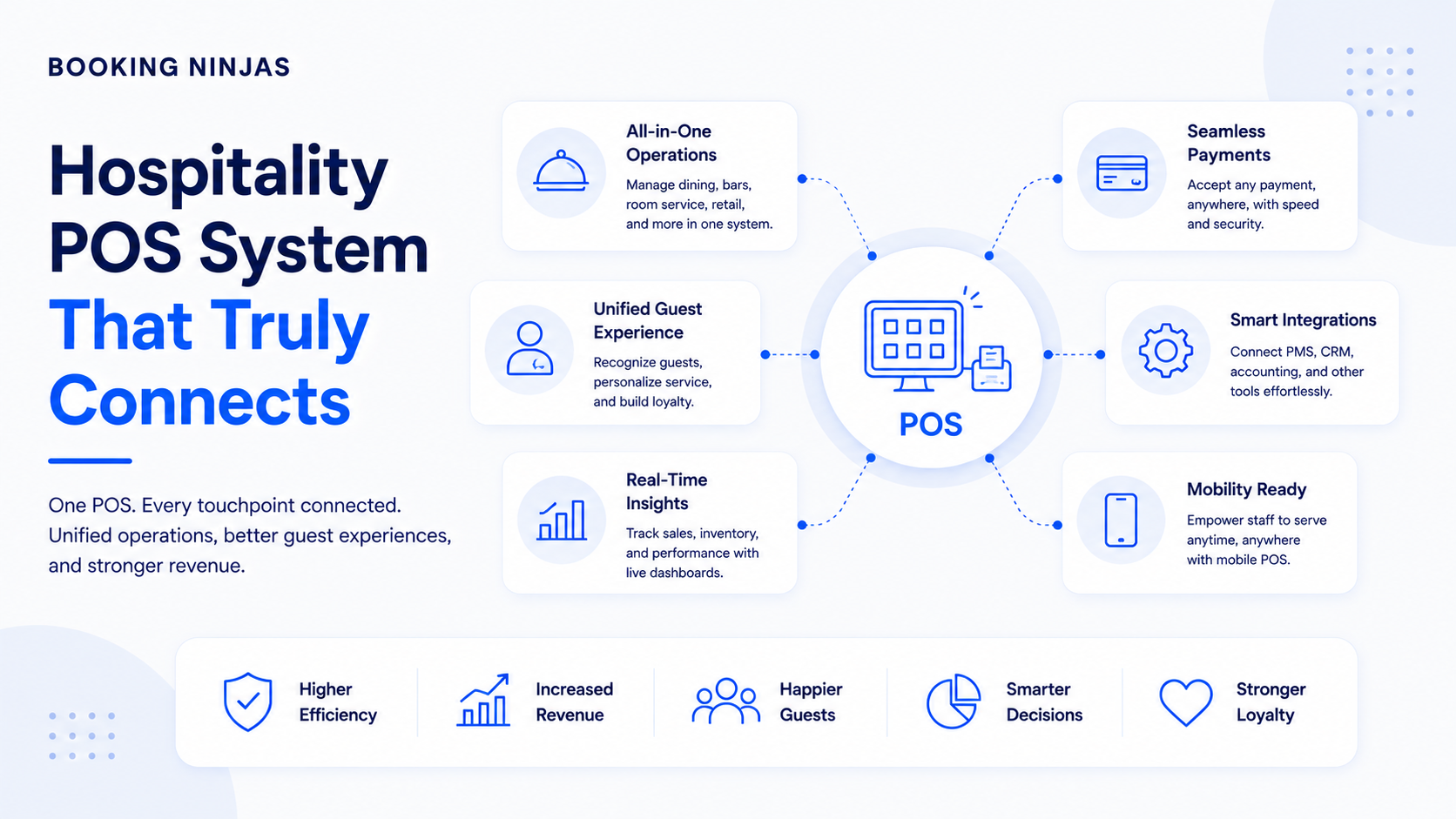
The broader Booking Ninjas Hospitality environment connects reservations, guests, payments, operations, and reporting within a Salesforce-native platform.
What privacy and security issues should hotels consider?
Moving an interaction from a staff member to a portal, kiosk, payment page, or connected device does not remove the need for data governance.
Hotels should define:
- What guest information is required
- Which users and systems can access it
- How guests authenticate
- What external providers receive data
- How payment information is handled
- How access permissions are controlled
- How activity is logged
- What happens when a digital workflow fails
The appropriate controls depend on the property, jurisdictions, technology providers, payment environment, access infrastructure, and information involved.
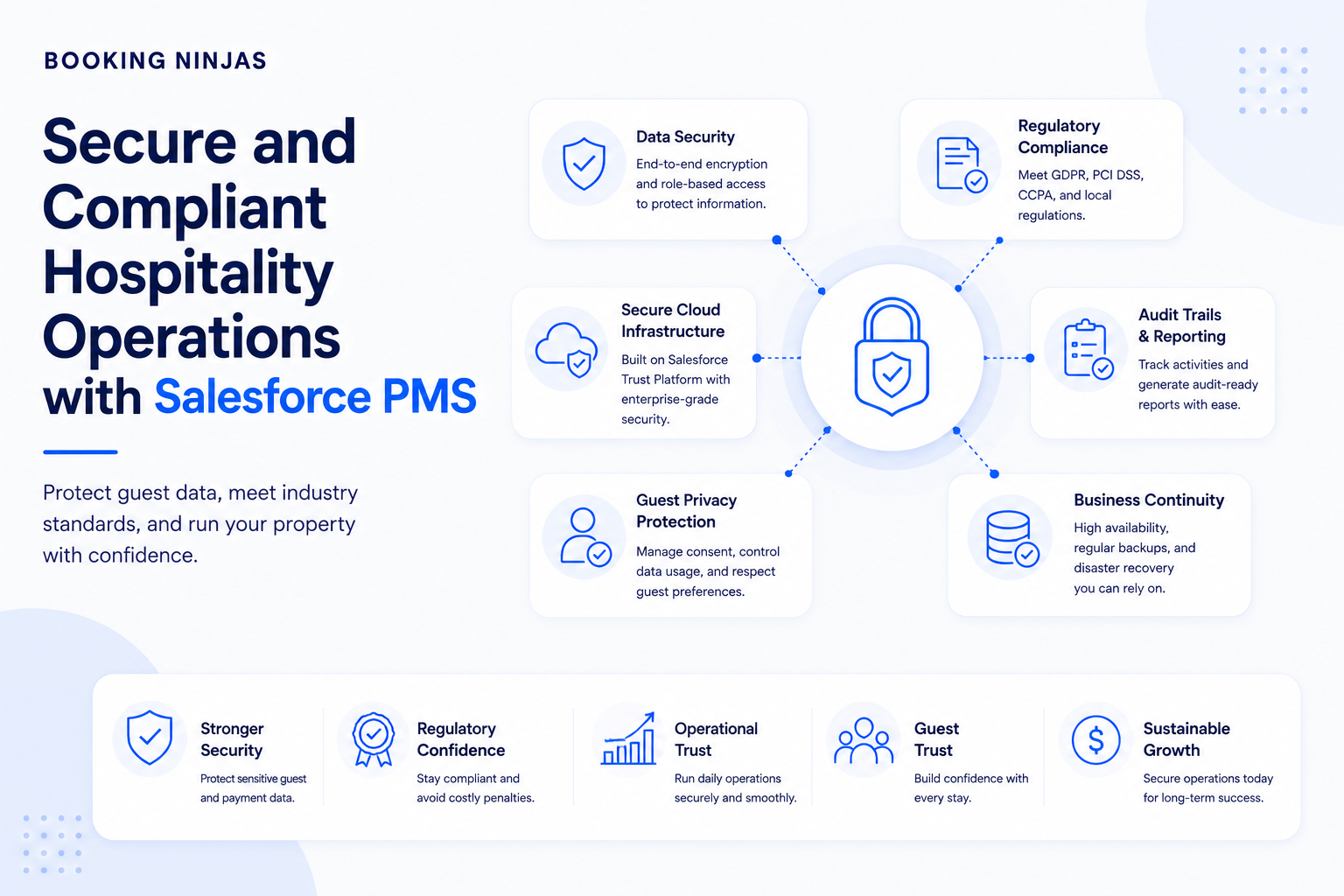
A Salesforce-native platform provides a foundation for permissions, workflows, records, and auditability, but the hotel remains responsible for its implementation, users, integrations, policies, external systems, and applicable legal requirements.
How should a hotel implement contactless guest services?
- Map the existing guest journey. Document reservation, pre-arrival, arrival, payment, access, service, departure, and exception workflows.
- Identify unnecessary staff handoffs. Find routine steps where employees are only re-entering information, confirming a known status, or completing a predictable transaction.
- Choose the appropriate self-service channel. Decide whether each interaction belongs in a portal, kiosk, payment page, automated message, connected device, or another interface.
- Connect the underlying records. Make sure guest-facing actions update the relevant reservation, profile, payment, request, access, or operational workflow.
- Define permissions and rules. Establish what guests can view, change, submit, or approve without staff intervention.
- Define exception paths. Decide when the workflow should stop and route the guest to an employee.
- Test the complete journey. Include successful interactions as well as missing reservations, payment failures, room problems, inaccessible kiosks, integration failures, and other exceptions.
- Train staff around the new workflow. Employees should know what guests can do independently and how to intervene when the self-service path cannot continue.
- Measure the specific process. Review completion rates, abandoned steps, recurring exceptions, unresolved requests, and guest or staff feedback instead of assuming self-service is automatically more efficient.
How does Booking Ninjas support contactless hospitality?
Booking Ninjas is a Salesforce-native platform for bookings and operations . Contactless and self-service experiences can therefore remain connected with reservation, guest, payment, request, access, communication, and operational records.
The exact guest journey is configurable. A property may use selected self-service capabilities while keeping other touchpoints staff-assisted according to its operating model.
Provide controlled guest access to bookings, profile information, invoices, payments, documents, communication, and service requests.
Explore Guest Portal →Support independent check-in and configured registration workflows while keeping kiosk activity connected with Salesforce records.
Explore Self-Service Kiosk →Connect digital payment links and online collection workflows with customer, booking, invoice, and transaction records.
Explore Online Payment Collection →Turn digital guest requests into structured, assigned, tracked, and escalated service workflows.
Explore Request Management →Trigger structured confirmations, updates, reminders, and operational communications from defined workflow events.
Explore Notification Management →Connect access permissions and rules with supported physical or digital access infrastructure through the appropriate integration.
Explore Access Control →Connect reservations, guests, payments, daily operations, and reporting across the wider hospitality environment.
Explore Hospitality →Frequently asked questions
What is contactless hospitality?
Contactless hospitality uses digital and self-service workflows to let guests complete appropriate routine actions without requiring direct staff assistance at every step. These interactions can include reservation access, registration, check-in, payments, communication, and service requests.
Does contactless hospitality mean eliminating the front desk?
No. Self-service can reduce the number of routine transactions that require front-desk assistance, while employees remain available for exceptions, accessibility needs, disputes, complex questions, service recovery, safety concerns, and interactions where personal hospitality is appropriate.
Can hotel guests check in through a self-service kiosk?
Yes. Booking Ninjas Self-Service Kiosk supports independent check-in workflows that can verify reservations, collect configured information or forms, and trigger connected Salesforce workflows. The exact process depends on the property's configured check-in requirements.
Does Booking Ninjas provide mobile room keys?
Booking Ninjas supports integration with physical and digital access infrastructure, but the available credential method depends on the external access-control system and implementation. Mobile credentials should therefore be confirmed against the specific access provider rather than assumed to be available in every deployment.
Can guests make payments without going to the front desk?
Yes, where the configured payment workflow supports online collection. Booking Ninjas can connect digital payment links and online transactions with the relevant booking, invoice, customer, and financial records.
Can guests submit hotel service requests digitally?
Yes. Guest-facing channels can be used to submit appropriate service requests, while Booking Ninjas Request Management can capture, route, assign, track, notify, and escalate the resulting operational work.
Does contactless technology automatically reduce hotel staffing requirements?
No. Self-service can reduce staff involvement in some routine transactions, but staffing needs still depend on the property's service model, workload, occupancy, operating hours, facilities, guest needs, and other operational responsibilities.
Is Booking Ninjas built on Salesforce?
Yes. Booking Ninjas is a Salesforce-native platform for bookings and operations, allowing guest self-service, reservations, payments, requests, notifications, access workflows, reporting, permissions, and automation to use the broader Salesforce platform foundation.
Connect self-service to the hotel operation behind it
See how Booking Ninjas can connect guest portals, check-in, payments, requests, notifications, access integrations, and hotel operations within a Salesforce-native environment.