YouTube video coming soon
From Inquiry to Confirmed Event
Show staff checking the date, choosing a space, creating the reservation, and keeping client and event details together through confirmation.


Start with the workflows causing the most work today, such as availability, event bookings, BEOs, invoices, payments, or onsite charges. Add more rooms, locations, reporting, integrations, and automation later. Booking Ninjas runs on Salesforce so client, booking, payment, and operational data can stay connected.
Learn more →Short walkthroughs will show how bookings, room availability, event details, BEOs, billing, and onsite charges work together.
Show staff checking the date, choosing a space, creating the reservation, and keeping client and event details together through confirmation.
Show room availability, capacity, holds, conflicts, and events that use several rooms or spaces.
Show the event record continuing into BEO instructions, invoices, payments, and POS charges.
The final YouTube videos can replace these placeholders without changing the rest of the page. Keep the supporting text visible so the workflow remains understandable without playing the video.
Event-venue operating models inspired by multi-venue wedding groups, dedicated meeting venues, banquet operations, and large event-space portfolios.
Illustrative logo treatments used as operating-model references. Display does not imply endorsement, client status, or partnership.
Booking Ninjas is listed on Salesforce AppExchange and has gone through Salesforce's review process for listed packages.
Banquet teams have to keep availability, rooms, client details, event changes, BEOs, invoices, payments, and staff handoffs accurate at the same time. When those workflows sit in separate tools, mistakes and admin work increase.
Booking Ninjas connects availability, event bookings, client details, BEOs, invoices, payments, POS charges, and operational handoffs so teams do not have to rebuild the same event in different tools.

Keep event, client, room, billing, and operational details connected in one record.

Use availability and capacity rules to reduce conflicts before a booking is confirmed.
Automate reminders, staff tasks, approvals, and event follow-up where needed.
Reuse the same booking, billing, BEO, and reporting workflows as the venue operation grows.
Connect the event from inquiry and availability through reservation, BEO, billing, payments, and onsite charges.
Let prospects or staff start a booking, then keep the request connected to availability, client details, and the event record.
Manage event dates, rooms, booking status, client details, changes, and history in one reservation workflow.
Keep room and resource availability visible before confirming a date to reduce conflicts and overlapping commitments.
Track room capacity and event limits so staff know what each space can support before confirming the booking.
Keep events that use multiple rooms, spaces, or related reservations together instead of managing each part separately.
Carry event details into a structured BEO so setup, service, catering, and operations teams work from the same instructions.
Keep deposits, invoices, payment schedules, package charges, and balances tied to the correct event and client.
Add food, beverage, service, and other onsite charges through POS when transactions continue beyond the original invoice.
Use connected event data to reduce repetitive follow-up, improve calendar accuracy, and give teams a clearer view of upcoming events and revenue. Add AI only where there is a clear use case.
Automate repeated data entry, reminders, and follow-up.
Use connected availability, reservations, and capacity rules to reduce booking errors.
Use upcoming event details to prepare staffing, setup, and service needs.
See upcoming events, booking activity, invoices, revenue, and room usage in connected reporting.
Most banquet halls need bookings, event management, BEOs, billing, and onsite payments. Add more only when your venue needs it.
For venues managing event inquiries, rooms, availability, multi-room bookings, BEOs, invoices, payments, and onsite charges.
Booking Engine, reservations, availability, billing, group booking, requests, reporting, and the main booking workflows.
Per location. Event schedules, multi-room and multi-day events, operational handoffs, reporting, and BEO included.
Per location. POS Admin + POS App for onsite sales, payments, refunds, and reporting.
Available when your venue needs them.
Priced based on your setup, migration, integrations, and configuration.
$600/month assumes one venue location with Core, Event Management, and POS. Third-party and Salesforce costs may apply where relevant.
See customer work around event spaces, group bookings, agreements, billing, and more complex booking workflows.
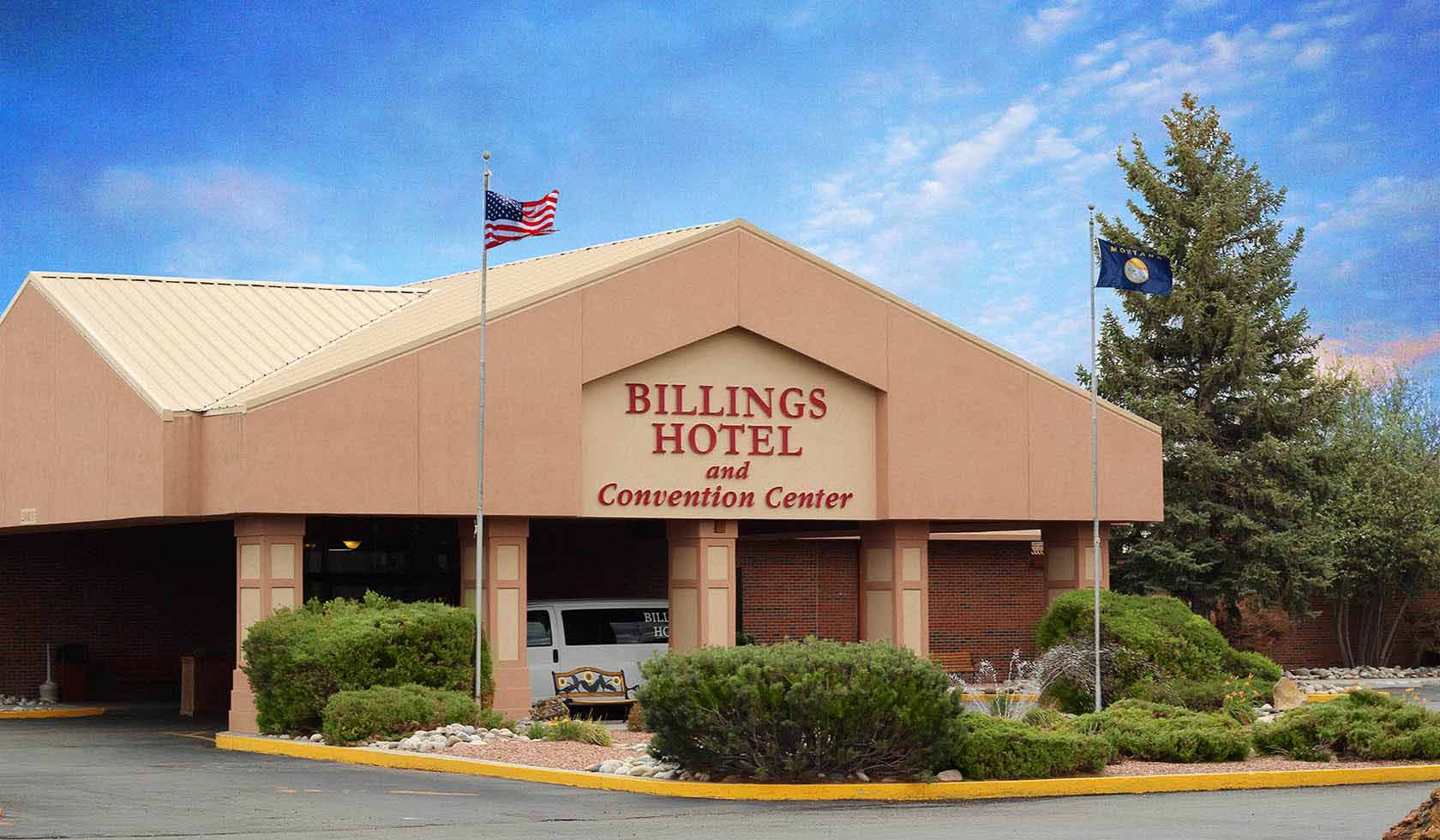
Conference spaces and agreements connected in one event flow.
See the story →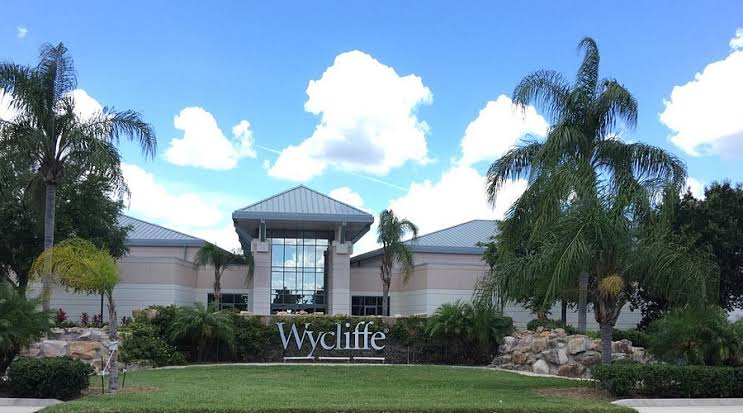
Availability, group stays, assignments, and billing connected in one operating flow.
See the story →
Properties, experiences, packages, and schedules structured as one booking model.
See the story →Practical operator perspectives on keeping calendars, event details, BEOs, invoices, payments, and handoffs connected.
“The biggest improvement is knowing the booking, room, client, invoice, and event details are connected. We do not have to rebuild the same event for every department.”
“Multi-room events used to require constant checking between calendars and spreadsheets. A shared operating record gives the team much more confidence before we confirm a date.”
“We need sales, operations, catering, and finance to see the same event. Connecting the reservation to the BEO and billing workflow makes that handoff much cleaner.”
Traditional venue tools vs a connected booking and operations platform
| Capability | Traditional Venue Tools | Booking Ninjas |
|---|---|---|
| Connected booking + operations foundation | Often split across separate tools | Client, booking, payment, and operational data stay connected |
| AI capabilities | Varies | Optional when there is a clear use case |
| Booking, availability & capacity | Varies by product | Connected booking workflows |
| BEO, invoices & onsite charges | Often separate | BEO + Invoice Management + POS available |
| Reporting & forecasting | Varies | Connected reporting; AI optional by scope |
Booking Ninjas connects booking, availability, rooms, capacity, client records, BEOs, invoices, POS charges, and reporting in one operating environment. Salesforce is the foundation underneath it.
WhatsApp Us
WhatsApp Us