
Physical Access Control
Connect supported door-access workflows to the people, reservations, memberships, spaces, and permissions already managed in Booking Ninjas.
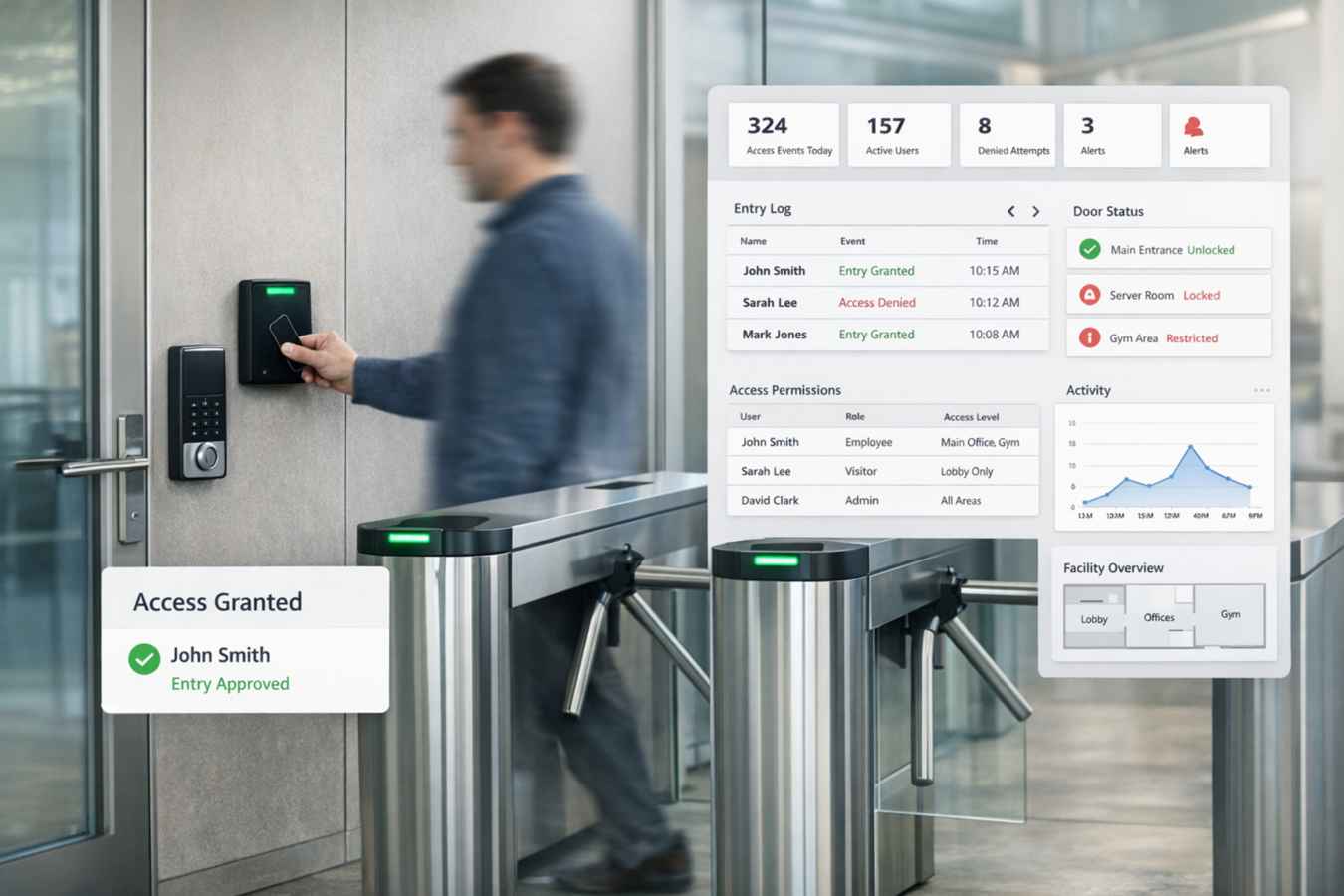
Connect Access to the Operational Record
Use Booking Ninjas data to support who should have access, where, and for what period when a supported lock or access system is connected.

Guest Access
Connect access to the reservation or stay when the implementation requires it.
Member Access
Use membership or customer records as part of the configured access workflow.
Space Access
Connect access to the room, unit, door, or space associated with the booking.
Time Window
Align access periods with configured booking, stay, membership, or operating rules.
Use Access Rules That Match the Workflow
The exact access logic depends on the connected hardware, provider, and Booking Ninjas implementation.

Booking Starts
Use the reservation or configured arrival workflow as the basis for access.

Access Is Assigned
Pass the required user, door, date, or credential context to a supported access system.
Access Changes
Update or revoke access when the reservation, membership, or configured status changes.
Access Events
Store or reference provider-returned access information where the integration supports it.
Works With the Booking and Access Flow
Physical Access Control stays connected to the records that define who is arriving, where they are going, and how long they should have access.
Door Lock Management
Manage supported door-lock connections and access workflows.
View Door Lock Management →Check-In / Check-Out
Use arrival and departure status as part of the access workflow where configured.
View Check-In / Check-Out →Reservation Management
Keep guest, dates, room or unit, and booking status connected.
View Reservation Management →Member Portal
Connect self-service member workflows to the broader membership experience.
View Member Portal →Where Physical Access Control Fits
Use connected access workflows where rooms, units, member areas, or shared spaces need controlled physical entry.
Hotel
Connect guest stays and room access where supported lock systems are used.
View Hotel Solution →Coworking Space
Connect member and reservation access to meeting rooms and shared areas.
View Coworking Solution →Student Housing
Support controlled access to residential units or shared spaces where configured.
View Student Housing Solution →Retreat Center
Connect guest stays, meeting spaces, and access periods across the property.
View Retreat Center Solution →Vacation Rental
Support guest access around reservation dates when compatible lock systems are connected.
View Vacation Rental Solution →Conference Center
Connect room or event-space access to the reservation workflow where needed.
View Conference Center Solution →Booking Ninjas Is Not the Door Hardware or Security System
Physical access depends on the connected lock, badge, credential, or access-control provider. Booking Ninjas can connect booking, member, customer, space, and status records to supported access workflows. Hardware behavior, credential security, physical entry decisions, installation, certifications, and vendor-specific security controls remain the responsibility of the connected system and implementation.
Verified in the Salesforce Ecosystem.
Booking Ninjas is listed on Salesforce AppExchange.
Pricing
Physical Access Control uses Booking Ninjas operational data together with supported door-lock or access-system integrations.
Door Lock Management
Use when supported physical-access workflows are required.
- Connect supported door or lock systems
- Use booking, guest, member, or space context in access workflows
- Hardware and lock-provider costs remain separate
- Implementation and integration setup are separate
Core Package
Starts with 1–50 Active Bookable Units.
- Booking Engine + Reservation System
- Reservation Management
- Check-In / Check-Out
- Contact and Property Management
- Standard reports and dashboards
Separate Access Administration vs Booking Ninjas
Keep access context connected to the reservation, member, customer, and space records that already drive the operation.
| Capability | Separate Access Admin | Booking Ninjas |
|---|---|---|
| Guest or member context | Separate lookup | Connected Salesforce record |
| Reservation dates | Entered separately | Connected booking context |
| Space or door | Separate access record | Connected operational context |
| Access period | Manual coordination | Can follow configured booking rules |
| Door hardware | Vendor-controlled | Supported provider integration required |
| Reporting | Separate security reports | Operational reporting from available data |
Frequently Asked Questions

Connect Physical Access to the Booking Workflow
Use reservation, guest, membership, space, and status data to support connected door-access workflows.