
Facility Safety Inspection
Standardize facility checks, record findings, assign corrective actions, and keep inspection history connected to the spaces and operations around it.
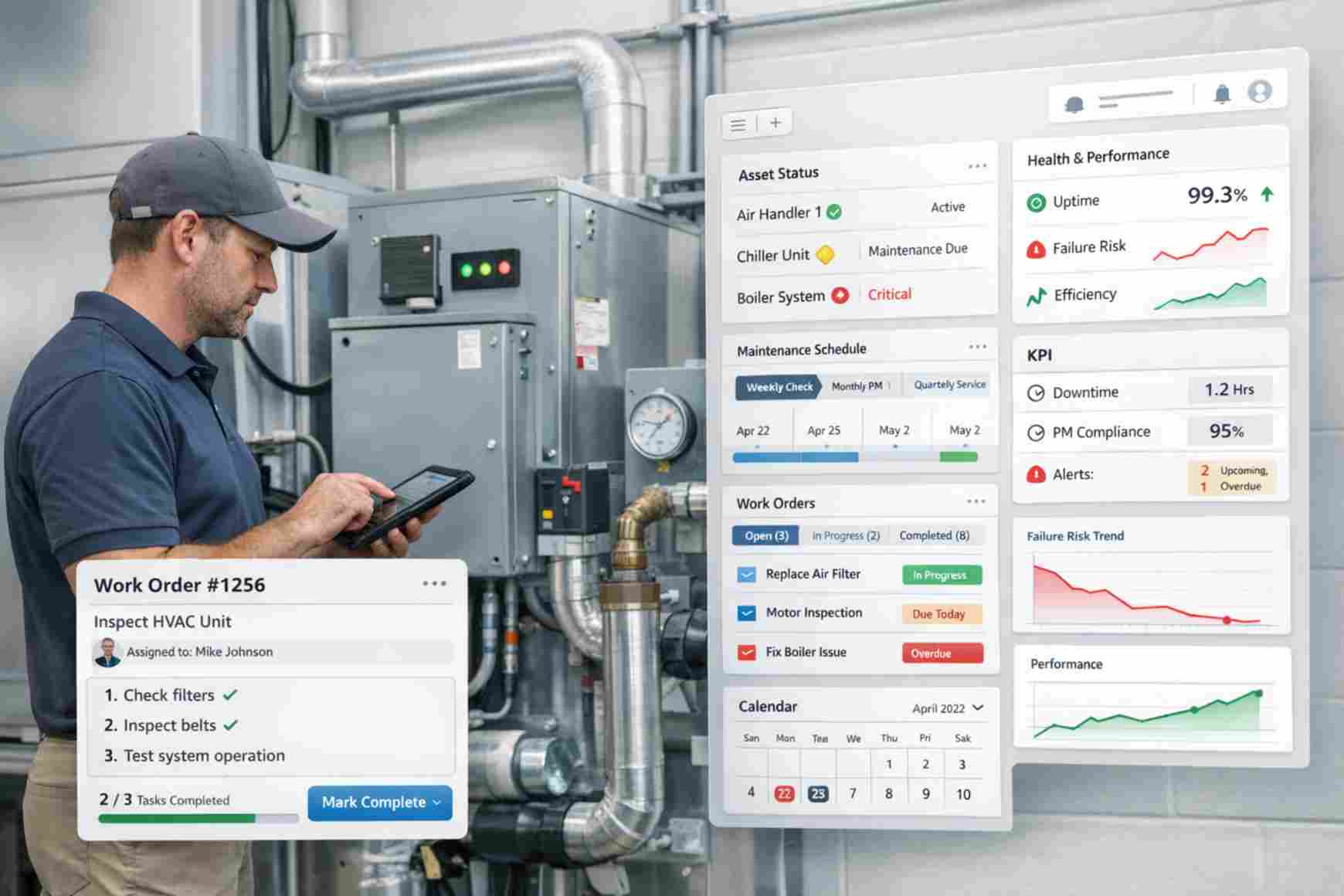
Keep Facility Checks in One Workflow
Store the inspection, location, checklist, findings, assigned follow-up, and completion status together.

Inspection Record
Capture the inspection date, location, type, status, and responsible team.
Digital Checklist
Use configured questions and checklist items for repeatable facility reviews.
Findings
Record pass, fail, notes, photos, or other evidence where the workflow supports it.
Corrective Action
Turn a finding into a follow-up request or maintenance task when needed.
Support Repeatable Inspection Cycles
Configure inspection timing and reminders around the operating process rather than relying on scattered calendars.

Inspection Is Scheduled
Create the inspection for a property, room, area, or facility on the required schedule.

Checklist Is Completed
Work through the configured items and record findings against the inspection.
Issue Is Routed
Create follow-up work when a finding needs maintenance, review, or another operational response.
Resolution Is Recorded
Keep the follow-up status and completion history connected to the original finding.
Use Checklists That Match the Facility
Inspection templates can be configured around the spaces, equipment, and operational checks the organization actually performs.
- Room and common-area condition checks
- Fire and emergency equipment checks
- Opening and closing facility reviews
- Event-space readiness checks
- Property and location inspection routines
- Custom checklist items and status fields
Connect Findings to Follow-Up Work
An inspection is more useful when the finding can move directly into the operational workflow.
Maintenance
Turn a facility finding into maintenance work tied to the same room, unit, or location.
View Maintenance Management →Request Management
Route issues into a structured request and follow-up workflow.
View Request Management →Field Inspection
Use a broader inspection workflow when checks extend beyond facility safety.
View Field Inspection →Communication Hub
Add broader email, SMS, or WhatsApp updates when the workflow needs them.
View Communication Hub →Where Facility Safety Inspection Fits
Use facility inspections where rooms, shared spaces, event areas, or resident facilities need repeatable operational checks.
Student Housing
Keep inspections connected to residential units and shared campus spaces.
View Student Housing Solution →Coworking Space
Run repeatable checks across meeting rooms, offices, and shared areas.
View Coworking Solution →Retreat Center
Coordinate checks across accommodations, meeting rooms, and activity spaces.
View Retreat Center Solution →Conference Center
Keep facility readiness checks tied to rooms and event operations.
View Conference Center Solution →Convention Center
Track recurring checks across halls, shared facilities, and event spaces.
View Convention Center Solution →Inspection Records Support Your Process — They Do Not Guarantee Compliance
Booking Ninjas can help teams configure checklists, inspection records, findings, reminders, corrective actions, and reporting. The organization remains responsible for defining the correct inspection requirements, regulatory standards, safety procedures, qualified reviewers, and final compliance decisions.
Verified in the Salesforce Ecosystem.
Booking Ninjas is listed on Salesforce AppExchange.
Pricing
Facility Safety Inspection uses the Booking Ninjas operational foundation. The checklist and follow-up workflow are configured around the use case.
Core Package
Starts with 1–50 Active Bookable Units.
- Contact and Property Management
- Request Management
- Standard reports and dashboards
- Basic transactional communication
- Salesforce-native operational records
Inspection Workflow Setup
Scoped as neededSetup depends on checklist types, locations, recurrence, evidence capture, corrective-action routing, reminders, reporting, integrations, testing, and rollout.
- No separate public Facility Safety Inspection SKU shown here
- Custom inspection templates can be configured during implementation
- Communication Hub is optional for broader multichannel messaging
- Third-party systems or specialized compliance tools remain separate
Paper Inspection vs Booking Ninjas
Keep the checklist, finding, location, corrective action, and status connected instead of rebuilding the history manually.
| Capability | Paper / Spreadsheet | Booking Ninjas |
|---|---|---|
| Inspection record | Separate file | Connected Salesforce record |
| Facility context | Typed manually | Connected property or space |
| Checklist | Static document | Configurable digital workflow |
| Corrective action | Separate follow-up | Connected request or maintenance workflow |
| History | Hard to reconstruct | Stored findings and status history |
| Reporting | Manual roll-up | Salesforce reports and dashboards |
Frequently Asked Questions

Keep Inspections Connected to Facility Operations
Standardize checks, record findings, and route corrective work through the same Booking Ninjas operational foundation.