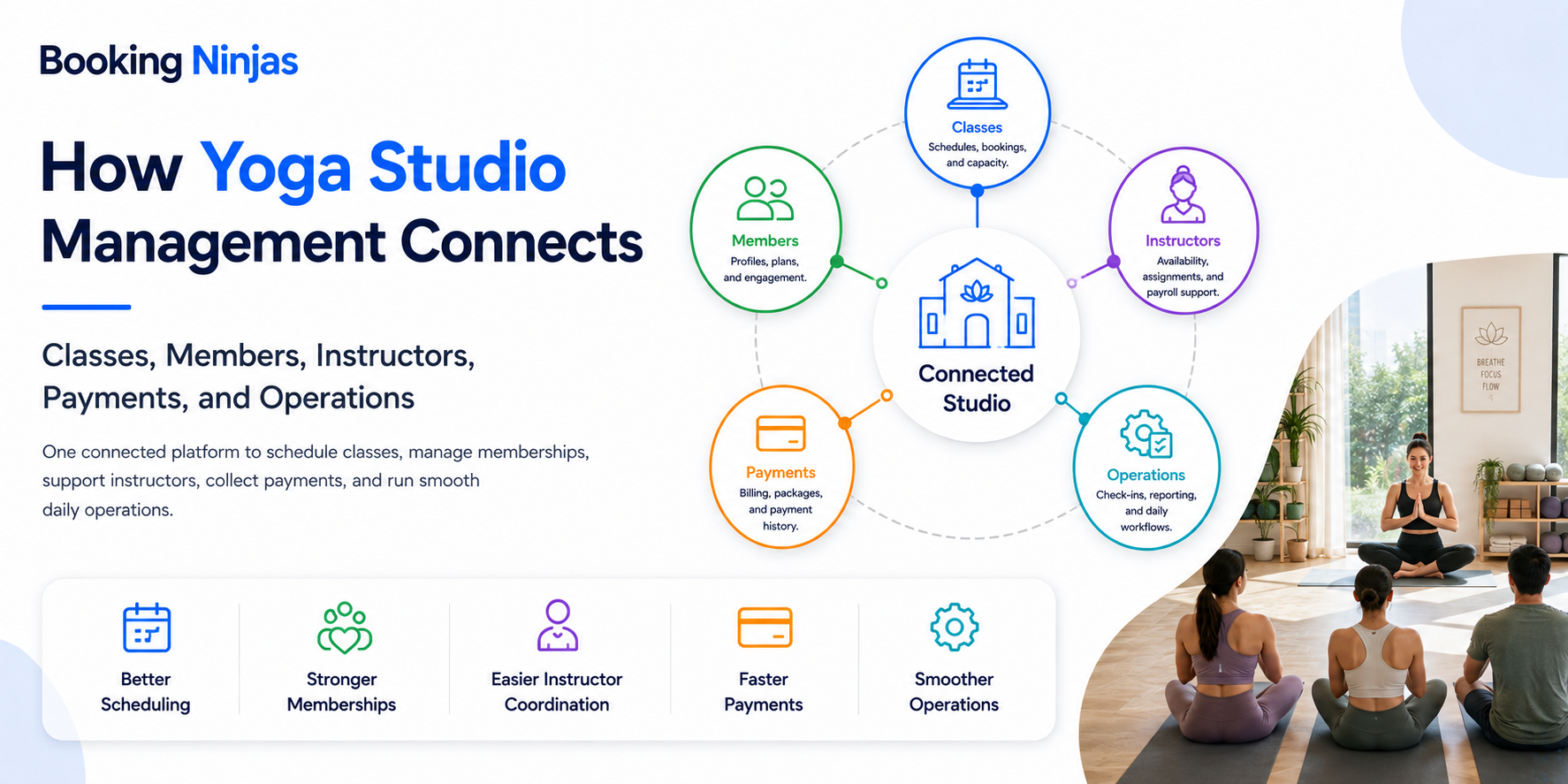
Managing a yoga studio means coordinating more than a class calendar. Each session can connect instructors, rooms, capacity, member eligibility, bookings, waitlists, attendance, payments, communication, and operational follow-up.
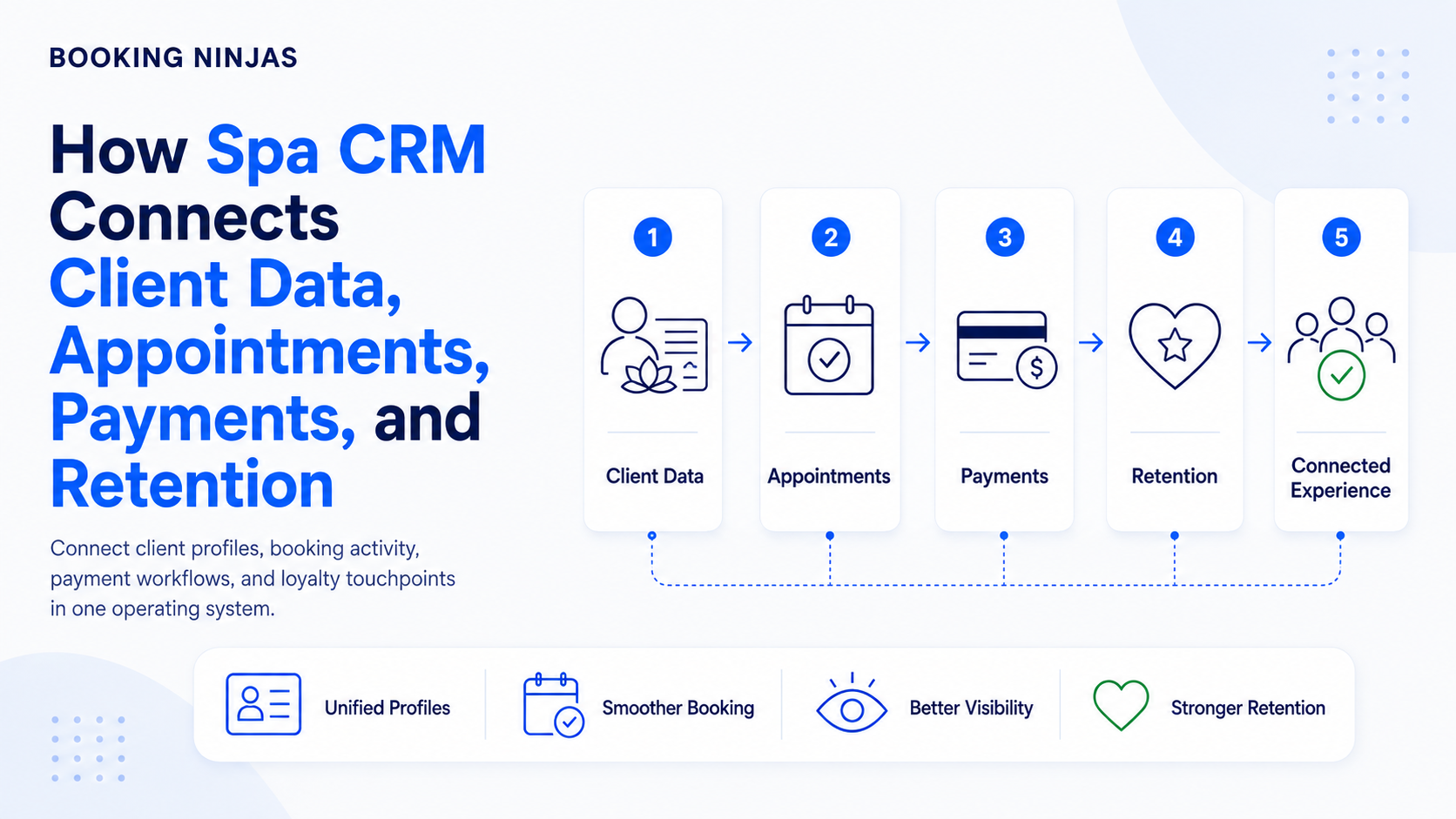
That makes yoga studio management an operating-system question rather than a collection of independent tips. Scheduling affects instructors and rooms. Membership rules affect bookings. Attendance can affect reporting. Payments connect with plans and services. Communication should reflect what actually happened in those workflows.
What does yoga studio management actually include?
A yoga studio needs several types of records and workflows to stay aligned. The exact operating model varies by studio, but the main relationships commonly include:
| Area | What is managed | What it connects with |
|---|---|---|
| Programming | Classes, workshops, private sessions, trainings, and special programs. | Schedule, instructors, rooms, capacity, pricing. |
| Scheduling | Session dates, times, recurring classes, instructors, and spaces. | Availability, bookings, staffing, communication. |
| Members | Member profiles, plans, passes, status, preferences, and history. | Bookings, attendance, billing, communication. |
| Bookings | Registration, cancellation, capacity, waitlists, and attendance. | Class, member, plan, instructor, room. |
| Billing | Memberships, packages, class fees, invoices, and eligible payments. | Member, purchase, service, transaction, reporting. |
| Operations | Staff responsibilities, room setup, requests, procedures, and exceptions. | Schedule, class, location, employee, member. |
| Communication | Confirmations, reminders, schedule changes, notices, and follow-up. | Operational events and member preferences. |
| Reporting | Attendance, membership activity, revenue records, bookings, and operational performance. | Source records across the studio. |
How should the yoga studio workflow connect?
Define the program, instructor, room, capacity, schedule, and eligibility rules.
Members register according to availability, membership, pass, pricing, and booking rules.
The studio coordinates attendance, instructors, rooms, communication, payments, and operational exceptions.
Managers use booking, attendance, member, and financial records to inform the next scheduling and operating decision.
1. How should classes, instructors, and rooms be scheduled?
A class schedule is more than a list of times.
Each scheduled session may need to define:
- Class or program type
- Date and time
- Duration
- Instructor
- Studio room or location
- Capacity
- Booking window
- Eligibility rules
- Price or membership access
- Cancellation rules
Connecting these records helps prevent situations where the schedule says a class is available while the instructor, room, capacity, or member entitlement says otherwise.
Booking Ninjas' Yoga Studio Management environment supports class schedules, instructors, bookings, memberships, payments, and related studio operations on a Salesforce-native platform.
2. How do memberships, class packs, and drop-ins connect with bookings?
Yoga studios can sell access in different ways. A member might have a recurring membership, a limited class pack, a drop-in purchase, a trial, or another configured entitlement.
That means a booking workflow may need to determine:
- Whether the member is active
- Which plan or pass applies
- Which classes are eligible
- Whether usage limits apply
- Whether a separate fee is required
- Whether the entitlement expires
- How cancellation affects the entitlement
- What history should be retained
The membership record and booking record should therefore work together. Otherwise, employees may need to verify eligibility manually for every registration.
3. How should registration, capacity, and waitlists work?
Registration should connect the member with a specific session and its current availability.
A booking process can include:
- Available capacity
- Registration opening and closing times
- Member eligibility
- Confirmation
- Cancellation
- Waitlist position
- Attendance status
- No-show status
- Transfer rules
- Exception handling
Booking Ninjas' Booking Management provides a wider booking foundation for availability, reservations, resources, capacity, pricing, and booking workflows.
4. How should yoga studio billing and payments connect with members?
Payment is easier to manage when the financial record explains what the member actually purchased.
Depending on the studio, charges can relate to:
- Recurring memberships
- Class packs
- Drop-in classes
- Workshops
- Private sessions
- Teacher training
- Retreats
- Other configured services
Booking Ninjas' Billing & Payment capabilities can connect invoices, digital collection, recurring billing, transactions, and reporting with the wider operational record.
External payment gateways or processors may still form part of the transaction architecture depending on the selected provider, payment methods, geography, and implementation.
5. How should member communication connect with studio activity?
Communication is more useful when it originates from the operational event that makes the message necessary.
Examples include:
- Booking confirmation
- Class reminder
- Waitlist update
- Instructor change
- Room or location change
- Cancellation notice
- Membership renewal notice
- Payment reminder
- Workshop information
- Operational follow-up
Booking Ninjas' Notification Management can connect configured operational events with notifications, recipient rules, escalation, and communication history.
A Member Portal can provide a controlled member-facing environment for relevant account, booking, program, and self-service activity.
6. What studio procedures should become structured workflows?
Not every procedure needs software automation. Some work is simple enough to remain a checklist or staff instruction.
A structured workflow becomes more useful when the process needs defined ownership, timing, status, escalation, or history.
Examples might include:
- Instructor substitution
- Class cancellation
- Room preparation
- Member requests
- Equipment or facility issues
- Refund review
- Policy exceptions
- Opening and closing procedures
- Incident follow-up
- Management approvals
Booking Ninjas' Workflow & Process Management supports configured assignments, routing, approvals, notifications, escalation, branching, and exception handling.
7. What should yoga studios track about instructors?
Instructor management needs enough information to coordinate the schedule without turning the studio platform into an unnecessary HR system.
Relevant operational context can include:
- Instructor identity
- Class assignments
- Availability
- Locations
- Program qualifications
- Substitution status
- Scheduled workload
- Relevant operational documents
Payroll, employment records, tax, benefits, and other formal workforce functions may remain in dedicated HR or payroll systems. Where information needs to move between systems, define which platform owns each record and how the integration works.
8. How should workshops, private sessions, and specialty programs fit in?
Specialty programming should not require the studio to invent an entirely separate operating process each time.
A workshop, retreat, private session, or teacher training can still use the same basic building blocks:
- Program
- Date and schedule
- Instructor
- Location
- Capacity
- Eligibility
- Registration
- Price
- Payment
- Communication
What changes are the business rules around those records.
This is one reason configurability matters: studios can have different booking and payment rules for recurring classes, workshops, trainings, private appointments, and other programs without disconnecting them from the wider member history.
9. Where does marketing fit into yoga studio management?
Marketing should be connected to what the studio actually offers and the relationship it already has with prospects and members.
Useful marketing context can include:
- Lead or inquiry source
- Program interest
- Trial or first visit
- Membership status
- Communication preference
- Registration history
- Upcoming programs
- Previous interactions
That does not mean every operational record should automatically be used for marketing. Communication should follow the organization's consent, privacy, preference, and data-governance requirements.
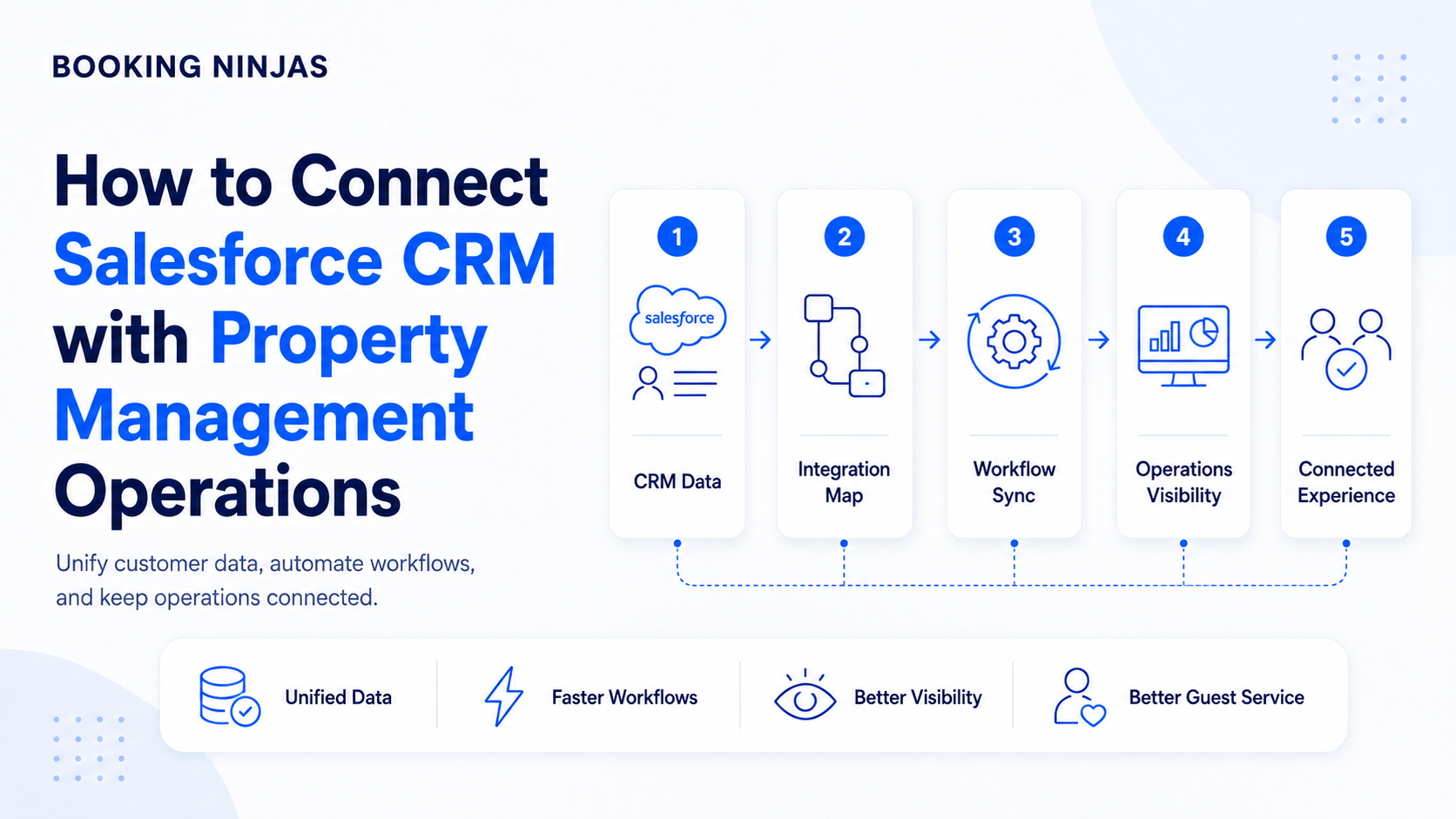
Because Booking Ninjas is Salesforce-native, studio operations can use the broader Salesforce platform foundation for customer records, workflows, permissions, reporting, automation, and integrations.
How should yoga studios manage financial information?
Studio software can provide operational financial records such as memberships, invoices, payments, refunds, outstanding balances, program revenue, and transaction history.
Management can use that information to investigate questions such as:
- Which programs generated bookings?
- Which memberships are active?
- Which balances remain open?
- How do class types compare?
- What payment activity occurred?
- Which cancellations require review?
- Which programs have available capacity?
- Which revenue records need reconciliation?
A studio-management platform should not automatically be treated as a replacement for general ledger, statutory accounting, payroll, tax management, or other specialist financial systems.
Where an external accounting or ERP platform remains the financial system of record, integration should define which data moves between the operational and accounting environments.
10. What should yoga studio managers measure?
Reporting should answer management questions rather than simply display every available number.
Depending on the studio's operating model, useful measures can include:
- Bookings by class or program
- Attendance
- Available versus booked capacity
- Waitlist activity
- Membership status
- Membership usage
- Cancellations and no-shows
- Instructor schedules
- Payment activity
- Program revenue records
Booking Ninjas' Insights environment can provide reporting and dashboards around connected operational, customer, booking, and financial records.
What should you look for in yoga studio management software?
Start with the studio workflow rather than the feature list.
- Map the programs. Define recurring classes, workshops, private sessions, training, retreats, and any other services that require scheduling.
- Map the schedule. Identify how instructors, rooms, locations, capacity, and recurring sessions should be coordinated.
- Define memberships and access. Document memberships, class packs, drop-ins, trials, usage rules, expiration, and other eligibility requirements.
- Define booking rules. Include registration windows, cancellations, waitlists, no-shows, transfers, and exceptions.
- Map billing and payments. Determine what is billed, when it is billed, which provider processes payments, and how transaction status returns to the member account.
- Map communications. Identify which operational events require confirmations, reminders, changes, notices, or follow-up.
- Define staff responsibilities. Determine who manages schedules, instructors, members, billing, exceptions, reporting, and administration.
- Define integrations. Identify accounting, payroll, marketing, payment, access, or other systems that need to exchange data with the studio platform.
- Define reporting. Decide which questions managers need the system to answer.
- Test real exceptions. Test substitutions, cancellations, full classes, failed payments, membership changes, refunds, no-shows, and other non-standard situations.
Does a yoga studio need one system for everything?
Not necessarily.
A studio can benefit from centralizing closely related operational records—such as members, classes, bookings, memberships, payments, communication, and reporting—while still using specialist systems for accounting, payroll, marketing, payment processing, or other functions.
The more important goal is a clearly governed operating architecture: each system has a defined job, important records have an owner, and required information can move between systems without unnecessary manual duplication.
How does Booking Ninjas support yoga studio management?
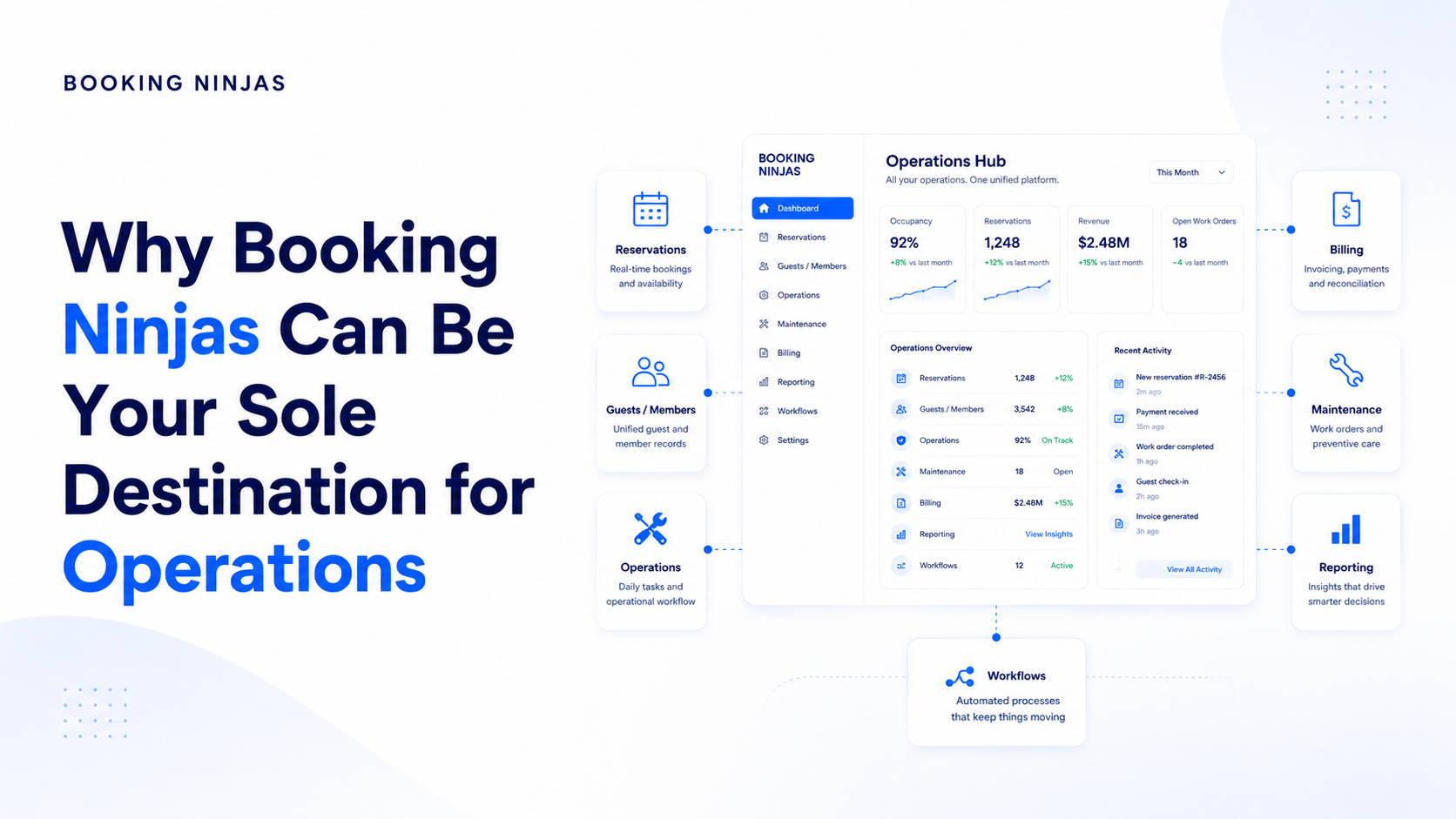
Booking Ninjas is a Salesforce-native platform for bookings and operations . Yoga studios can structure classes, members, instructors, bookings, memberships, payments, communication, reporting, workflows, and integrations on the broader Salesforce platform foundation according to the configured implementation.
The objective is to connect the operational context behind the studio rather than maintain separate schedules, booking lists, membership records, payment trackers, and communication histories.
Connect classes, schedules, instructors, members, memberships, bookings, waitlists, and payments.
Explore Yoga Studio Management →Structure availability, capacity, bookings, resources, pricing, and reservation workflows.
Explore Booking Management →Provide controlled member-facing access to relevant programs, account activity, bookings, and self-service.
Explore Member Portal →Connect memberships, services, invoices, digital payments, transactions, and financial reporting.
Explore Billing & Payment →Configure assignments, approvals, notifications, routing, escalation, and studio exceptions.
Explore Workflow & Process →Connect confirmations, reminders, changes, escalation, and follow-up with studio events.
Explore Notification Management →Report across connected booking, attendance, membership, operational, and financial records.
Explore Insights →Connect payment, accounting, CRM, analytics, communication, and other external systems where required.
Explore Integrations →Frequently asked questions
What does yoga studio management include?
Yoga studio management can include class scheduling, instructor coordination, rooms and capacity, member records, memberships and passes, bookings, waitlists, attendance, billing, payments, communication, operational workflows, and reporting.
What does yoga studio management software do?
Yoga studio management software connects operational records such as classes, instructors, members, bookings, memberships, payments, communication, and reporting so staff can manage related studio workflows from a structured system.
Can yoga studio software manage memberships and class packs?
Yes. Booking Ninjas can support memberships, passes, class packs, drop-ins, and recurring plans according to the configured yoga studio operating model.
Can yoga studio software manage waitlists?
Yes. Booking Ninjas can connect waitlists with class bookings and available capacity. The exact promotion, notification, eligibility, and cancellation rules depend on the configured workflow.
Can a yoga studio manage workshops and private sessions in the same system?
Yes. Workshops, private sessions, trainings, retreats, and other programs can use the same underlying scheduling, instructor, capacity, registration, billing, communication, and member records while applying different rules where required.
Does yoga studio software replace accounting or payroll software?
Not necessarily. Studio software can maintain operational billing and payment records, while general ledger, statutory accounting, payroll, tax, and other specialist functions may remain in dedicated systems connected through integrations where required.
Can Booking Ninjas support multiple yoga studio locations?
Yes. Booking Ninjas can support single- or multi-location yoga studio operations, allowing schedules, instructors, classes, members, bookings, payments, and reporting to be organized across locations according to the configured implementation.
Is Booking Ninjas yoga studio software built on Salesforce?
Yes. Booking Ninjas is Salesforce-native, allowing yoga studio data, bookings, memberships, workflows, permissions, reporting, automation, and integrations to use the broader Salesforce platform foundation.
Connect the studio behind the class schedule
See how Booking Ninjas can connect classes, instructors, members, memberships, bookings, payments, communication, workflows, and reporting within one Salesforce-native operating environment.