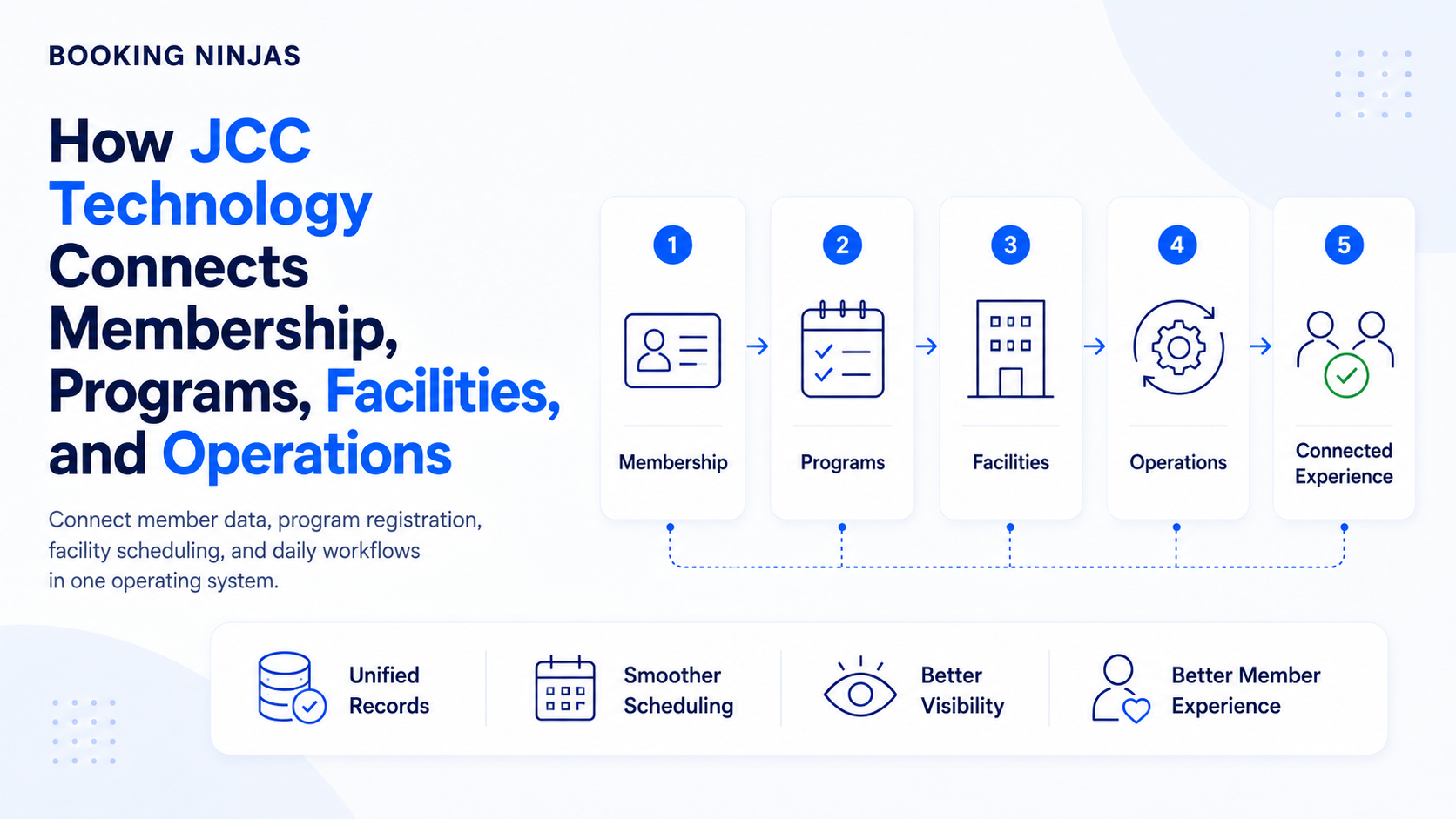
A Jewish Community Center may operate memberships, fitness facilities, classes, childcare programs, events, room rentals, payments, and community services under one organization. The technology challenge is keeping those activities connected.
What happens when JCC systems are disconnected?
JCCs are multi-use organizations, so fragmentation can appear whenever different departments use different records for the same member, family, space, or financial activity.
Common signs of fragmented operations
- Member or family information exists in several systems.
- Rooms, courts, classes, or other resources use separate calendars.
- Program registration is disconnected from billing.
- Staff cannot easily see a member's broader activity.
- Service requests depend on email or manual follow-up.
- Reporting requires information from several applications.
What should a JCC management platform connect?
| Area | What needs to stay connected | Relevant Booking Ninjas capability |
|---|---|---|
| Members and families | People, households, organizations, history, and the activities associated with them. | Salesforce-native records |
| Programs and reservations | Registrations or bookings should connect the participant, activity, date, and resource. | Reservation Management |
| Spaces and capacity | Rooms, courts, facilities, and other resources should have clear availability. | Availability Management |
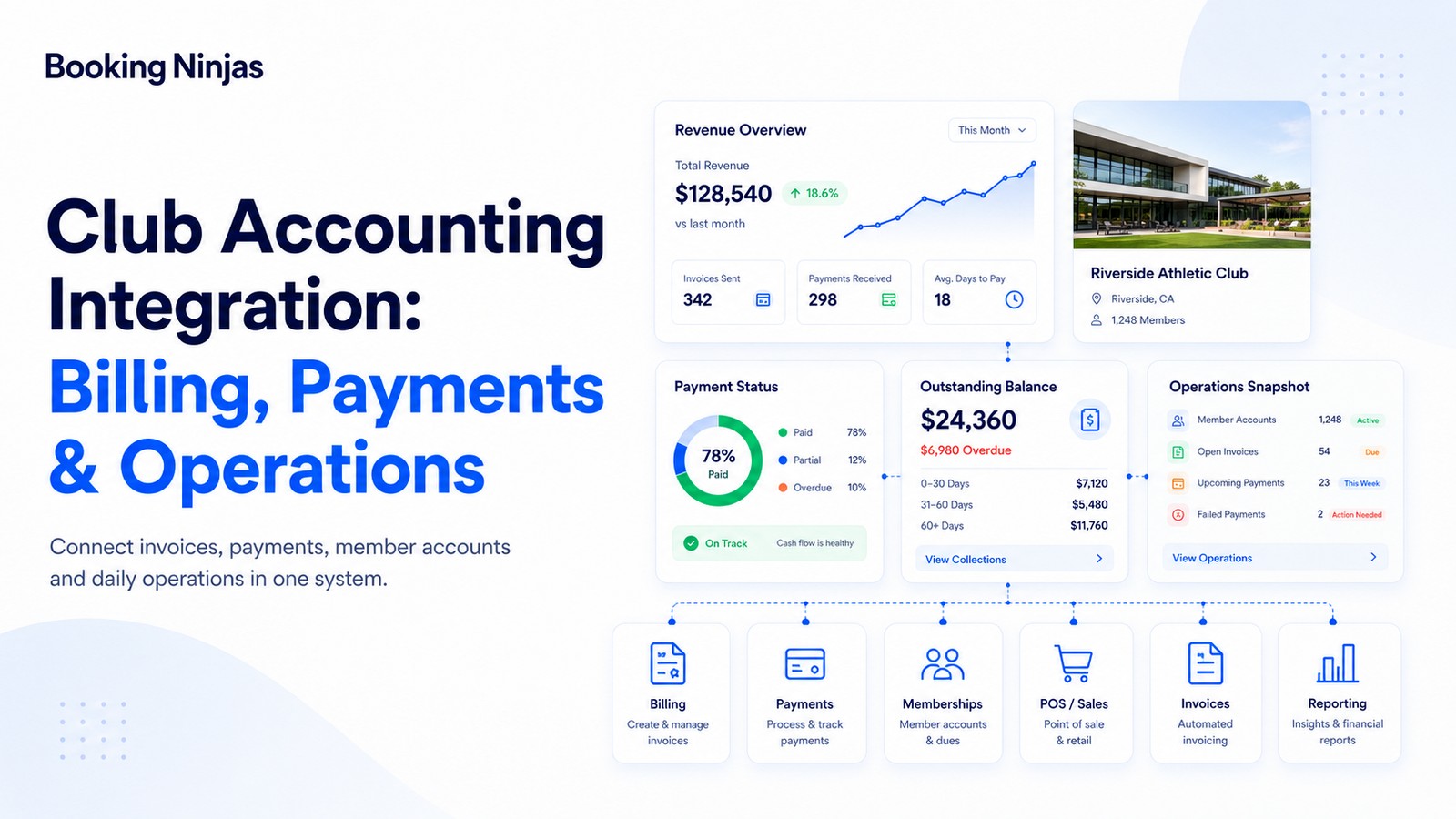
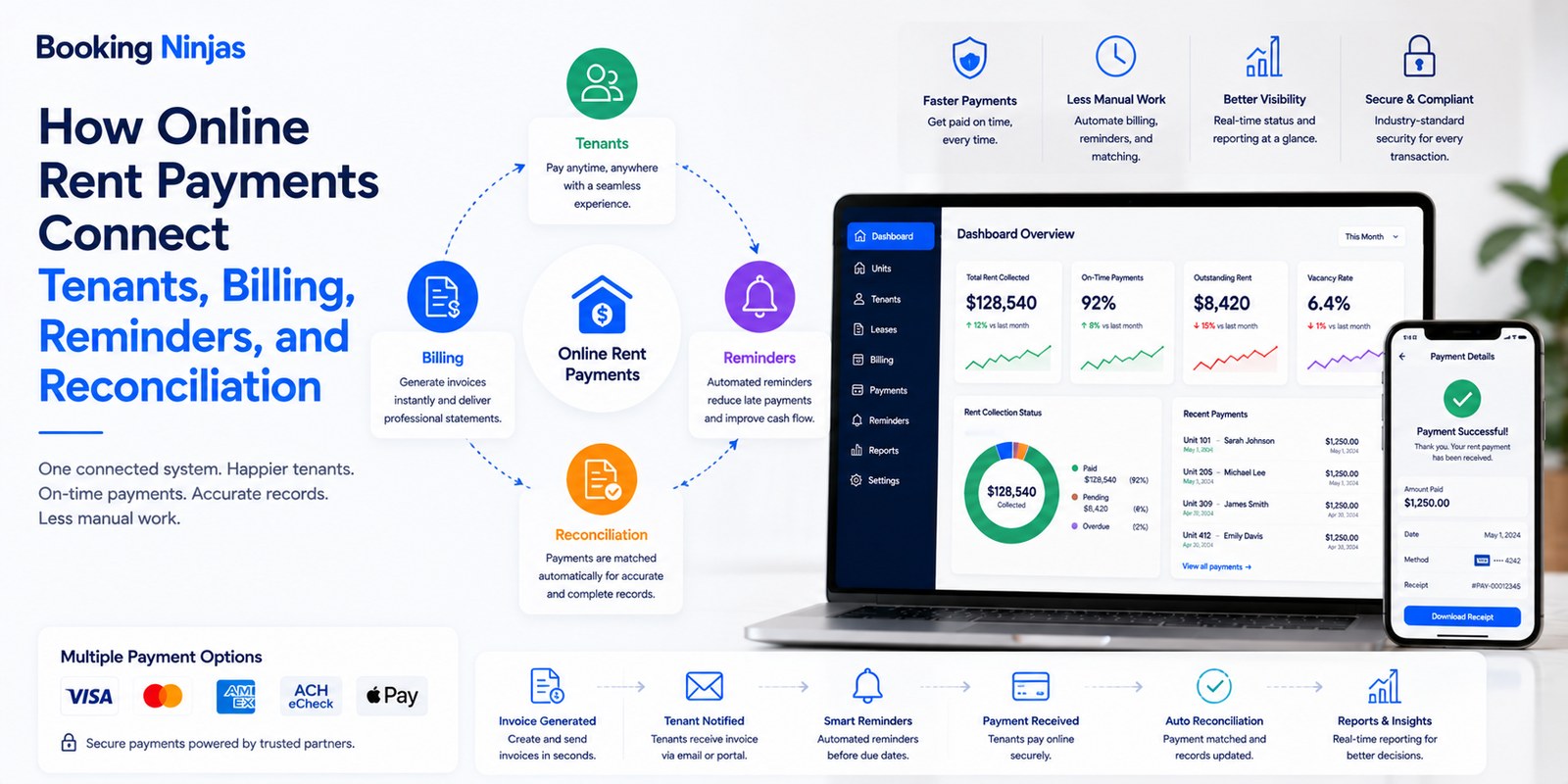
| Billing and payments | Charges and payments should remain connected to the member, program, reservation, or service that created them. | Billing & Payment |
| Service requests | Questions, issues, and operational needs should have ownership and status. | Request Management |
| Workflows | Repeatable processes can route approvals, assignments, reminders, and follow-up between teams. | Workflow & Process |
Why does connected member data matter?
A JCC member may participate in several parts of the organization. The same household could have a fitness membership, register children for programs, rent a room, attend events, and make recurring or one-time payments.
When those activities are connected to the same underlying people and account records, staff can understand the relationship without manually combining histories from several departments.
Connected data can also support more useful financial reporting and operational reporting, while permissions can determine which teams should see or modify different information.
How can Booking Ninjas support JCC operations?
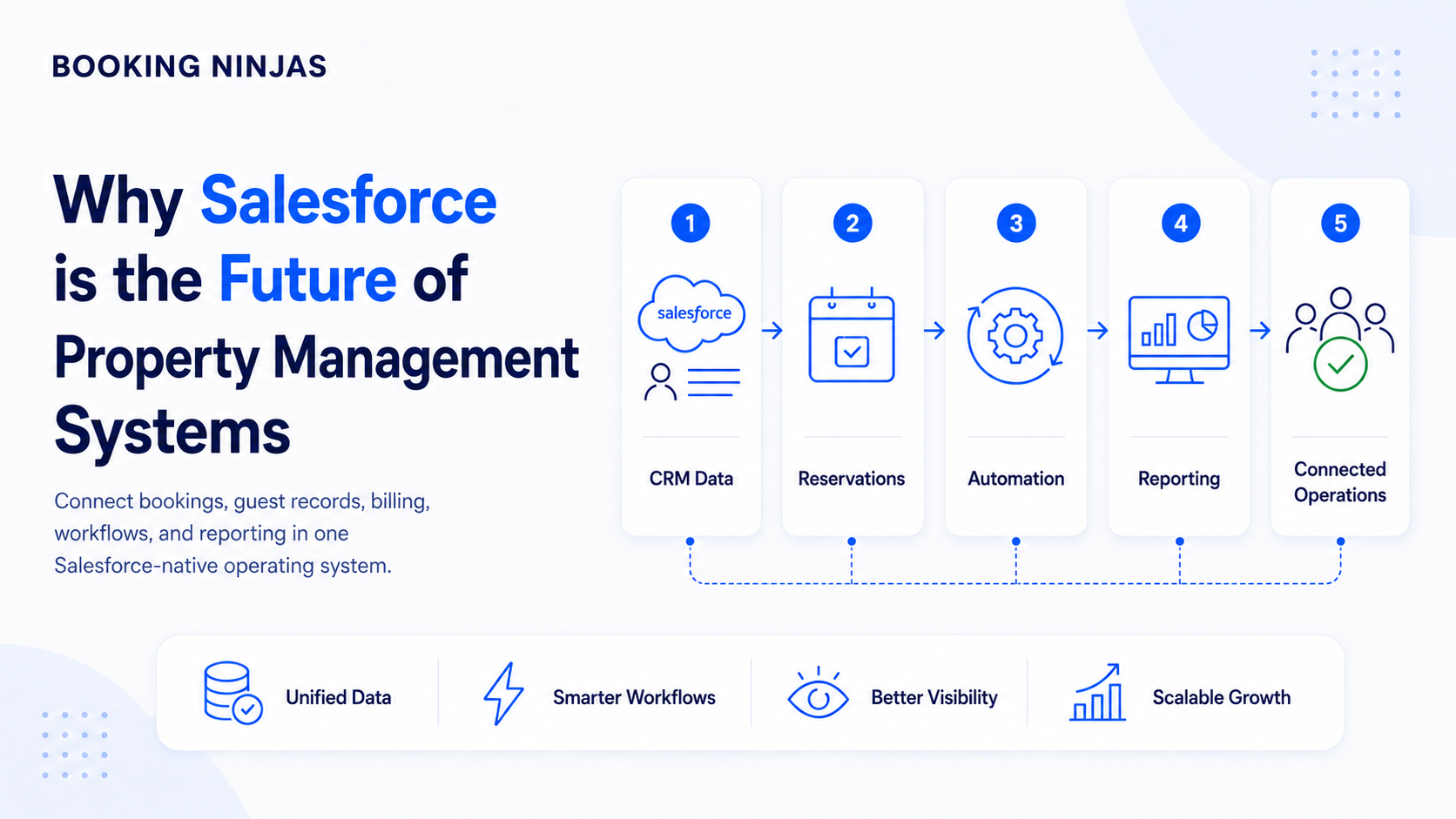
Booking Ninjas is a Salesforce-native platform for bookings and operations . For a multi-use community organization, this provides a configurable foundation for connecting people, reservations, financial activity, workflows, services, and integrations.
The Club & Community solution provides relevant context for membership-driven operations, while the Non-Profit solution reflects the broader organizational environment in which many community centers operate.
Connect activities to people
Keep reservations and registrations connected to the people and resources involved.
Reservation Management →Manage shared capacity
Give teams a clearer view of when spaces and resources are available.
Availability Management →Connect charges and payments
Keep financial activity closer to the accounts and services that explain it.
Billing & Payment →Structure member requests
Give incoming operational requests ownership, status, and follow-up.
Request Management →Keep required systems connected
External accounting, payment, access, or other systems can be evaluated for integration where needed.
Integrations →Adapt the operating model
Use Salesforce records, relationships, permissions, workflows, and platform capabilities as requirements evolve.
Salesforce DNA →What should a JCC look for when evaluating new software?
Determine whether departments can work from connected member, family, company, and activity information.
Confirm that rooms, facilities, classes, events, and other resources can follow the organization's actual scheduling model.
Map memberships, program fees, recurring charges, payments, accounting handoffs, and exceptions before implementation.
Identify which existing systems should remain and what data needs to move between them.
Consider whether the platform can accommodate new programs, facilities, workflows, roles, and reporting requirements as the organization changes.
Frequently asked questions
What is JCC management software?
JCC management software helps organize the people, programs, bookings, spaces, billing, requests, workflows, and reporting involved in operating a Jewish Community Center.
Why are integrated systems useful for a JCC?
Integrated systems can reduce duplicate records and manual handoffs by keeping member, program, facility, payment, and operational information connected.
Can one system support different JCC programs?
A configurable platform can support different records, booking rules, workflows, permissions, and financial processes for different parts of the organization. The exact setup depends on the JCC's requirements and implementation scope.
Is Booking Ninjas built specifically only for JCCs?
No. Booking Ninjas is a Salesforce-native bookings and operations platform that can be configured for different property, membership, community, nonprofit, and multi-use operating models, including JCC requirements where the platform fits the organization's workflows.
Connect the programs that make your JCC a community
Bring member records, bookings, facilities, payments, requests, workflows, and integrations into a clearer operating model.