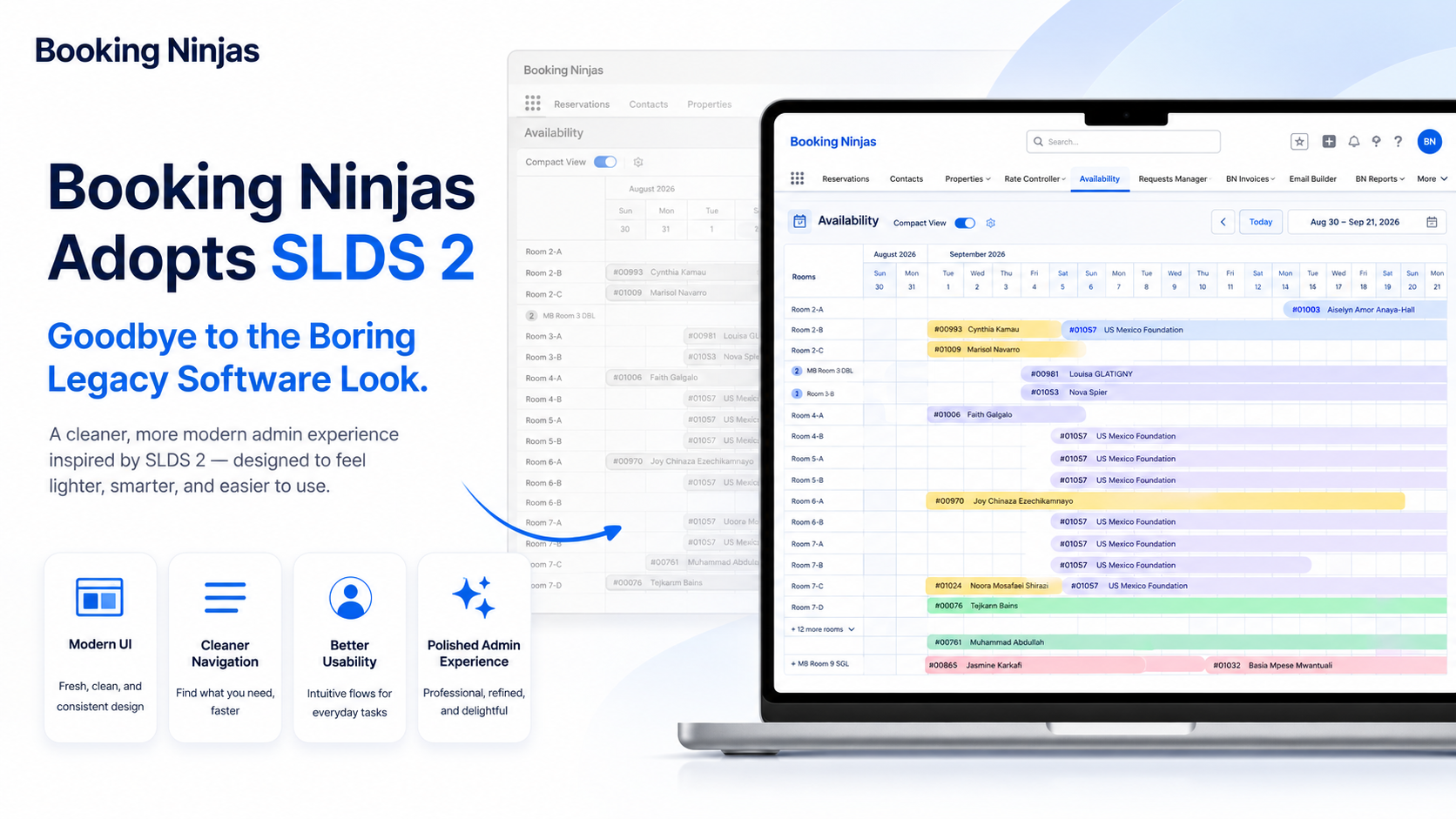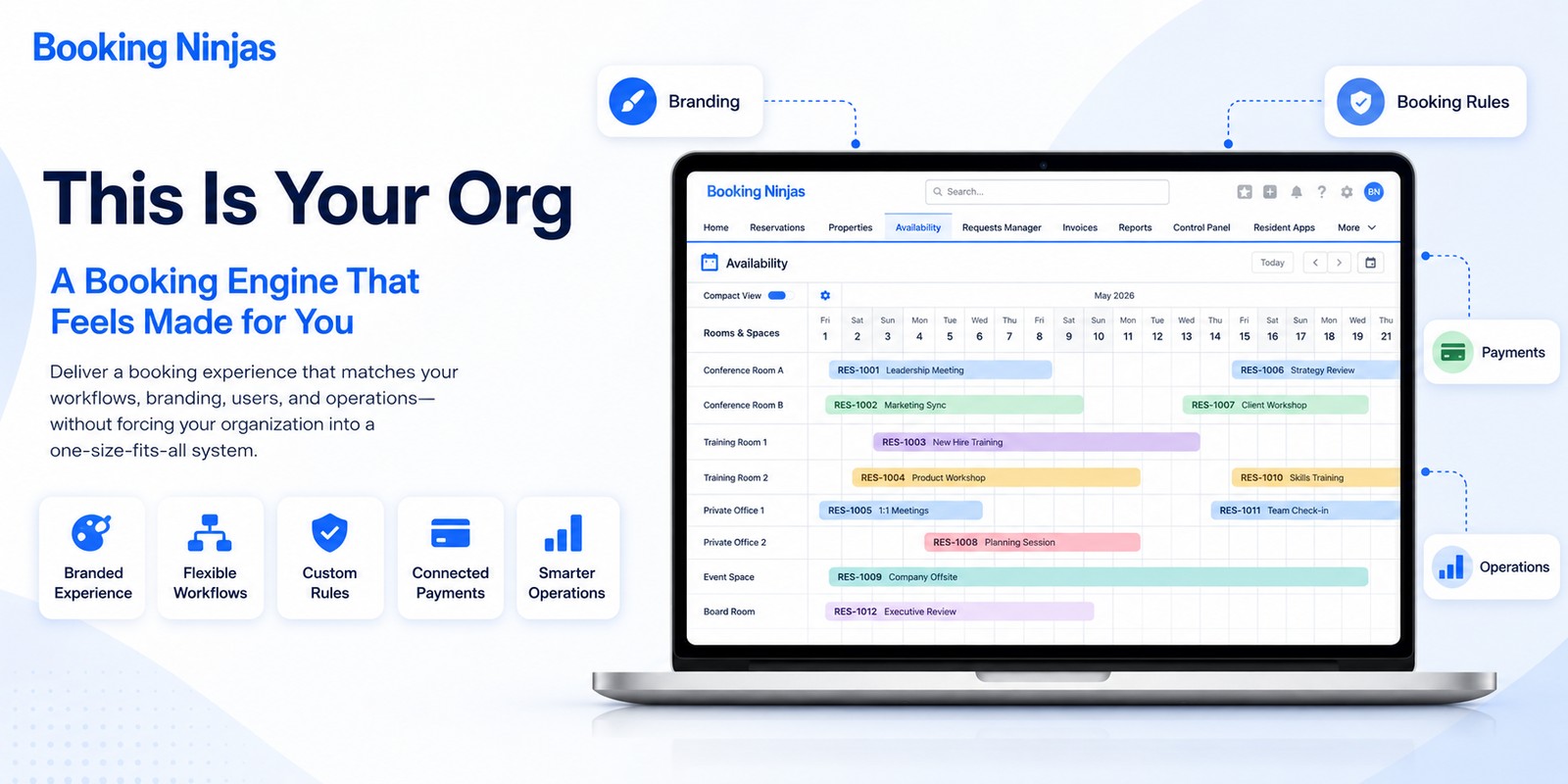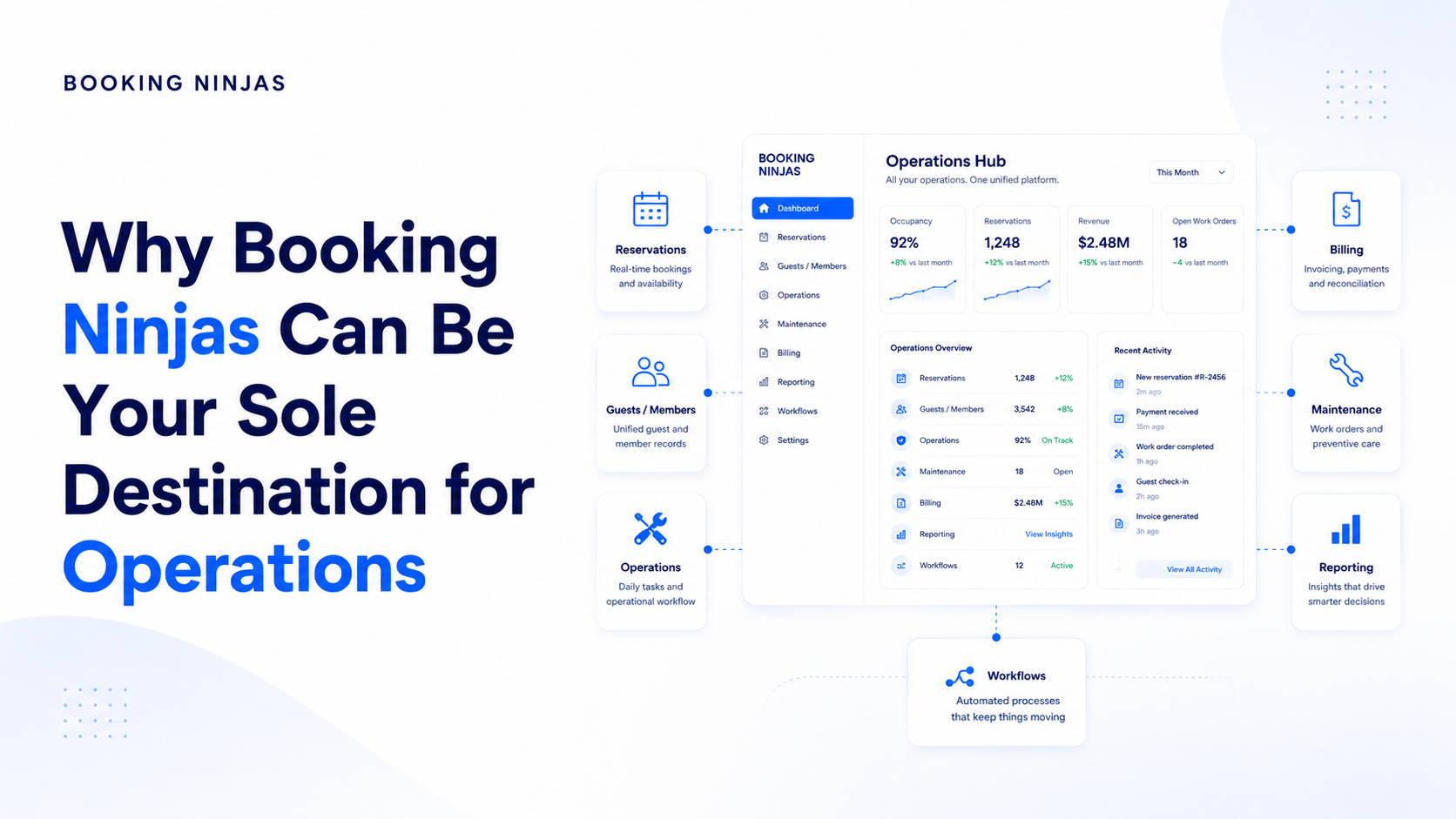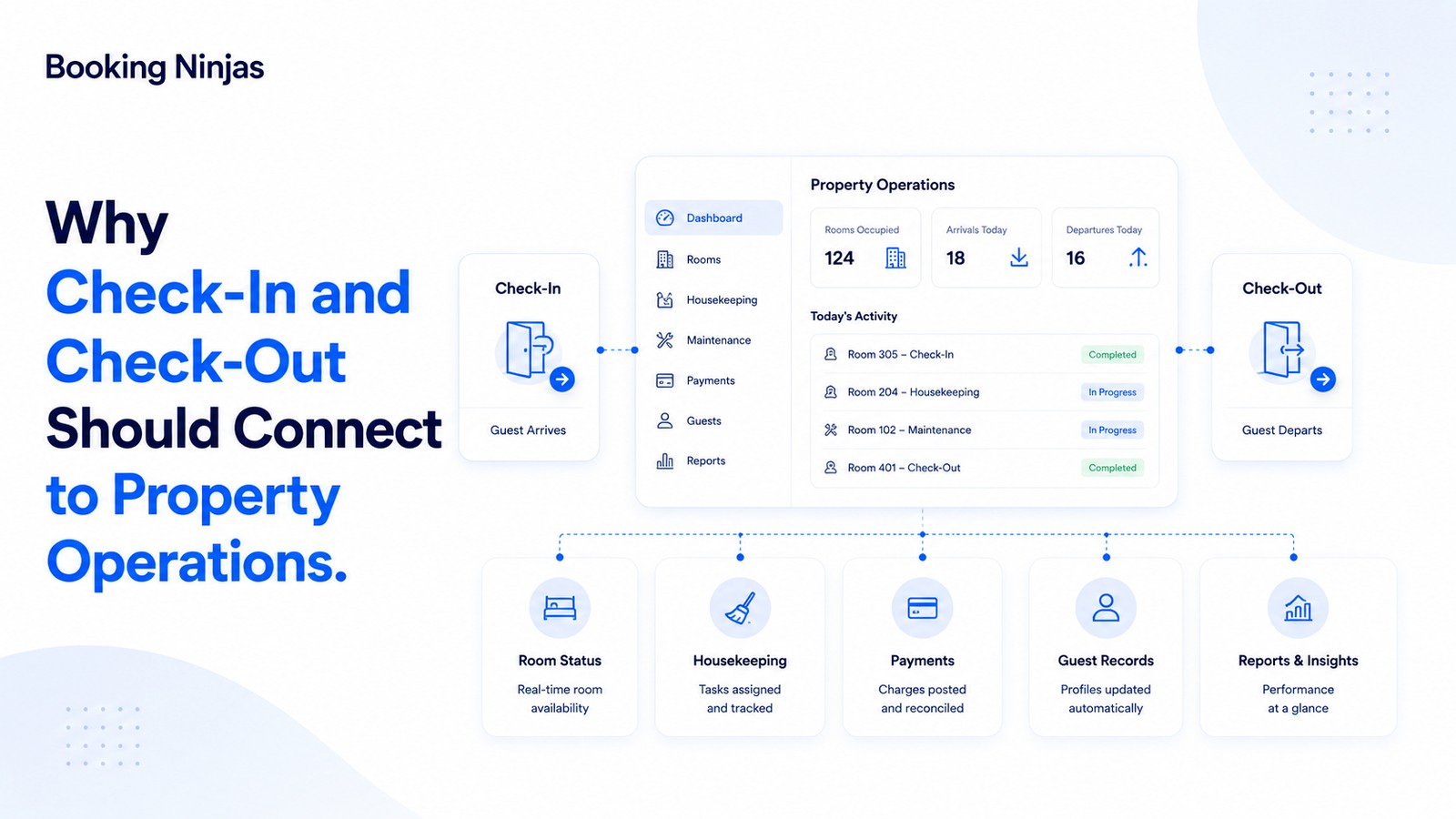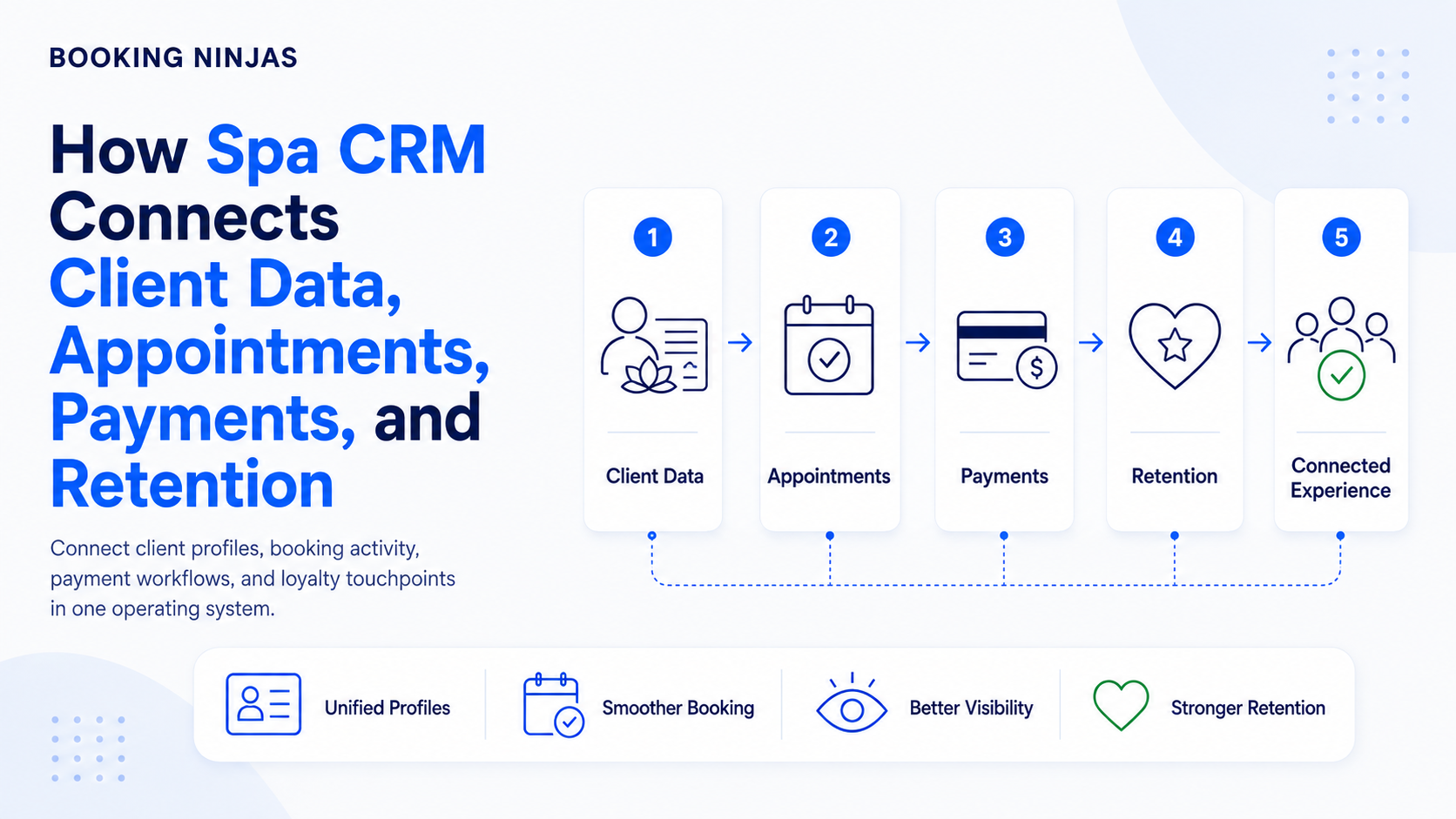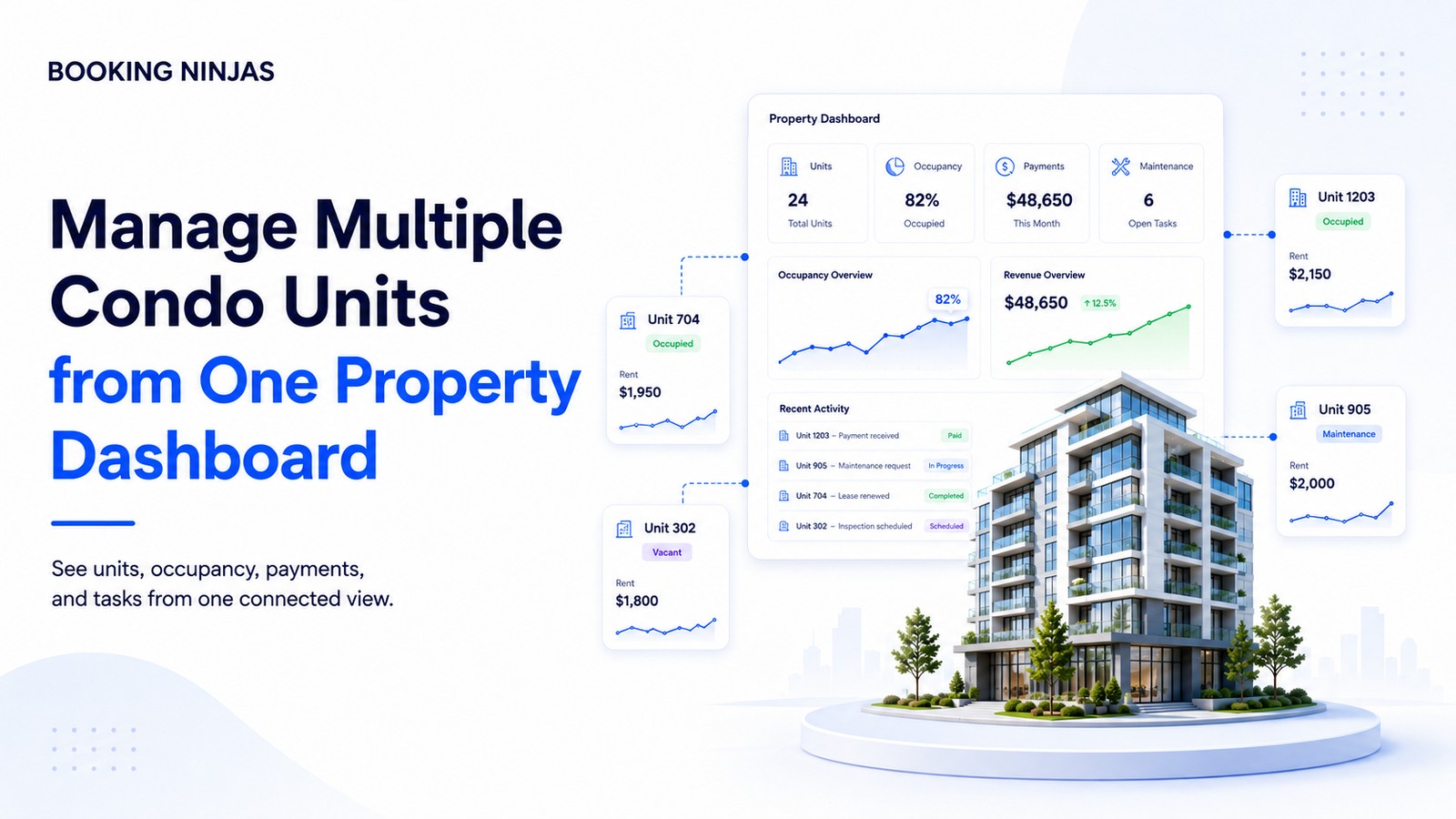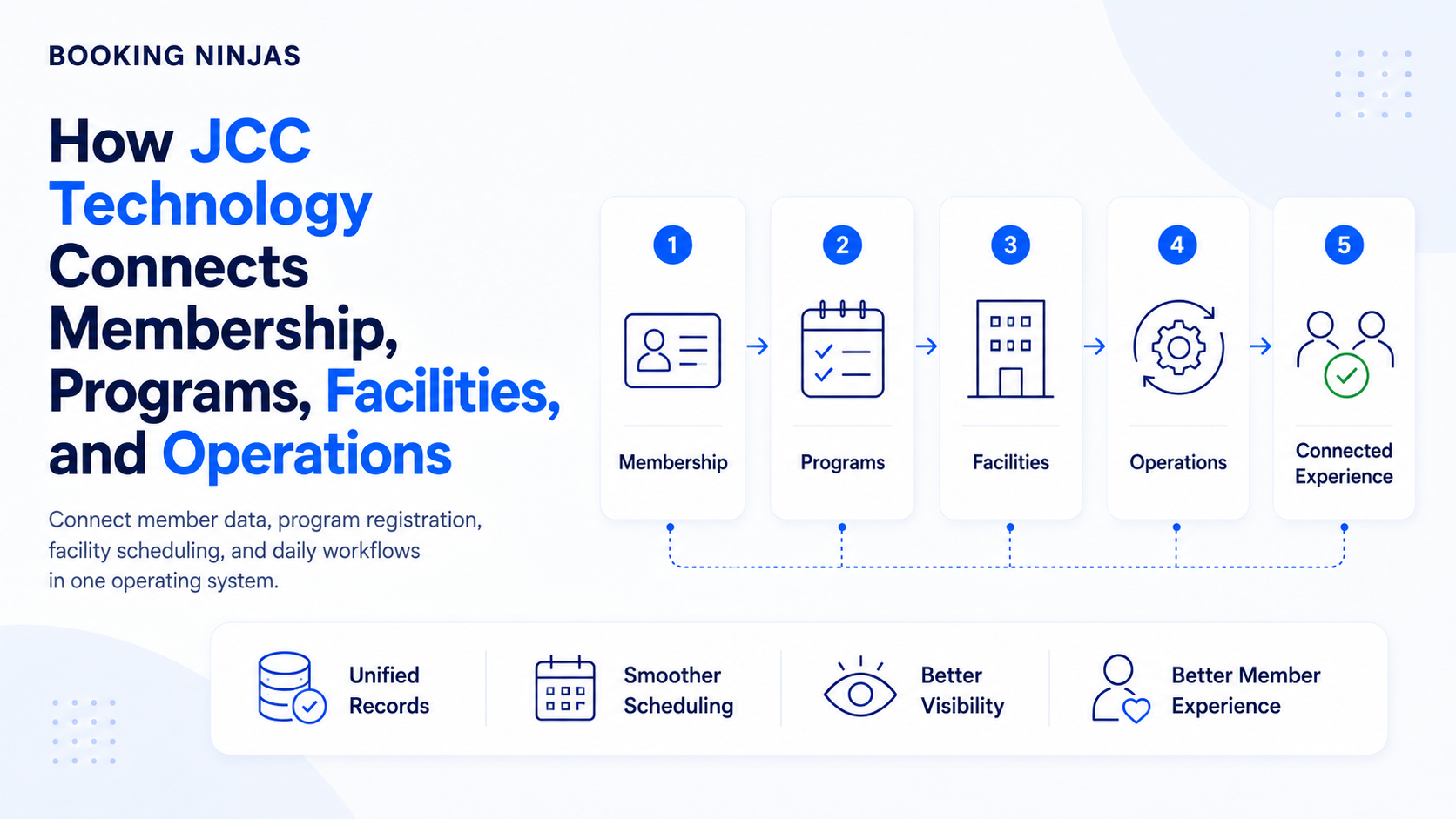
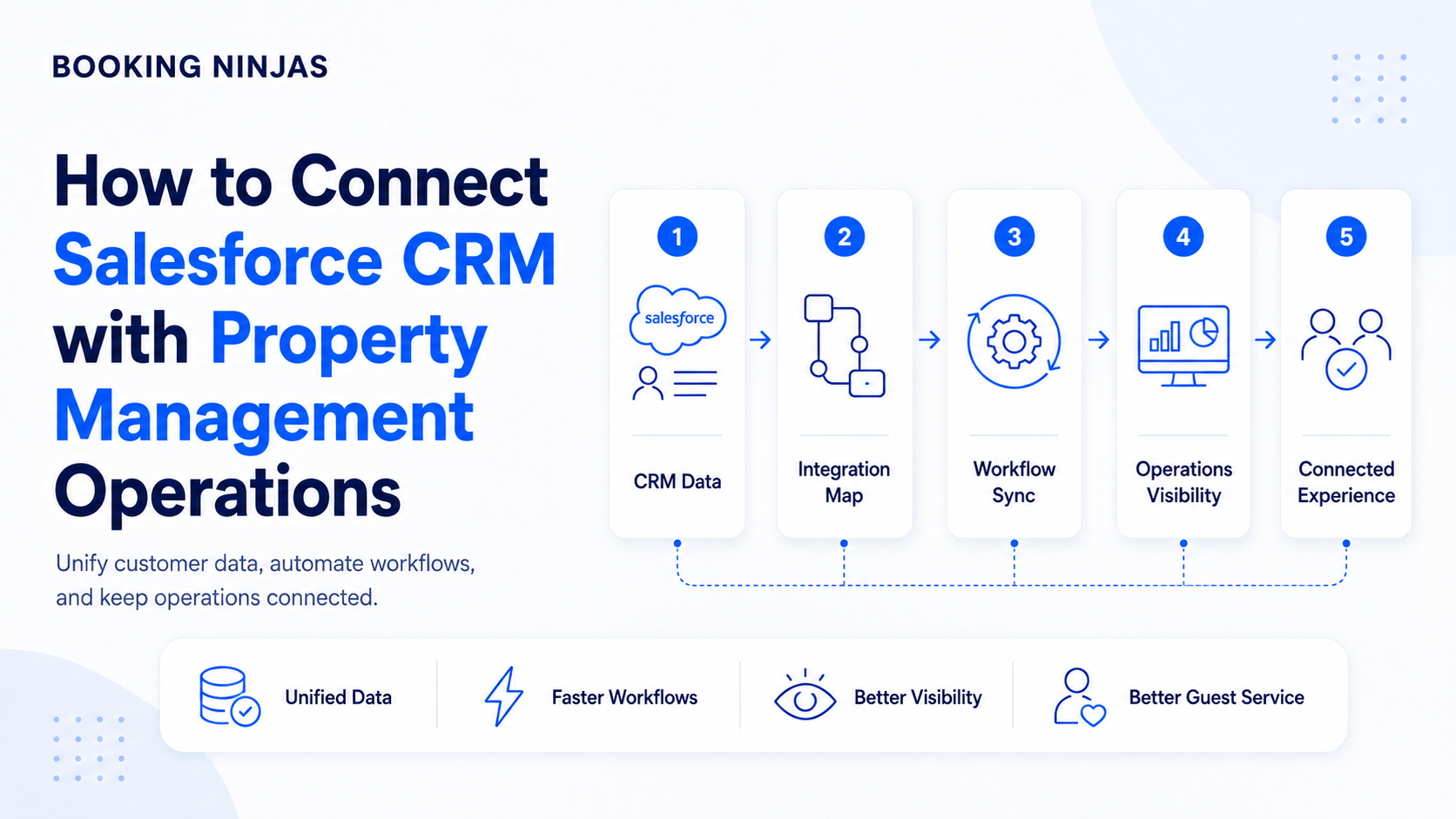
Salesforce may hold customer, company, sales, and communication records while a separate property system manages reservations, availability, payments, and operational activity. The challenge is keeping those two sides of the customer relationship connected.
Why connect Salesforce with property operations?
When CRM and property systems operate independently, staff may have to reconstruct the same customer relationship across two sets of records.
Common signs of disconnected CRM and operations
- Guest or company details are entered more than once.
- Sales teams cannot easily see reservation history.
- Operations cannot see important account context.
- Changes in one system do not reach the other reliably.
- Reporting requires manual combination of CRM and booking data.
- Workflows stop when responsibility moves between departments.
Should you integrate an external PMS or use a Salesforce-native platform?
These are different architectures and should not be treated as the same type of integration.
Connect two separate systems
Salesforce and the property platform exchange selected records through APIs, middleware, or another integration layer. The implementation must define record ownership, mappings, synchronization rules, timing, and exception handling.
Run operations on the Salesforce platform
Property-management records and workflows operate on the same underlying Salesforce platform as CRM data. This can reduce the number of CRM-to-PMS synchronization boundaries, although external systems may still require integrations.
Middleware and custom APIs remain valid options when an organization needs to preserve an existing PMS. The important question is not which architecture is universally “best,” but how much operational separation the organization wants to maintain.
What should Salesforce and property management connect?
| Area | Why the connection matters | Booking Ninjas capability |
|---|---|---|
| Customer records | Keep people and companies connected to the operational activity associated with them. | Salesforce-native platform |
| Reservations | Connect customer relationships to actual stays or bookings. | Reservation Management |
| Availability | Give relevant teams reliable information about what can actually be booked. | Availability Management |
| Billing and payments | Keep financial activity connected to the account, reservation, or service that generated it. | Billing & Payment |
| Operational workflows | Route predictable handoffs between sales, reservations, service, finance, and operations. | Workflow & Process |
| External applications | Accounting, distribution, payments, access, and other systems may still require separate data connections. | Integrations |
How should you plan a Salesforce and property-management integration?
- Map your current systems Identify where customer, company, reservation, payment, service, and operational records currently live.
- Define the source of truth Decide which system owns each important record instead of synchronizing everything indiscriminately.
- Map the workflows, not only the fields Identify what should happen when a lead becomes a booking, a reservation changes, a payment fails, or an operational request requires follow-up.
- Test real scenarios before expanding Validate record creation, updates, permissions, exceptions, reporting, and integrations before extending automation further.
Where does Booking Ninjas fit?
Booking Ninjas is a Salesforce-native platform for bookings and operations . Instead of building Booking Ninjas as an external PMS and then adding Salesforce as a separate CRM integration, the operational platform is built on Salesforce itself.
This allows customer, reservation, billing, workflow, and other operational records to share Salesforce's underlying data, relationship, permission, automation, and application framework.
The objective is not unlimited customization or eliminating every integration. It is to reduce the risk of CRM and property operations becoming separate technological environments as the organization adds new workflows, properties, services, users, or integrations.
Frequently asked questions
Can Salesforce integrate with a property management system?
Yes. A separate property-management system can exchange data with Salesforce through APIs, middleware, or another supported integration method. The exact architecture depends on both systems and the required workflows.
What is a Salesforce-native property management platform?
A Salesforce-native platform runs its operational application on the Salesforce platform itself rather than operating as a separate product that only synchronizes selected data with Salesforce.
Is Booking Ninjas an external PMS integration for Salesforce?
No. Booking Ninjas is built natively on Salesforce. External integrations may still be used to connect other systems required by the property operation.
Should every PMS be replaced when a company already uses Salesforce?
No. Some organizations may be better served by integrating an existing PMS, while others may benefit from moving more operations onto a Salesforce-native platform. The decision depends on existing systems, integration complexity, workflows, migration requirements, and long-term operating needs.
Connect Salesforce to the operation behind the customer
Evaluate whether your property workflows should integrate with Salesforce from an external system or operate natively on the Salesforce platform.