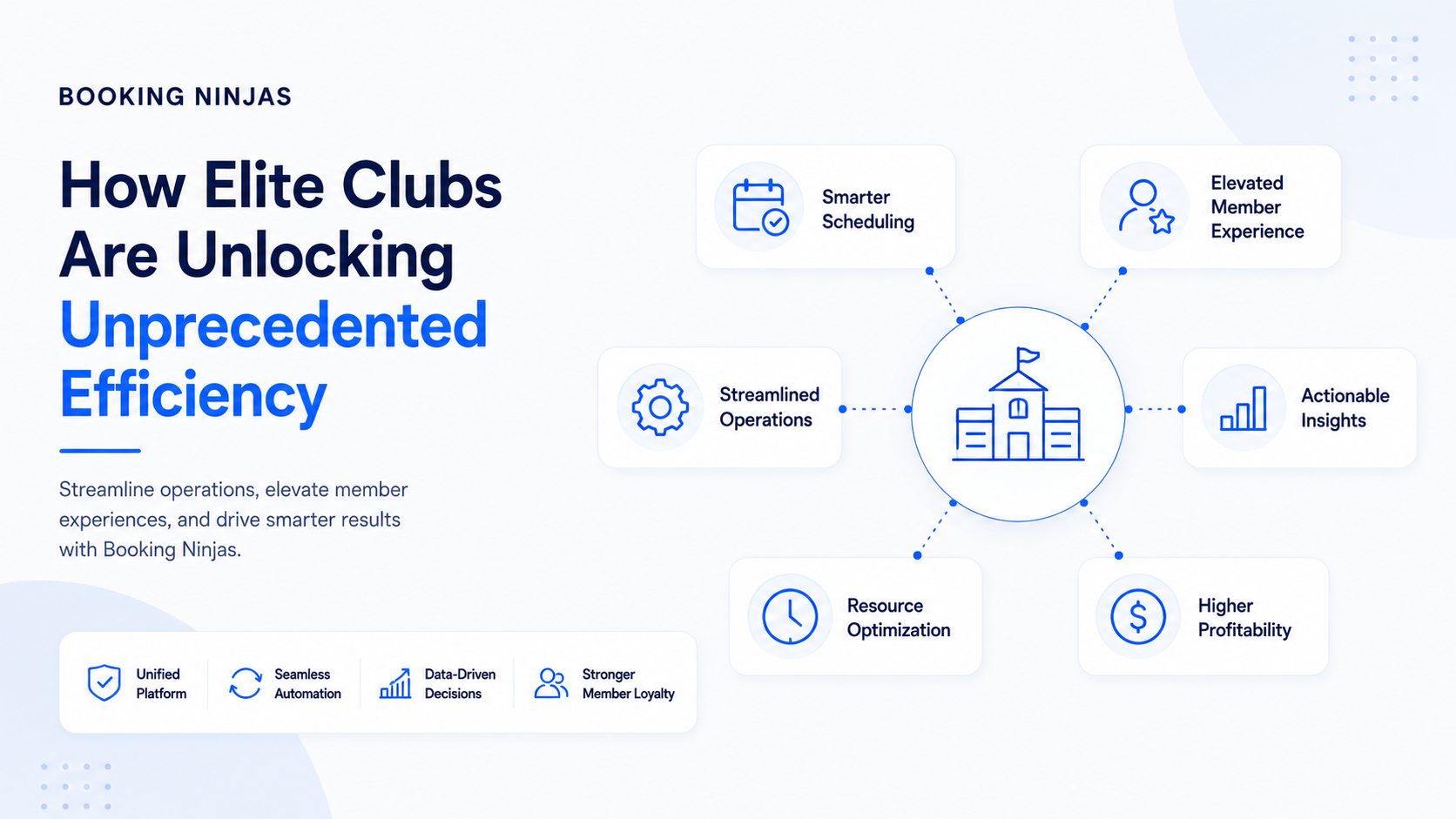
Club inefficiency rarely comes from one broken process. It usually develops when memberships, facility bookings, payments, programs, point-of-sale activity, staff workflows, and reporting are managed in separate systems.
Where does club management become inefficient?
A club may have software for membership records, another calendar for courts and rooms, separate payment systems, spreadsheets for programs, and different reports for management.
Each tool can perform its own function while still creating work at the points where one process needs information from another.
- Member information is duplicated between systems
- Facility availability is checked manually
- Membership dues require separate billing processes
- POS transactions lack wider member context
- Staff move information between teams manually
- Reports require data from several sources
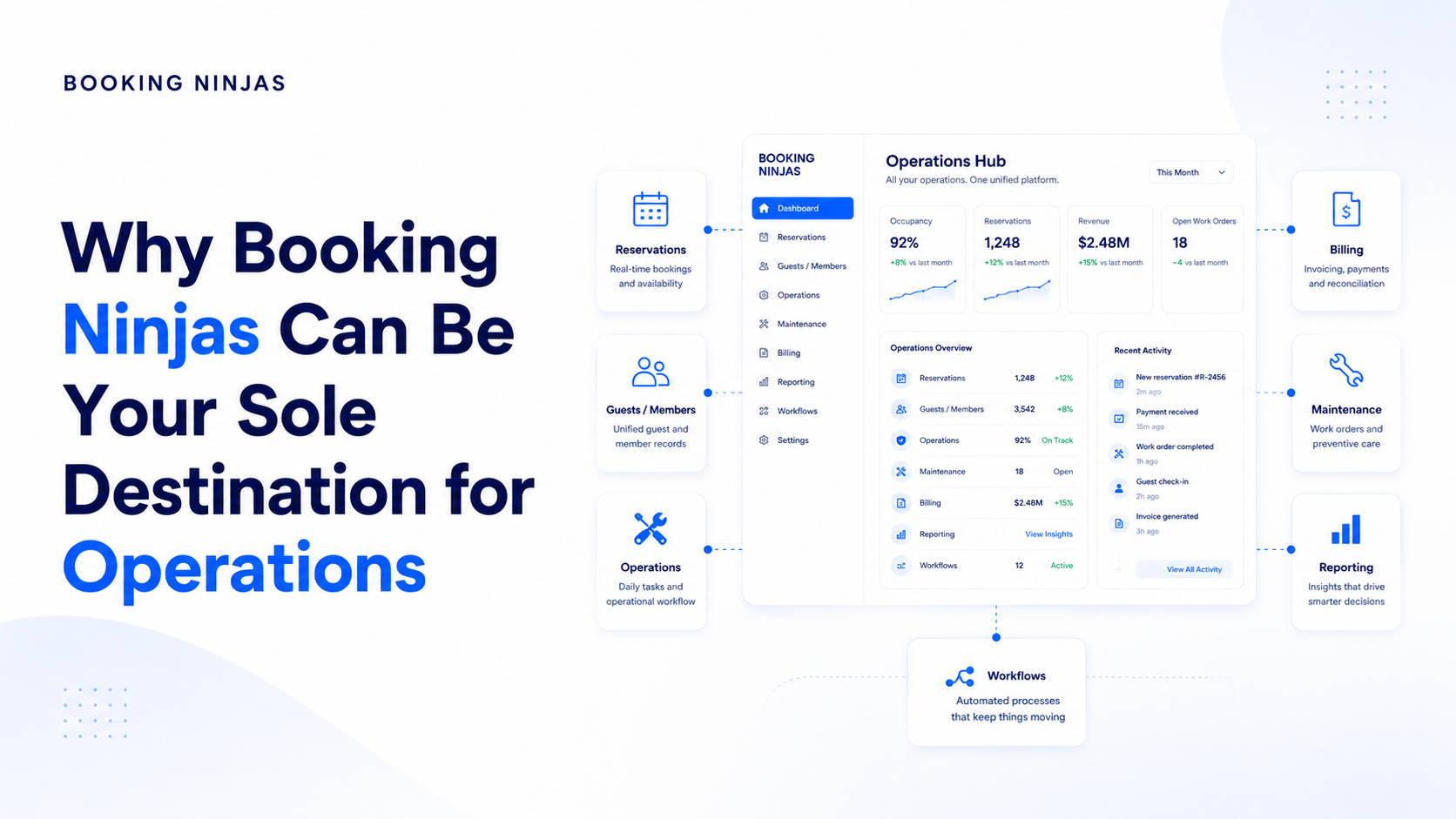
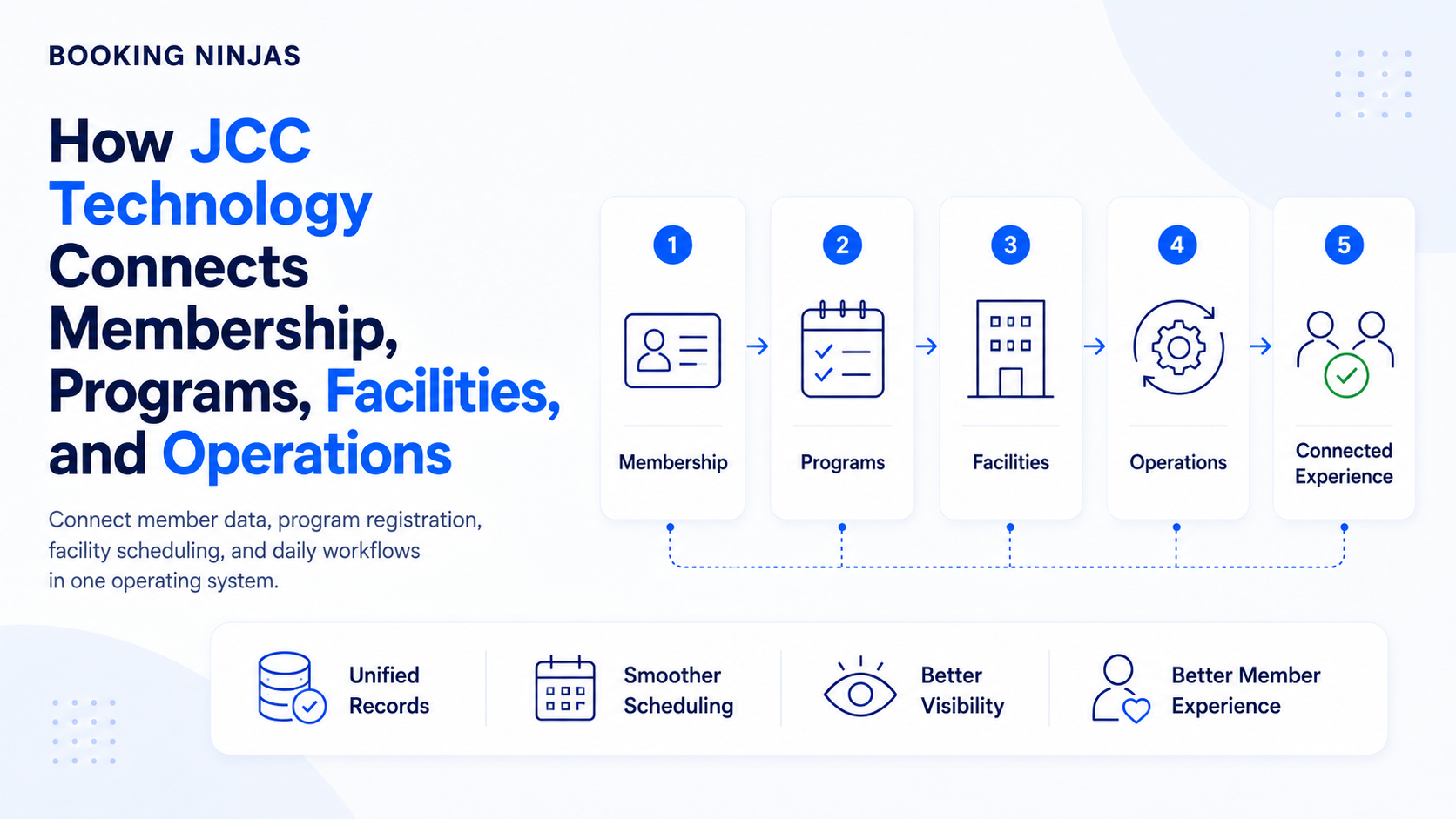
Booking Ninjas' Club & Community Management platform approaches the problem by connecting members, programs, facilities, payments, and operations within a broader Salesforce-native environment.
Why are operational handoffs the real efficiency problem?
Consider a simple court reservation. On the surface, it is only a booking. Operationally, however, the system may need to understand who the member is, whether they have access, which court is available, what rules apply, whether a fee is required, and what should happen if the booking changes.
The same pattern appears with events, programs, memberships, payments, dining, facility access, and other club services.
What does a connected club operating model look like?
Maintain the identity, membership, account, and relationship context.
Connect bookings, programs, events, services, and facility use to the member.
Connect dues, fees, purchases, invoices, and payments to the activity that generated them.
Route approvals, tasks, exceptions, notifications, and other operating steps according to defined rules.
How does connected member management reduce administrative work?
The member record should not exist independently from club activity. It becomes more useful when the same person can be connected to membership status, bookings, invoices, payments, programs, events, and other relevant operational history.
A Membership Portal can extend appropriate parts of that record to members themselves, giving them self-service access to account information, bookings, payment history, and other configured functions.
The objective is not to move every administrative decision to the member. Staff still control rules, approvals, eligibility, exceptions, and membership policies.
How should clubs manage courts, rooms, and shared facilities?
Shared resources introduce rules around capacity, availability, time windows, maintenance, member access, and competing demand. These rules become difficult to manage when the schedule lives in a separate spreadsheet or calendar.
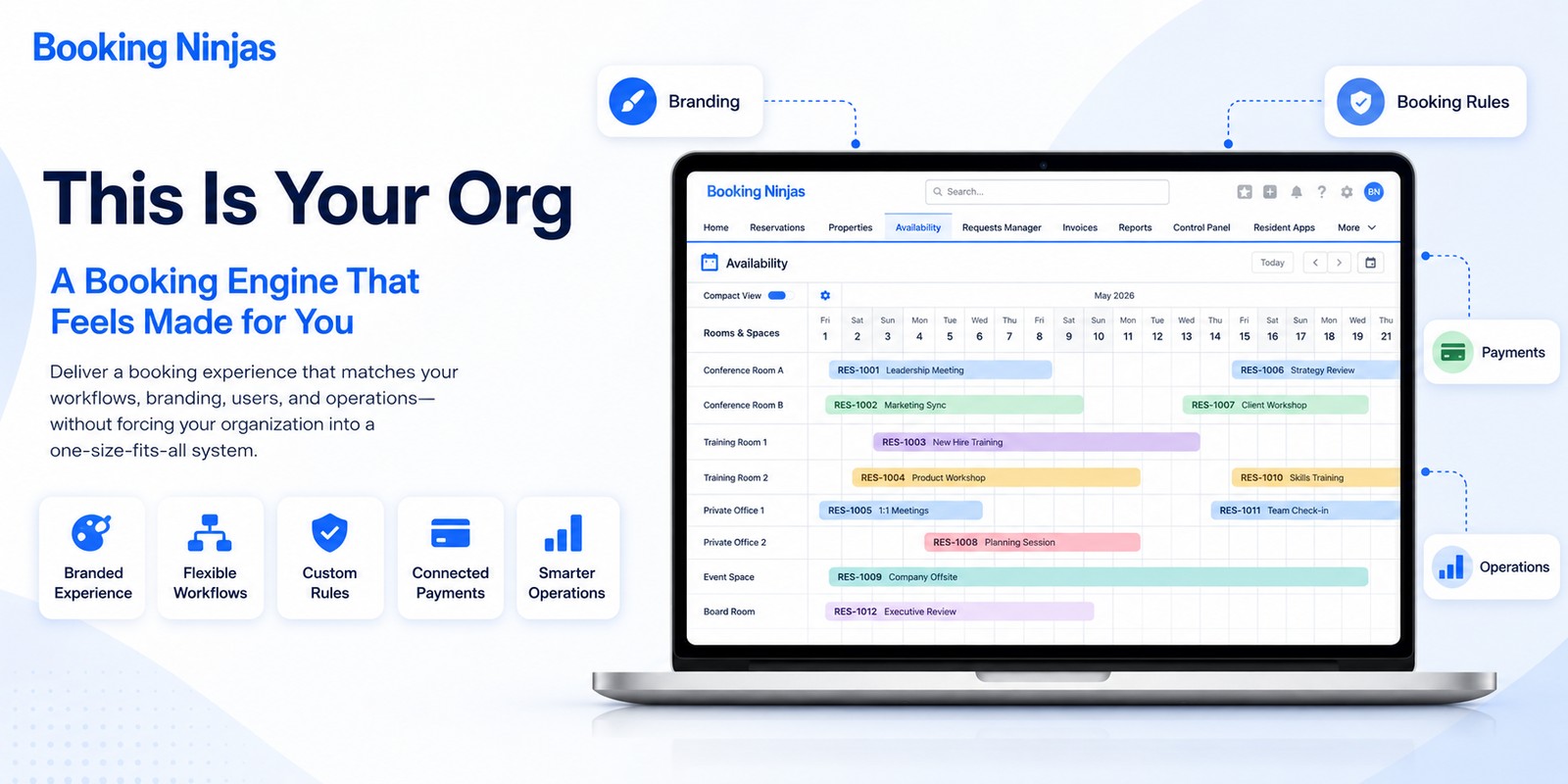
Booking Ninjas' Availability Management connects availability to structured resources and booking rules, while Reservation Management provides the booking record itself.
This makes courts, meeting rooms, event spaces, classes, and other reservable resources part of the broader club operation instead of maintaining an isolated booking calendar.
Where should membership billing fit?
Membership dues are recurring operational commitments, so billing should remain connected to the membership and account that created the charge.
Booking Ninjas' Recurring Billing supports scheduled billing cycles for memberships, subscriptions, and other ongoing services, while the broader Billing & Payment layer connects invoices, payments, and financial workflows.
This creates a clearer relationship between the member, the membership arrangement, the amount billed, the payment received, and any exception requiring staff attention.
Why should club POS activity connect to member operations?
Clubs may operate restaurants, bars, pro shops, spas, or other service outlets. When those transactions are separated from the rest of the operation, staff and managers lose useful context around where charges and purchases originate.
A connected Point of Sale can associate transactions with customers, memberships, services, bookings, and other operational records.
That connection is useful for financial visibility and operational reporting without assuming that every purchase should automatically drive a promotion or marketing action.
Which club processes benefit most from being connected?
| Club process | What should stay connected | Related capability |
|---|---|---|
| Membership | Member identity, status, account activity, bookings, and payments. | Membership Portal |
| Facility booking | Member, resource, availability, capacity, dates, and booking rules. | Reservation Management |
| Membership dues | Membership, billing cycle, invoice, payment, and renewal context. | Recurring Billing |
| Club purchases | Transaction, member, service, booking, or membership context. | Point of Sale |
| Internal operations | Tasks, approvals, ownership, status, exceptions, and escalation paths. | Workflow & Process |
| Management reporting | Member, booking, operational, and financial data required for the decision being made. | Insights |
What should club automation actually automate?
Automation works best where the organization already understands the rule. A workflow can route predictable work without requiring staff to remember the next step every time.
Membership processes
A status change might trigger an internal review, assign a task, or move the membership process to its next configured stage.
Booking processes
A reservation can update the availability of a shared resource and initiate other defined operating steps associated with that booking.
Billing processes
Recurring billing rules can generate scheduled invoices, while exceptions or account issues can be routed for review.
Cross-department workflows
Booking Ninjas' Workflow & Process Management can structure routing, approvals, escalations, and other repeatable processes across teams.
How should clubs measure operational improvement?
Instead of assuming that new software automatically improves productivity or revenue, clubs should establish their own baseline and measure what changes after implementation.
- Time spent on repetitive administrative processes
- Number of manual booking interventions
- Billing and payment exceptions requiring review
- Use of courts, rooms, and other shared resources
- Member self-service adoption
- Workflow completion and exception patterns
- Membership and participation trends
- Revenue and payment activity by relevant category
Booking Ninjas' Insights layer connects reporting and decision support to operational, financial, and customer information available within the platform.
What does operational efficiency look like to a member?
Members do not need to see the operating architecture behind the club. They experience its results through simpler interactions.
They may be able to access their account, review bookings, see payment information, or manage permitted self-service activity through the Membership Portal .
Behind that experience, the club still needs accurate membership records, facility availability, billing rules, permissions, and workflows. Member self-service works best when it is connected directly to those operational records rather than maintained as a separate digital layer.
Why does the underlying platform matter?
Club requirements rarely remain static. Organizations add new programs, spaces, membership structures, services, locations, workflows, users, and integrations over time.
Booking Ninjas is a Salesforce-native platform for bookings and operations . Its Club & Community Management solution connects memberships, programs, facilities, payments, and operations on that broader platform foundation.
The objective is not unlimited customization. It is to reduce the risk of the operating system reaching a dead end simply because the club adds new services, workflows, locations, or operating requirements.
Connect membership, programs, facilities, payments, and club operations.
Explore Club & Community →Give members controlled access to profiles, bookings, account information, invoices, and payments.
Explore Membership Portal →Connect courts, rooms, spaces, assets, and other shared resources to structured availability.
Explore Availability Management →Manage recurring dues and other scheduled membership billing cycles.
Explore Recurring Billing →Connect POS transactions to members, services, bookings, and operational records.
Explore Point of Sale →Bring operational, customer, and financial information into a clearer decision-support environment.
Explore Insights →Frequently asked questions
What is club management software?
Club management software helps organize the members, bookings, facilities, programs, payments, workflows, and operational records involved in running a club or member-based organization.
How can club management software improve efficiency?
It can improve the structure of work by connecting related records, reducing duplicate data entry, enabling member self-service, applying availability and billing rules, and automating repeatable workflows. Actual results depend on the club's processes, configuration, adoption, and implementation.
Can club members book facilities online?
Booking Ninjas supports member self-service and reservation management for shared resources. The exact booking experience, access rules, availability logic, and resources offered depend on the club's configuration.
Can Booking Ninjas manage recurring membership dues?
Yes. Booking Ninjas supports recurring billing for memberships, subscriptions, and other ongoing services, including configurable billing cycles. The exact billing setup depends on the club's membership and financial requirements.
Is Booking Ninjas built on Salesforce?
Yes. Booking Ninjas is a Salesforce-native platform for bookings and operations, allowing member, booking, billing, workflow, and other operational records to use the broader Salesforce platform foundation.
Connect the member to the operation behind the club
Bring memberships, bookings, facilities, dues, payments, transactions, workflows, and reporting into a clearer Salesforce-native operating environment.