
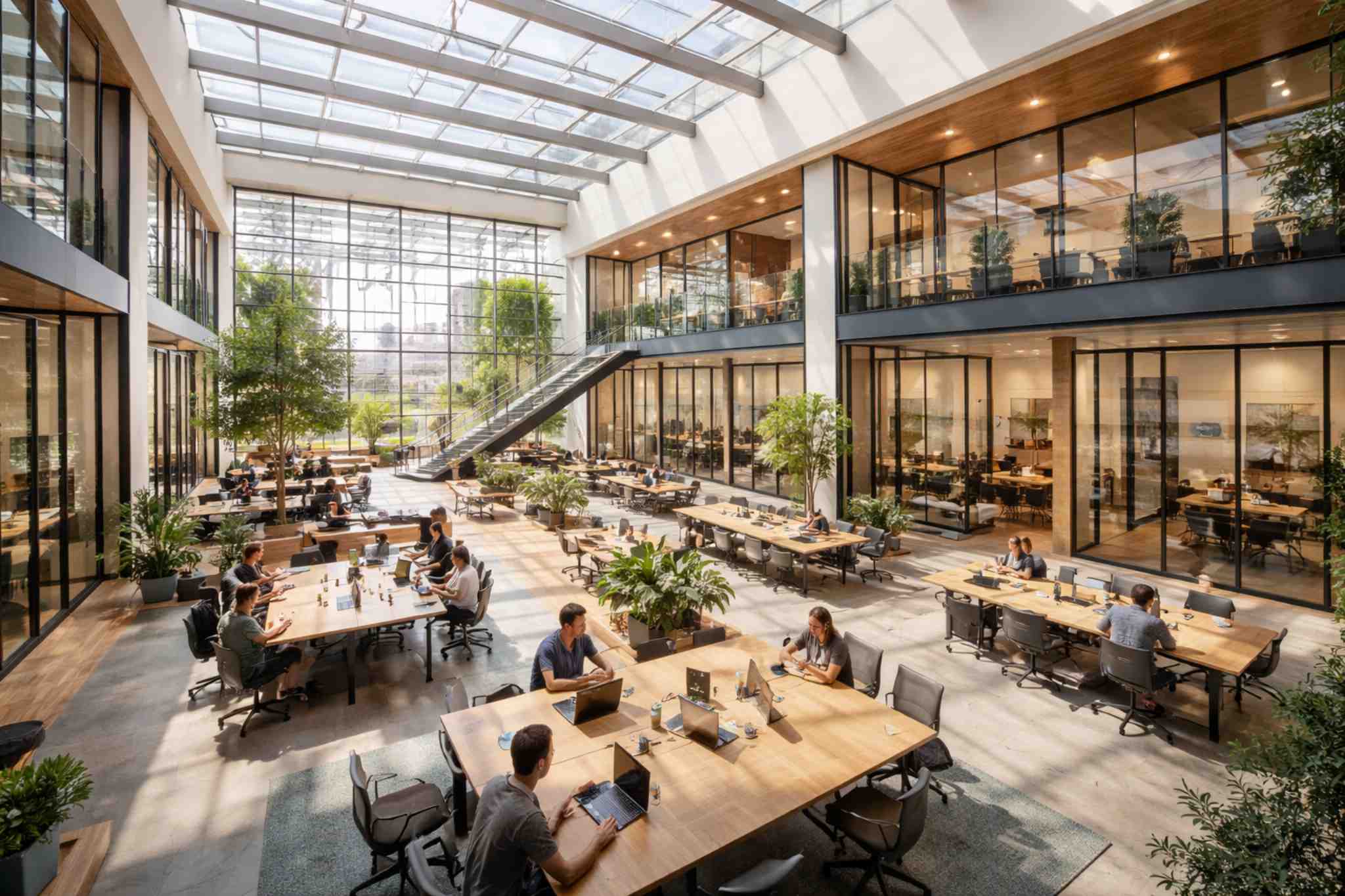
Coworking Core
For a smaller coworking operation that needs members, bookings, recurring billing, payments, and basic visibility.
- Member Portal
- Resource Scheduling
- Recurring Billing
- Payment Processing
- Custom Dashboards
Start with the workflows your coworking space needs today. Keep members, memberships, desks, rooms, bookings, billing, payments, and daily operations connected, then add more capabilities to the same system as your locations and team grow.
Learn more →Coworking operating models inspired by established flexible-workspace networks, membership-based spaces, and multi-location operators.
Illustrative logo treatments used as operating-model references. Display does not imply endorsement, client status, or partnership.
Coworking teams manage flexible memberships, changing availability, shared spaces, recurring billing, facilities, and member service at the same time. The complexity grows quickly across locations.
Keep plans, contracts, renewals, benefits, and member records organized.
Coordinate desks, offices, meeting rooms, and shared spaces without conflicts.
See which spaces are used, when demand peaks, and where capacity is available.
Keep rooms, amenities, maintenance, and location information connected.
Handle recurring fees, one-time charges, invoices, and payments in one workflow.
Give operators a clearer view of members, bookings, revenue, and performance across locations.
A booking calendar solves only part of the operating picture. Booking Ninjas connects member records, bookings, billing, facilities, communication, workflows, and reporting on Salesforce. AI can be added when the data and use case justify it.
Keep member profiles, plans, bookings, payments, and operational activity connected in Salesforce.
Use Workflow Automation for recurring operational steps and follow-up.
Build toward forecasting and utilization analysis as booking and location data becomes reliable enough to support it.
Add locations, workflows, reporting, integrations, and services to the same operating foundation as the business grows.
Connect the workflows used by members, community managers, finance teams, and multi-location operators.
Give members a structured place to access account information, bookings, and permitted self-service workflows.
Schedule desks, meeting rooms, offices, and shared resources with availability connected to the operating record.
Keep locations, rooms, floors, capacity, and space information structured for booking and operations.
Coordinate community managers, front-desk staff, operations teams, and location responsibilities.
Compare activity and performance across locations while keeping the underlying records connected.
AI can be added where it creates practical value. It is not assumed to be included in every package. Start with connected data and clear workflows, then add AI when the use case is ready.
Use historical booking and utilization data to build toward forecasting where the dataset supports it.
Identify patterns in desk, room, and location usage to support better capacity decisions.
Use workflows for reminders, internal tasks, member communication, and recurring operational steps.
Use Custom Dashboards for member, booking, billing, and location visibility.
Connect the work that normally sits across booking tools, billing software, member databases, and spreadsheets.
Designed for:
Not designed for organizations that only need a simple room calendar with no membership, billing, CRM, facility, or broader operational workflows.
Start with the operating scope your coworking business needs today. Implementation is discussed around your actual setup.
For a smaller coworking operation that needs members, bookings, recurring billing, payments, and basic visibility.
For growing spaces that need more automation, staff coordination, space planning, communication, and structured workflows.
For multi-location operators that need shared operating rules, portfolio reporting, and stronger cross-location control.
Monthly prices are starting points. Final subscription and implementation pricing depends on members, locations, internal users, selected capabilities, integrations, migration, configuration, and operating scope.
A connected operating model helps teams spend less time reconciling bookings, member records, billing, and location activity.
“We needed memberships, room bookings, billing, and member records to stop living in separate tools. A single operating view makes the front desk much easier to run.”
“The biggest improvement is visibility. We can see what is booked, who is using the space, and what needs attention without rebuilding the same information in spreadsheets.”
“As locations grow, consistency matters. Shared workflows and cross-location reporting give us a stronger foundation without forcing every location into a separate system.”
Traditional Tools vs Booking Ninjas
| Capability | Traditional Tools |
|
|---|---|---|
| Salesforce-native platform | Usually not included | Yes |
| Membership & member records | Usually included, but often separate from CRM | Connected to Salesforce CRM and operating records |
| Desk, office & room booking | Usually included | Connected resource scheduling |
| Recurring billing & payments | Varies by product | Connected to member and booking workflows |
| Facility & operational workflows | Often separate or limited | Connected to wider operations |
| Multi-location management | Varies by platform and plan | Cross-location operations and reporting available |
| Workflow customization | Usually limited to product settings | Salesforce-native workflow foundation |
| Reporting & portfolio visibility | Varies by platform | Salesforce dashboards and portfolio analytics |
| AI capabilities | Varies | Available as separately scoped AI extensions |
Booking Ninjas brings members, memberships, spaces, bookings, billing, payments, facilities, staff, and reporting together on Salesforce so the operation can expand without rebuilding the system behind it.
WhatsApp Us
WhatsApp Us