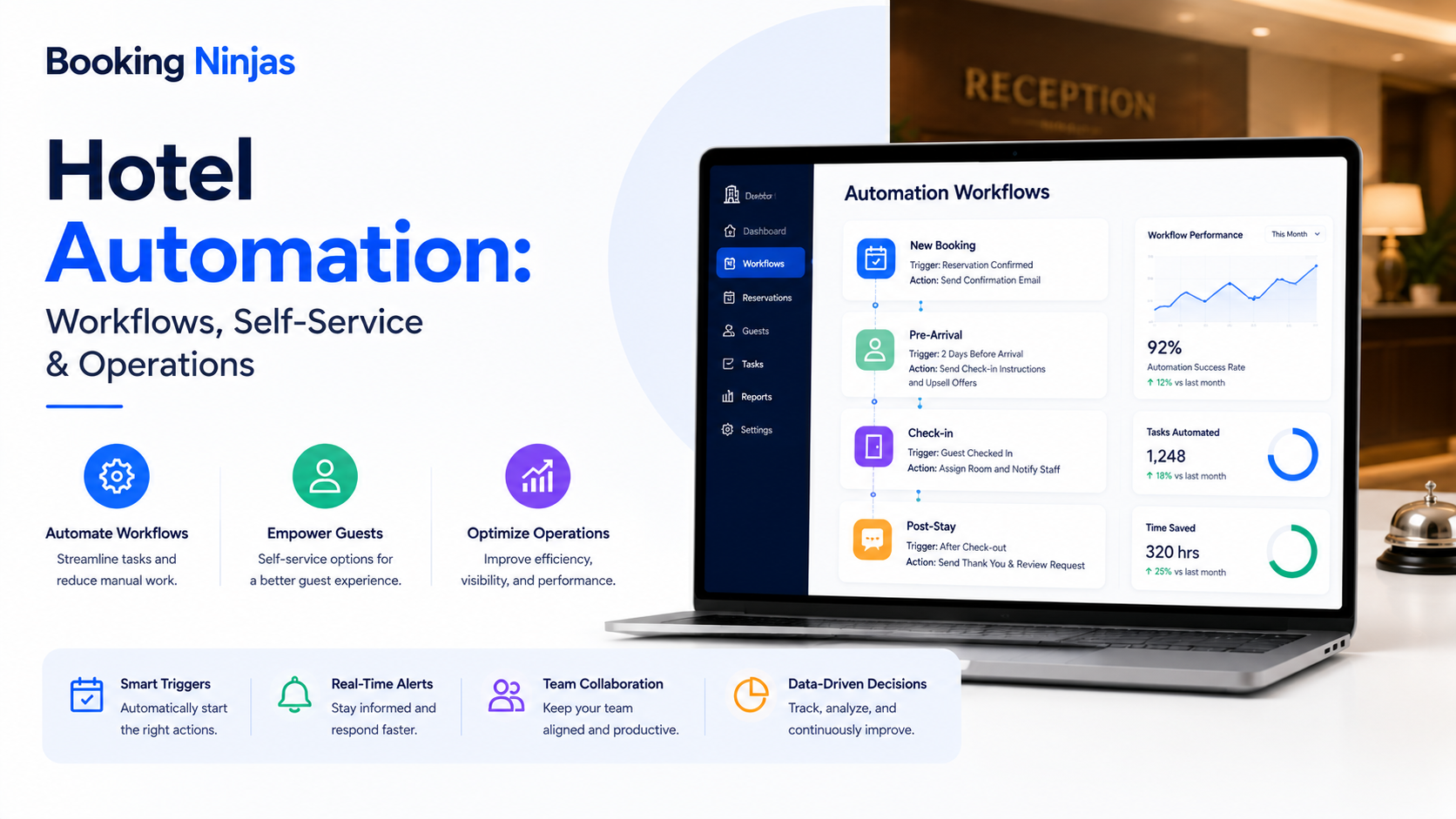
Hotel automation uses software, workflows, self-service tools, integrations, and connected systems to move predictable operational work forward without requiring employees to manually coordinate every step.
The goal is not to create a hotel with minimal human involvement. Hospitality still depends on employees for service, exceptions, safety, accessibility, judgment, relationship-building, and situations that cannot be reduced to predictable rules.
Automation is most useful when it removes repetitive coordination around those human interactions.
What is hotel automation?
Hotel automation is the use of configured technology to trigger, route, execute, or track predictable actions across hotel operations.
A hotel event can trigger an automated action when the organization has already defined what should happen next.
| Hotel event | Possible automated response | Possible exception |
|---|---|---|
| Reservation created | Update availability and trigger configured confirmation or pre-arrival workflow. | Booking requires manual review or special handling. |
| Guest arrives | Begin configured registration or self-service check-in steps. | Identity, payment, reservation, accessibility, or policy issue requires staff assistance. |
| Service request submitted | Categorize, assign, notify, and track the request. | Request is ambiguous, sensitive, urgent, or requires escalation. |
| Guest checks out | Trigger applicable departure and turnover workflows. | Billing dispute, room issue, or operational exception remains unresolved. |
| Workflow exceeds a defined threshold | Notify or escalate according to the configured rule. | Management decides what corrective action is appropriate. |
What types of hotel automation should be distinguished?
“Hotel automation” is often used to describe several different technologies. They should not be treated as interchangeable.
| Type | What it automates | Examples |
|---|---|---|
| Workflow automation | Movement of structured operational work. | Routing, approvals, assignments, notifications, escalation, follow-up. |
| Guest self-service | Routine actions guests are permitted to perform themselves. | Reservation access, configured modifications, check-in steps, payments, documents, requests. |
| Building or device automation | Actions performed by connected physical infrastructure. | Access systems, sensors, locks, building systems, or other supported external devices. |
| AI-assisted automation | Interpretation or prioritization using available data. | Classification, pattern detection, forecasting, summarization, prioritization, anomaly detection. |
| System integration | Movement of information or events between platforms. | PMS, CRM, payment, accounting, access, building, or other external-system connections. |
What does a connected hotel automation workflow look like?
A reservation, arrival, payment, request, departure, task, or other operating condition changes.
The system evaluates the configured condition, permissions, and process logic.
A workflow updates a record, creates a task, routes a request, sends a notification, or triggers another permitted action.
Normal cases continue while exceptions reach the appropriate staff member for review or resolution.
What problems should hotel automation actually solve?
Automation should begin with an operational problem rather than a technology trend.
Useful candidates include work where staff repeatedly:
- Re-enter the same information
- Check one system for changes
- Notify another department manually
- Assign predictable tasks
- Send routine reminders
- Track approvals by email
- Look for request ownership
- Reconcile status across separate lists
- Escalate overdue work manually
- Repeat standard guest instructions
Removing these handoffs can simplify coordination, but the actual effect on staffing, cost, productivity, service quality, or revenue depends on the hotel's workload and operating model.
How does automation begin with the reservation?
Many hotel workflows begin before the guest reaches the property. The reservation provides operating context such as dates, guest, accommodation, booking status, rate, and other configured information.
Reservation activity can then become a trigger for processes such as:
- Availability updates
- Confirmation workflows
- Configured pre-arrival communication
- Registration requirements
- Payment steps
- Internal preparation tasks
- Reservation-change workflows
- Cancellation workflows
Booking Ninjas' Reservation Management connects reservation creation, changes, cancellations, availability, policies, notifications, and operational workflows within Salesforce.
Which hotel activities can guests complete through self-service?
Guest self-service can remove unnecessary staff involvement from appropriate routine interactions while keeping staff available when assistance is needed.
Depending on configuration, guest-facing workflows can include:
- Viewing reservation information
- Accessing confirmations or documents
- Configured reservation changes
- Submitting special requests
- Viewing billing information
- Completing payments
- Receiving stay updates
- Communicating with staff
Booking Ninjas' Guest Portal provides a controlled self-service environment connected with reservation, billing, communication, document, and service activity.
How can hotel check-in be automated without removing staff?
A predictable check-in can be structured as a workflow rather than a sequence employees have to reconstruct for every arriving guest.
Depending on the property's requirements, that workflow may involve:
- Finding the reservation
- Confirming configured guest information
- Completing required forms
- Processing applicable payment steps
- Updating arrival status
- Triggering downstream operational workflows
Booking Ninjas' Self-Service Kiosk supports independent check-in activity connected with booking, form, approval, and Salesforce workflow records.
Employees should remain part of the operating model for exceptions, accessibility needs, payment problems, disputes, safety concerns, unusual reservations, and guests who prefer or require personal assistance.
How should hotel guest requests be automated?
Automation should not mean that AI simply receives a guest message and independently decides what to do.
A stronger request workflow connects:
- Request source
- Guest or customer
- Reservation or stay
- Room or location
- Request category
- Priority
- Responsible team
- Status
- Escalation rule
- Resolution history
Booking Ninjas' Request Management supports structured intake, rule-based routing, ownership, prioritization, notifications, escalation, approvals, status tracking, and historical reporting.
Predictable requests can follow configured rules. Unclear, sensitive, urgent, disputed, or unusual requests can be escalated to employees.
What is the role of workflow automation in hotel operations?
Workflow automation coordinates what should happen after an operational condition is known.
A configured workflow can support:
- Conditional routing
- Role-based assignments
- Multi-step approvals
- Notifications
- Escalation
- Branching logic
- Downstream tasks
- Exception handling
- Status tracking
- Operational history
Booking Ninjas' Workflow & Process Management provides this rule-driven process layer directly on Salesforce.
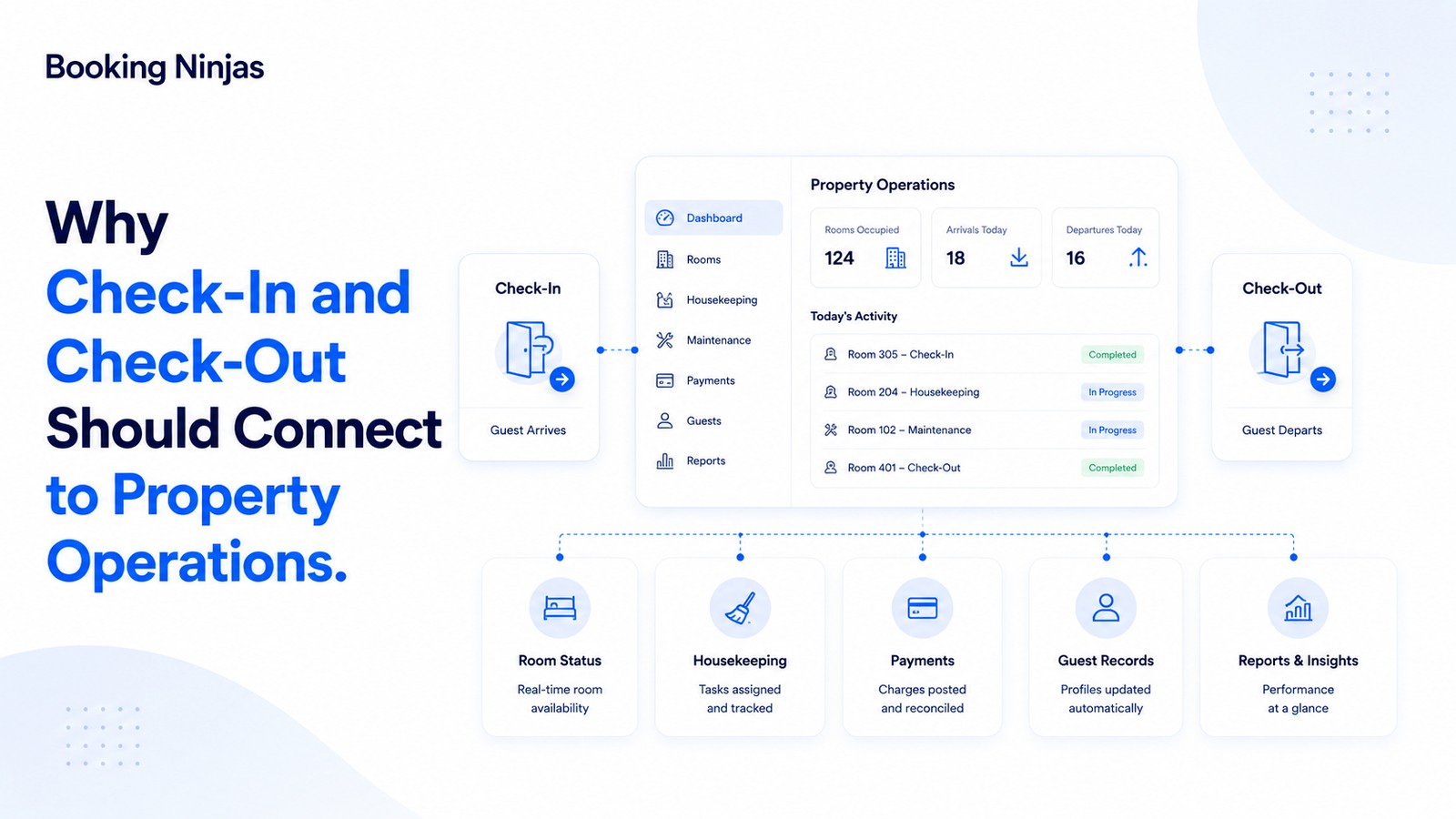
How can automation connect front-desk activity with housekeeping?
A guest departure can be treated as an operational event rather than information that one department must manually communicate to another.
Depending on the configured hotel workflow, departure can connect with:
- Room occupancy status
- Cleaning requirement
- Housekeeping assignment
- Inspection
- Maintenance exception
- Room readiness
- Front-desk visibility
- Future availability
Booking Ninjas' Housekeeping connects room status, assignments, cleaning activity, completion, and readiness with wider property operations.
How does access automation fit into hotel operations?
Physical room access is a separate infrastructure responsibility from reservation management or check-in software.
Where a supported access system is integrated, property records and workflows can provide context for:
- Who should receive access
- Which space they can access
- When access should begin
- When access should end
- Which role or condition applies
- When access should be changed or revoked
Booking Ninjas' Access Control supports connections with physical and digital access infrastructure through configured APIs, middleware, and workflow integrations.
What about smart-room devices, sensors, robots, and building systems?
These technologies can form part of a hotel automation environment, but they should be treated as external physical systems rather than assumed PMS functions.
Examples may include:
- Electronic access systems
- Building sensors
- Energy-management systems
- Lighting controls
- Environmental controls
- Delivery robots
- Other connected hotel equipment
- Specialist building platforms
The operational question is whether the external platform exposes suitable interfaces and whether its events need to connect with reservations, rooms, maintenance, staff workflows, reporting, or other property records.
Integration requirements should be confirmed against the individual device, platform, API, security model, and implementation scope.
Is hotel automation the same as artificial intelligence?
No.
Many useful hotel automations do not require AI at all.
A rule such as “when a request has been open beyond the configured threshold, notify the responsible team” is workflow automation. The system already knows the condition and what action should follow.
AI becomes more relevant when software needs to interpret data rather than simply execute a known rule.
- Classifying incoming requests
- Summarizing records
- Detecting recurring patterns
- Identifying anomalies
- Supporting forecasting
- Prioritizing work
- Identifying possible delays
- Supporting operational analysis
Booking Ninjas' AI layer extends across booking, operations, facilities, billing, insights, portals, and integrations.
AI output should be treated according to the consequence of the decision. High-impact, ambiguous, sensitive, safety-related, or disputed situations may still require human review.
Does hotel automation mean replacing hotel employees?
No.
Automation can reduce staff involvement in particular repetitive transactions, but that does not establish how many employees a hotel needs.
Staffing requirements still depend on factors such as:
- Property size
- Occupancy and workload
- Service model
- Operating hours
- Facilities and amenities
- Guest expectations
- Safety responsibilities
- Accessibility requirements
- Maintenance workload
- Local operating requirements
A better automation objective is to determine which repetitive coordination work can be handled by rules so employees have clearer ownership of the work that actually requires them.
Which hotel processes should remain under human review?
The appropriate boundary depends on the property, but automation should not be the default for every situation.
| Process | Automation can support | Human review may be appropriate |
|---|---|---|
| Guest communication | Confirmations, reminders, routine status updates. | Complaints, sensitive requests, complex service recovery. |
| Check-in | Routine registration and configured self-service steps. | Disputes, unusual bookings, accessibility, payment or safety issues. |
| Requests | Categorization, routing, assignment, notification, escalation. | Ambiguous, emergency, high-impact, or sensitive requests. |
| Maintenance | Task creation, assignment, priority rules, reminders. | Diagnosis, safety decisions, specialist repair judgment. |
| Pricing | Defined rules, pattern analysis, forecasting support. | Significant exceptions or changes requiring commercial judgment. |
| Access | Rule-driven provisioning and revocation where integrated. | Security exceptions, disputed identity, unusual access requirements. |
Does automation automatically make a hotel more secure?
No.
Automation can enforce configured permissions, workflows, access rules, and audit activity, but security depends on the architecture and how the organization manages it.
Important considerations include:
- User identity
- Roles and permissions
- Authentication
- Device security
- Integration security
- Access revocation
- Audit history
- Data governance
- Incident response
- Operational procedures
Automation should therefore operate within a defined security and governance model rather than being treated as a security control by itself.
How should hotels measure whether automation is working?
The most useful measures depend on the workflow being automated. Hotels should evaluate the process rather than assume technology has improved the outcome.
Operational questions can include:
- How much work still requires duplicate entry?
- How many requests remain unassigned?
- Where do workflows repeatedly stall?
- Which exceptions occur most frequently?
- How many automated actions require correction?
- Which tasks repeatedly exceed their expected workflow?
- Where are staff still relying on spreadsheets or inboxes?
- Which self-service processes most often need staff intervention?
How should a hotel decide what to automate?
- Map the hotel workflow. Follow the actual process from the event that starts it through completion.
- Identify repetitive coordination. Find manual updates, repeated data entry, routine notifications, predictable assignments, and status checks.
- Define the trigger. Determine exactly what event or condition should start the automated process.
- Define the rule. Document the conditions, permissions, routing logic, and expected action.
- Assign ownership. Identify which person, role, department, or external system owns each stage.
- Design the exception path. Decide what happens when the normal rule cannot safely or appropriately resolve the situation.
- Connect the required systems. Determine whether reservation, payment, access, building, communication, or other external data is required.
- Test realistic scenarios. Test normal cases and exceptions rather than testing only the ideal automated path.
- Measure and refine. Review workflow history, exceptions, corrections, delays, and manual work after launch.
How does Booking Ninjas connect hotel automation?
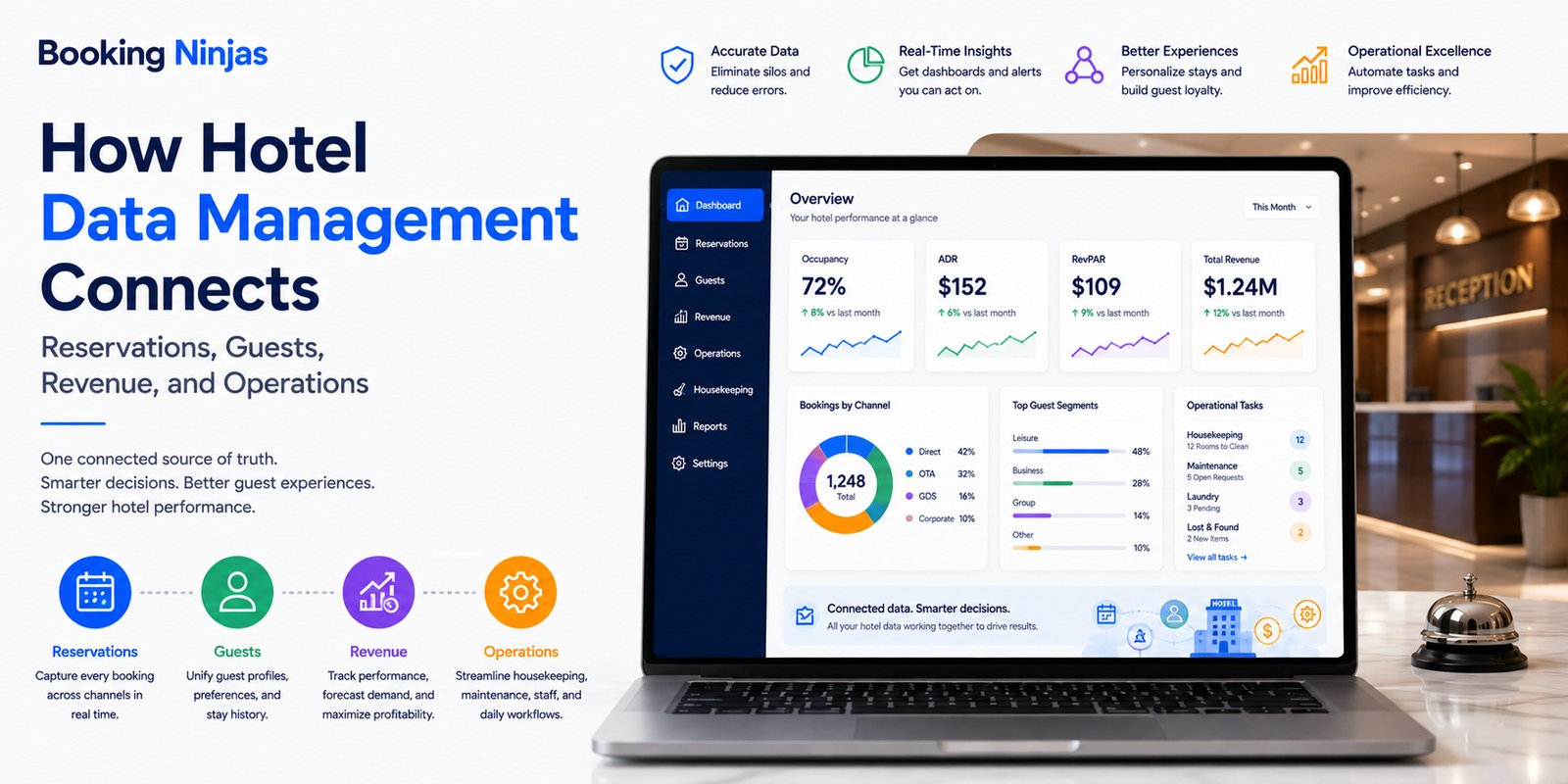
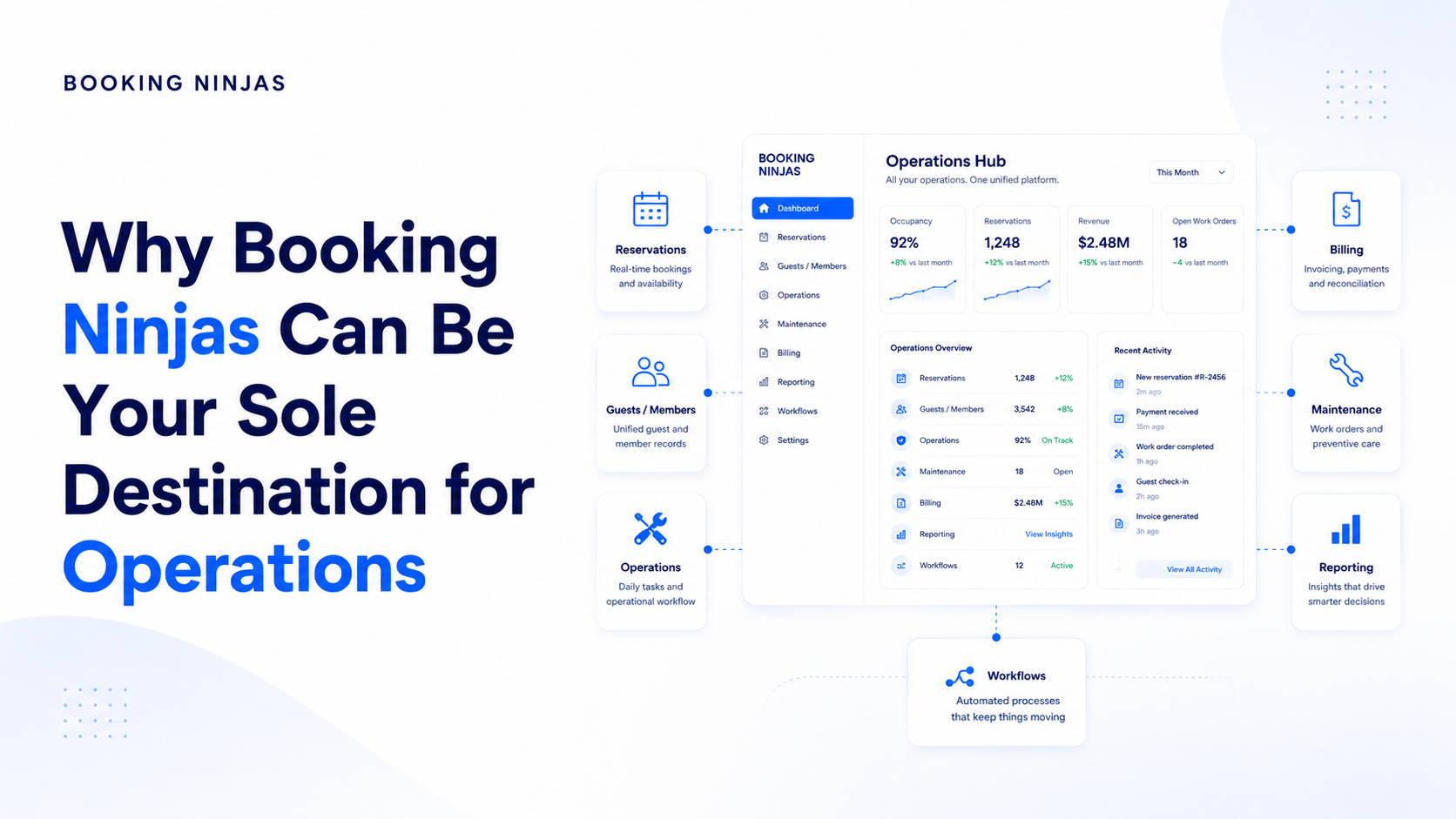
Booking Ninjas is a Salesforce-native platform for bookings and operations . Reservations, guest-facing activity, operational requests, workflows, permissions, reporting, automation, and integrations can therefore operate within the broader Salesforce environment.
This allows the automation model to start from real operational records rather than from disconnected scripts or devices.
Configure routing, assignments, approvals, escalation, branching, notifications, and exception workflows.
Explore Workflow & Process →Turn guest and operational requests into structured, assigned, prioritized, and trackable work.
Explore Request Management →Give guests controlled self-service access to reservation, billing, documents, communication, and service activity.
Explore Guest Portal →Connect independent check-in activity with reservation, registration, forms, approvals, and Salesforce workflows.
Explore Self-Service Kiosk →Connect access permissions and lifecycle workflows with supported physical and digital access infrastructure.
Explore Access Control →Connect room status, cleaning assignments, completion, inspection, and readiness with hotel operations.
Explore Housekeeping →Add pattern detection, forecasting, classification, prioritization, and other forms of operational intelligence where appropriate data exists.
Explore AI →Connect hotel booking and operational workflows within the broader Booking Ninjas platform.
Explore Hotel Management →Frequently asked questions
What is hotel automation?
Hotel automation uses configured software, workflows, self-service tools, integrations, and connected systems to trigger, route, execute, or track predictable operational actions. It does not mean that every hotel decision or guest interaction should happen without staff involvement.
Is hotel automation the same as AI?
No. Many hotel automations use predefined rules and workflows without AI. AI can add capabilities such as classification, summarization, forecasting, pattern detection, prioritization, or anomaly identification where appropriate data exists.
Does hotel automation replace front-desk staff?
No. Self-service can reduce staff involvement in appropriate routine activities, but employees remain important for exceptions, accessibility needs, disputes, safety concerns, unusual reservations, service recovery, and interactions that benefit from human hospitality.
Can hotel guests check in automatically?
Booking Ninjas Self-Service Kiosk supports independent check-in workflows connected with reservations, configured information, forms, approvals, and Salesforce workflows. The exact process depends on the hotel's check-in requirements and implementation.
Can guest requests be routed automatically?
Yes. Booking Ninjas Request Management can route requests according to configured priority, role, department, approval, notification, and escalation rules while maintaining ownership, status, and historical tracking.
Can hotel automation control room access?
Booking Ninjas supports integration with physical and digital access infrastructure, allowing access rules and lifecycle workflows to connect with property records. The available credential method and functionality depend on the external access-control system and implementation.
Should every hotel process be automated?
No. Predictable, rule-driven processes are stronger candidates for automation. Sensitive, ambiguous, disputed, safety-related, or consequential situations may require human judgment and defined exception handling.
Is Booking Ninjas built on Salesforce?
Yes. Booking Ninjas is Salesforce-native, allowing hotel reservations, operational workflows, requests, guest-facing activity, permissions, reporting, automation, AI, and integrations to use the broader Salesforce platform foundation.
Automate the workflow, not the hospitality
See how Booking Ninjas can connect hotel reservations, self-service, requests, housekeeping, access, staff workflows, AI, reporting, and exception handling within one Salesforce-native operating environment.