YouTube video coming soon
From Reservation to Seated Guest
Show the team checking availability, capturing guest details, assigning the configured table or dining space, and moving the booking into service.

Start with reservations, table availability, guest records, billing, and daily service workflows. Add POS, portals, communications, reporting, integrations, and automation as the restaurant or restaurant group grows.
Learn more →Short walkthroughs will show how reservations, table availability, guest records, POS activity, billing, and service handoffs can work together.
Show the team checking availability, capturing guest details, assigning the configured table or dining space, and moving the booking into service.
Show reservation history, guest notes, preferences, special requests, and the operating context staff need during service.
Show onsite sales, payments, invoices, and transaction context staying connected to the customer, booking, service, or location involved.
Replace these placeholders with the final YouTube posters and links when the videos are ready. Keep the supporting text visible so the workflow remains understandable without playing the video.
Restaurant operating models built around reservations, table inventory, guest service, payments, POS, and multi-location operational visibility.
Illustrative operating-model references only. Display does not imply endorsement, client status, or partnership.
AppExchange is not an open directory. Salesforce reviews the product and technical setup, and public packages must pass its security review before listing.
Restaurants move quickly. Reservations, walk-ins, table availability, guest requests, payments, and service coordination all need to stay aligned during busy periods.
Keep the reservation connected from booking and table availability through guest service, charges, POS activity, and the customer record.
Use the Booking Engine for direct reservations where online booking fits the restaurant's model.
Use Availability Management to keep configured tables, dining areas, or reservable spaces visible across time slots.
Use Reservation Management for guest details, reservation time, table or space assignment, status, notes, and changes.
Keep reservation, guest, table, and operational context visible to the team during service instead of splitting it across disconnected tools.
Use Invoice Management and Point of Sale where billing and onsite transactions are part of the workflow.
Restaurant operations connect reservations, table inventory, guest records, service workflows, payments, and reporting. Booking Ninjas keeps those workflows on a Salesforce-native foundation instead of treating every function as a separate system.

Use Availability Management with Reservation Management so configured table or dining-space inventory stays connected to bookings.

Add Point of Sale when onsite transactions need to stay connected to the wider restaurant operation.
Keep guest contact information, reservation history, preferences, and service notes in the same Salesforce-based operating environment.
Use Invoice Management for configured deposits, charges, invoices, and balances tied to the relevant reservation or guest record.
Connect restaurant reservations, table availability, guest records, service workflows, billing, POS, and multi-location oversight.
Give guests a direct reservation path where online booking is part of the restaurant's service model.
Keep guest details, reservation times, table or space assignments, status, notes, and changes connected in one workflow.
Keep configured tables, dining areas, private rooms, or other reservable spaces visible across service times.
Keep guest contact information, reservation history, preferences, notes, and related activity connected in Salesforce.
Keep deposits, configured charges, invoices, adjustments, and balances connected to the relevant guest or reservation.
Add POS for onsite transactions and keep restaurant sales activity connected to the wider operating environment.
Configure multiple restaurant locations with shared Salesforce data, reporting, and operating workflows where appropriate.
Use Salesforce workflows to reduce repetitive coordination around reservations, guest follow-up, service tasks, and reporting. AI can be added separately when a defined use case creates value.
Use shared reservation, guest, and service records so teams spend less time reconciling separate systems.
Use configured availability and reservation data to understand open and committed dining inventory.
Keep guest, reservation, charge, and POS context together for clearer operational follow-up.
Use connected operational data for restaurant reporting and scope AI separately where predictive analysis is justified.
The value comes from connecting reservations, availability, guest data, charges, POS, and location-level operations around the same operating record.
Bring reservations, guest records, billing, POS, and operational data into a more connected Salesforce-based environment.
Give staff a shared view of reservation status, guest context, availability, and relevant charges during service.
Keep configured dining inventory connected to reservations instead of maintaining separate manual availability records.
Use a shared Salesforce-native foundation across restaurant locations while preserving location-level operating records.
Designed for reservation-led restaurant operations that need guest, table, payment, POS, and multi-location workflows to stay connected.
This page is focused on reservation-led restaurant operations. It should not be positioned as manufacturing, warehouse, or delivery-only kitchen software.
Most reservation-led restaurants need bookings, table or space availability, guest records, billing, and onsite transactions. Add more only when the operation needs it.
For one restaurant location managing reservations, dining-space availability, guest records, billing, and onsite transactions.
For 1–50 Active Bookable Units. Includes Booking Engine, reservations, availability, invoicing, billing, requests, contact records, reporting, and the main reservation workflows.
Per location. Add onsite sales and transaction workflows while keeping activity connected to the wider Booking Ninjas operating environment.
Available when your restaurant operation needs them.
Priced based on your tables or spaces, reservation rules, POS setup, migration, integrations, and configuration.
$500/month is the starting price for one location using Core with 1–50 Active Bookable Units plus POS. Third-party and Salesforce costs may apply where relevant.
Related Booking Ninjas customer work around restaurant and POS activity, guest spending, meals, payments, service workflows, and connected customer records.
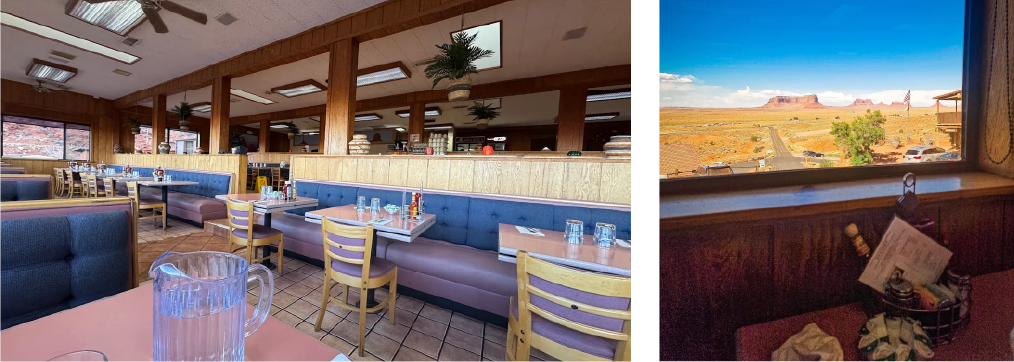
Restaurant and POS activity, room charges, payments, guest records, and reporting were part of the connected resort operating scope.
See the story →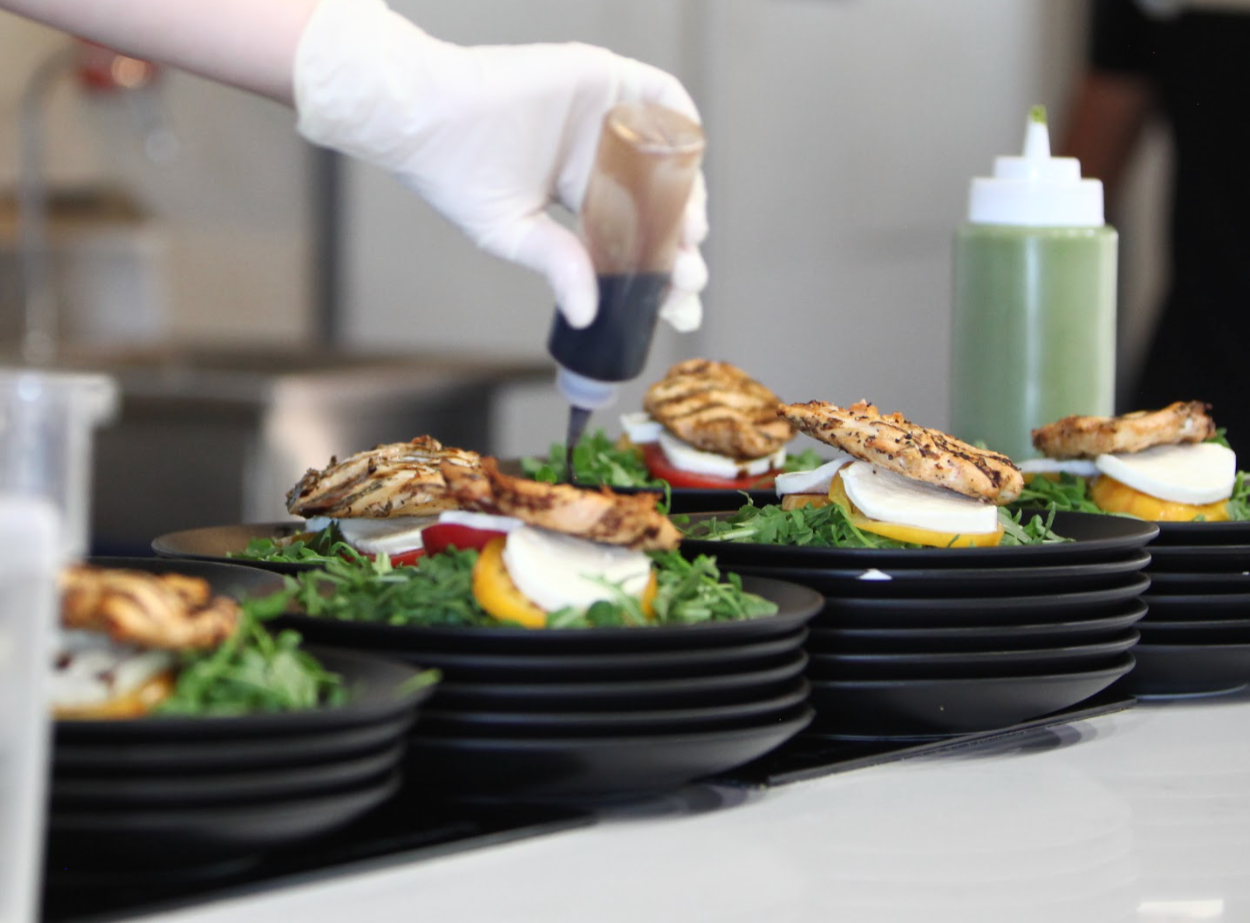
Meals and other guest purchases sat inside a wider stay model, with POS requirements shaped around on-property spending rather than a generic table-only workflow.
See the story →
Nutrition programming, schedules, services, payments, and guest information were modeled as connected parts of the wider wellness stay.
See the story →Typical Restaurant Tools vs Booking Ninjas
| Capability | Typical Restaurant Tools | Booking Ninjas |
|---|---|---|
| Salesforce-native platform | Usually no | Yes |
| Reservation management | Often included or separate | Connected reservation workflow on Salesforce |
| Table / space availability | Varies | Configurable Availability Management |
| Guest records | Often limited to the restaurant app | Connected Salesforce contact and operating context |
| POS | Usually included | POS available as a location-based extension |
| Billing & invoices | Varies | Invoice Management connected to operating records |
| Multi-location visibility | Depends on product and plan | Shared Salesforce data and reporting foundation |
| Workflow customization | Usually product-defined | Salesforce-native workflow foundation |
| AI capability | Varies | Available as a separately scoped extension |
Connect reservations, dining-space availability, guest records, billing, POS, and daily operations without stitching together separate tools.
WhatsApp Us
WhatsApp Us