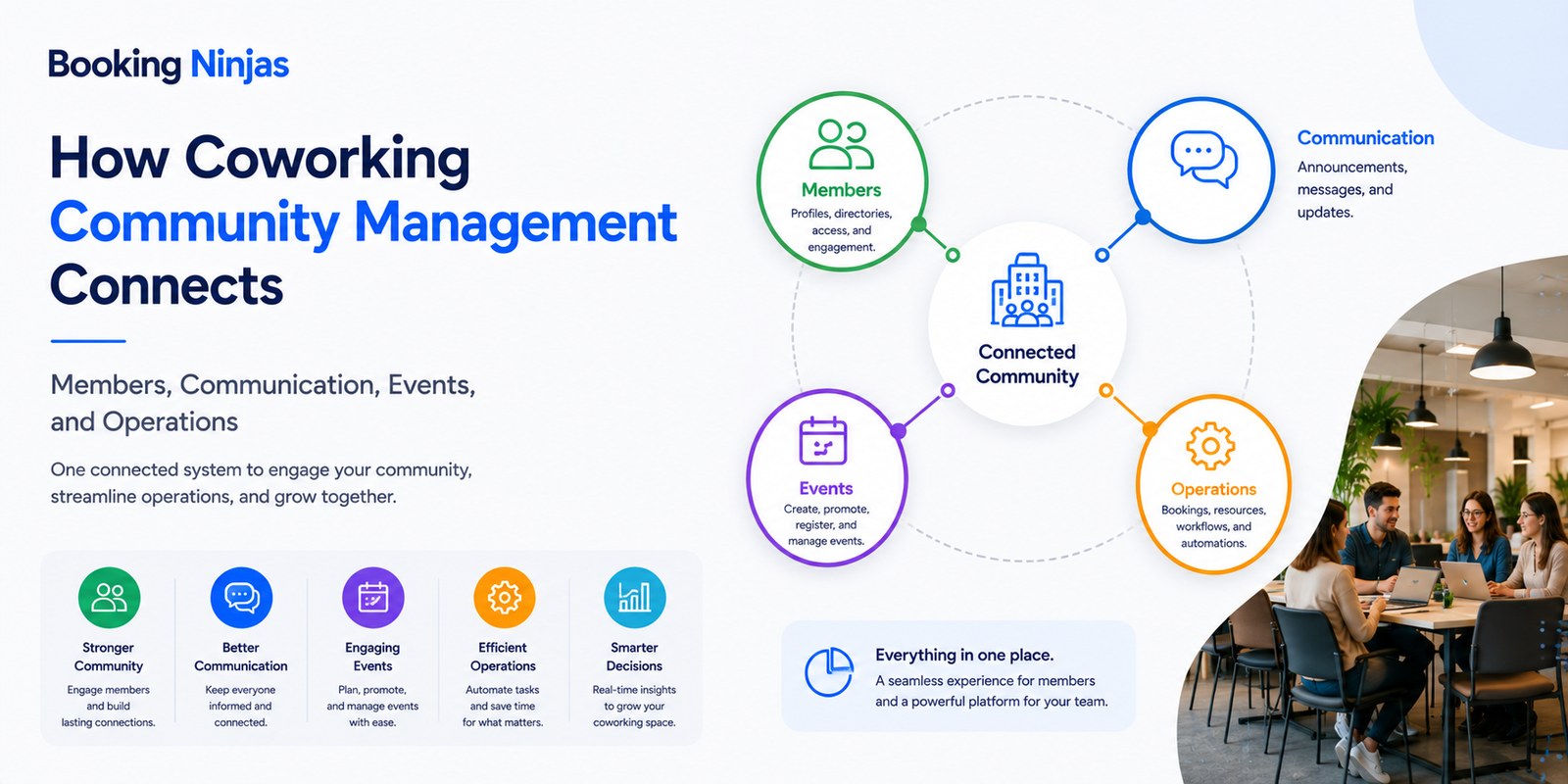
Coworking community management is the ongoing process of organizing how members communicate, participate in events and programs, use shared spaces, submit requests, give feedback, and interact with the people responsible for running the coworking environment.
Community is therefore different from membership itself. Membership defines the commercial relationship and entitlements. Community management focuses on how members participate, communicate, receive support, and interact with the wider coworking environment.
What is community building in a coworking space?
Community building in coworking is the deliberate creation and management of opportunities for members to communicate, participate, collaborate, provide feedback, and engage with the organization and with one another.
Depending on the coworking model, this can include:
- Member onboarding
- Announcements and updates
- Events and programs
- Workshops
- Networking activities
- Shared-interest groups
- Member requests
- Feedback
- Community resources
- Staff follow-up
Not every coworking operator needs the same community model. A flexible workspace serving corporate teams may organize engagement differently from a neighborhood space built around freelancers, creators, startups, or professional services.
What is the difference between coworking membership and community management?
| Area | Main question | Example |
|---|---|---|
| Membership | What plan, status, rights, and commercial relationship does the person have? | Active flexible-workspace membership with defined benefits. |
| Communication | What information should this member receive? | An announcement relevant to their location or membership. |
| Events | Which programs can the member join? | Registration for a workshop or networking event. |
| Bookings | Which physical resources does the member want to use? | Reserving a meeting room for a community session. |
| Requests | What does the member need from the operator? | Question, facility request, account inquiry, or other issue. |
| Community history | What participation and interaction has been recorded? | Event attendance, requests, communication, or program participation. |
What does a connected coworking community workflow look like?
Connect identity, membership, location, preferences, and relevant account context.
Organize announcements, events, programs, bookings, and other opportunities for participation.
Track registrations, requests, attendance, feedback, and staff follow-up as operational records.
Compare participation and operational history before changing programs, communication, or community workflows.
How should a coworking operator define its target community?
A target community is the group or groups the coworking model is designed to serve.
Possible member groups can include:
- Freelancers
- Entrepreneurs
- Startups
- Remote employees
- Small teams
- Corporate teams
- Project-based workers
- Students or interns where appropriate
- Professional-service businesses
- Other groups relevant to the location
Segmenting members can help an operator understand which resources, communications, events, access patterns, and services may be relevant to different groups.
The purpose is not to assume that everyone within a category behaves the same way. Actual member preferences and usage should still be learned from member records, participation, feedback, and ongoing interaction.
What does a coworking community manager actually manage?
A community manager can act as the operating connection between members and the coworking organization.
Depending on the business model, responsibilities may include:
- Member onboarding
- Announcements
- Event coordination
- Program registration
- Member inquiries
- Feedback collection
- Issue escalation
- Introductions and networking activities
- Community resources
- Participation review
The title does not require one universal job description. A small coworking location may combine community and operating responsibilities in one role, while a larger organization may divide them across several teams.
Why should community activity connect to the member record?
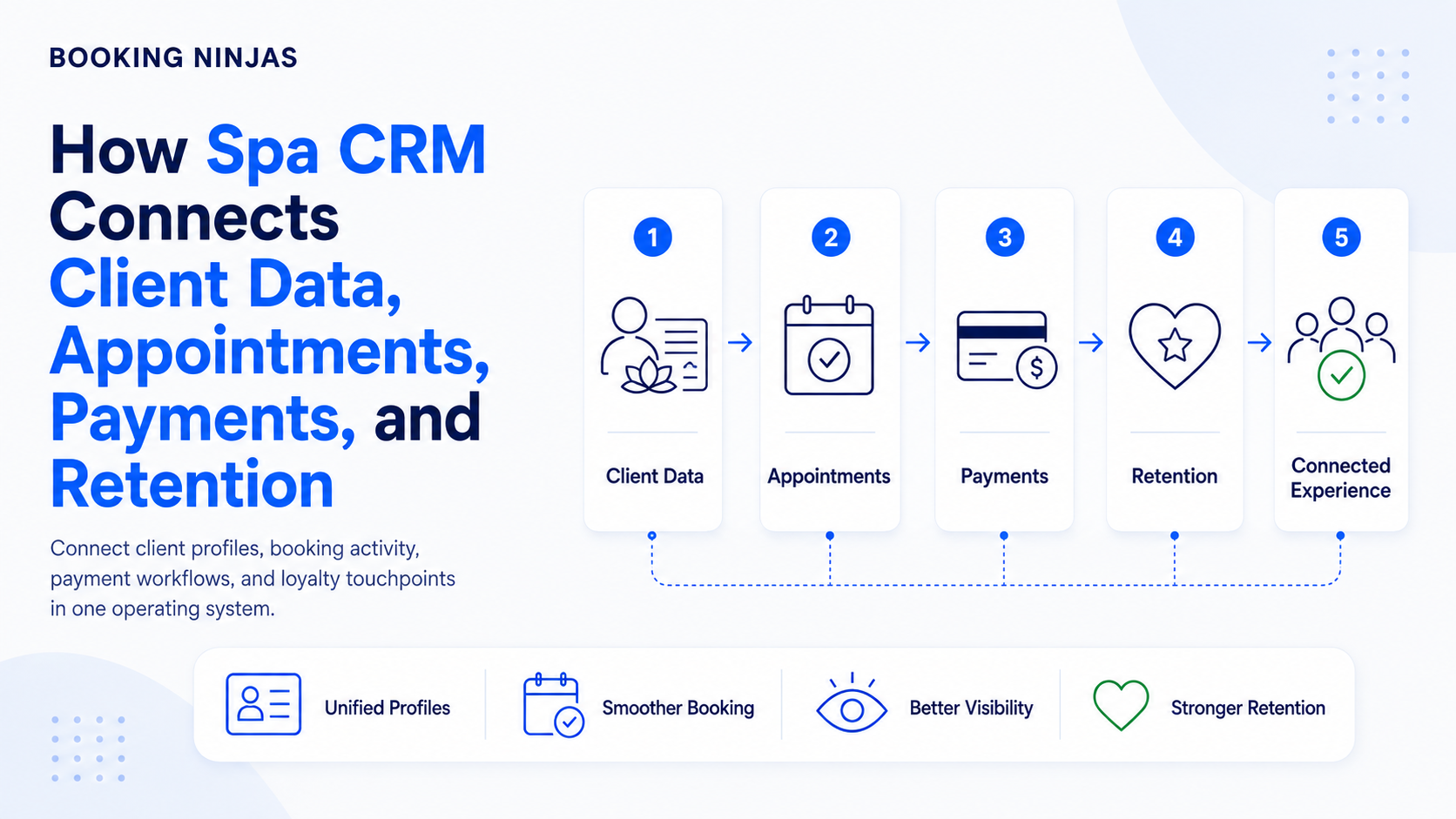
Community activity becomes difficult to understand when membership data sits in one system, event registrations in another, requests in an inbox, announcements in a separate messaging tool, and feedback in spreadsheets.
A connected member record can provide context such as:
- Member identity
- Organization or team
- Membership status
- Membership plan
- Primary location
- Communication preferences
- Bookings
- Event or program participation
- Requests
- Relevant account history
Booking Ninjas' Member Portal connects member-facing membership status, booking information, invoices, communication preferences, event participation, announcements, requests, and other configured self-service activity with the wider operating environment.
How should communication work inside a coworking community?
Communication should begin with the reason for the message and the people who actually need to receive it.
Coworking communication can include:
- Membership updates
- Location announcements
- Booking changes
- Event invitations
- Event reminders
- Facility notices
- Program information
- Request updates
- Payment or account notifications
- Emergency or operational notices
Booking Ninjas' Notification Management supports rule-driven notifications, recipient controls, communication history, escalation, and multi-channel workflows within Salesforce.
The relevant communication channel, consent requirement, recipient, timing, and escalation rule should still be defined according to the specific workflow.
What role do events play in coworking community management?
Events provide structured opportunities for members to participate beyond their normal use of desks, offices, and meeting rooms.
Depending on the community, an operator may organize:
- Networking sessions
- Professional workshops
- Member introductions
- Educational programs
- Community meetings
- Social activities
- Volunteer initiatives
- Special-interest groups
Event management should distinguish the event itself from the member's participation record. Operators may need to track who can register, capacity, location or room, attendance, reminders, and related member activity.
Booking Ninjas Member Portal can support member event registration, attendance history, reminders, program resources, and related inquiries within a member-facing environment.
How should community activity connect with coworking spaces and bookings?
Community programming still consumes physical or digital resources. A workshop may require a meeting room, a networking session may require event capacity, and a member group may need recurring space.
The community workflow may therefore need to connect:
- Event or activity
- Date and time
- Location
- Room or space
- Capacity
- Availability
- Member registrations
- Staff responsibilities
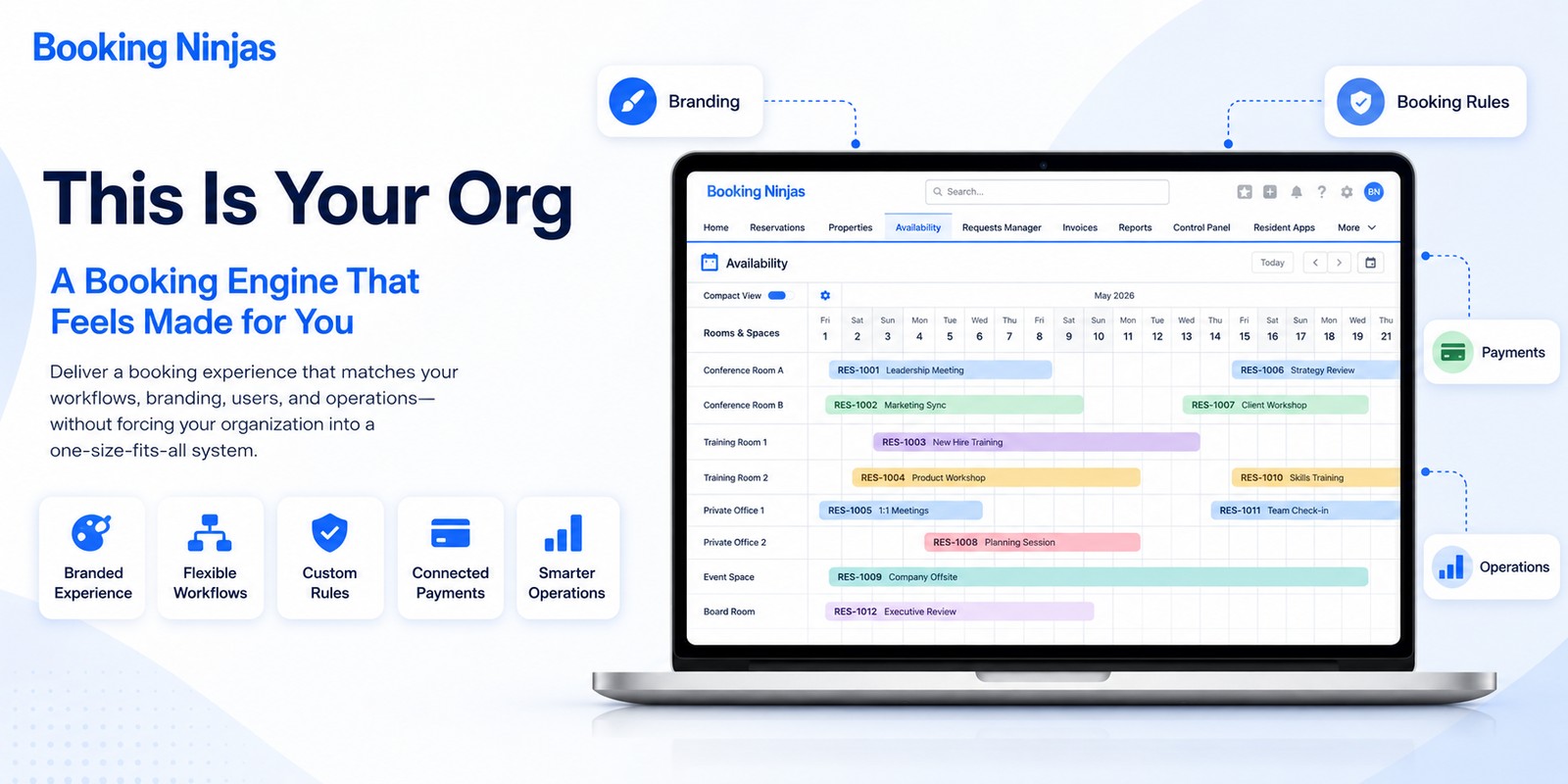
Booking Ninjas' Reservation Management provides the booking layer for reservable spaces and resources, allowing community activity to connect with availability and the wider operating calendar.
How should member questions, requests, and feedback be handled?
Community interaction is not limited to announcements and events. Members also need a structured way to ask for help, suggest changes, report issues, or request services.
A request workflow can preserve:
- Member
- Membership or account context
- Location
- Request type
- Priority
- Responsible person or team
- Status
- Follow-up activity
- Escalation
- Resolution history
Booking Ninjas' Request Management supports centralized intake, ownership, prioritization, routing, status tracking, notifications, escalation, and historical reporting.
This can keep operational feedback attached to a structured process rather than leaving it as an isolated message that staff may not be able to follow later.
How should operators use member feedback?
Feedback can help an operator identify issues, requests, preferences, or recurring themes, but it should be interpreted in context.
Useful questions include:
- Which members provided the feedback?
- Which membership or location does it concern?
- Was the issue operational or community-related?
- Is the same topic recurring?
- Does it require follow-up?
- Was an action taken?
- Did the issue appear again?
- Does the feedback conflict with other member needs?
A single comment should not automatically determine a community decision. Structured history makes it easier to distinguish an isolated preference from a recurring operating pattern.
Should coworking community management be online or in person?
It can be both.
Digital channels are useful for keeping information accessible between visits, while in-person activity creates opportunities for members who want to participate physically.
| Channel | Examples | Operational need |
|---|---|---|
| Digital | Portal announcements, messages, event information, resources, requests, reminders. | Member identity, permissions, preferences, communication history, and accessible information. |
| In person | Workshops, networking, meetings, introductions, activities, community programs. | Space, schedule, capacity, registrations, attendance, and staff coordination. |
| Hybrid | Digital registration followed by physical attendance or a program combining online and on-site participation. | Connected member, registration, communication, and participation records. |
Should a coworking community be built before or after the space opens?
Either approach can be used.
Community before opening
An operator can begin collecting interest, speaking with prospective members, testing programming ideas, and learning what potential users need before the physical location opens.
This can provide input for planning, but it does not guarantee that interested prospects will become paying members after launch.
Community after opening
An operator can also open the physical workspace first and develop community programming from the actual members and operating patterns that emerge.
This provides real usage information, but community development still requires deliberate communication, programming, and member service.
How does community activity relate to member retention?
Community participation can provide useful context when reviewing memberships, but it should not be treated as proof of why a member renews or cancels.
Renewal decisions can be influenced by many factors, including:
- Price
- Location
- Workspace availability
- Access requirements
- Facilities
- Service quality
- Business changes
- Member usage
- Operational issues
- Community preferences
A stronger analysis connects membership renewals and cancellations with bookings, participation, requests, payments, and other relevant records while recognizing that the data may not explain every member's motivation.
What should a coworking operator measure about its community?
Community performance should not be reduced to the number of events held or messages sent.
| Measure | What it helps explain |
|---|---|
| Active members | Size of the current membership population. |
| Event registrations | Interest in specific programs or activities. |
| Attendance | Recorded participation in an event or program. |
| Booking activity | How members use reservable coworking resources. |
| Request volume | Types and frequency of member service or operational needs. |
| Recurring issues | Patterns requiring operational or program review. |
| Membership changes | Upgrades, downgrades, renewals, cancellations, or other lifecycle activity. |
| Participation by segment | Whether different member groups use programs differently. |
Booking Ninjas' Insights provides Salesforce-based reporting across connected operational, customer, financial, and participation data where those records are available in the implementation.
How should community-management workflows be organized?
Repetitive community operations can use structured workflows without automating the relationship itself.
Examples include:
- New-member onboarding tasks
- Event reminders
- Registration confirmations
- Request assignments
- Follow-up tasks
- Approval workflows
- Escalation of unresolved issues
- Renewal reminders
- Internal community-manager tasks
- Program reporting
Booking Ninjas' Workflow & Process Management can provide routing, assignments, approvals, notifications, escalation, branching, and exception handling around these operational processes.
How should a coworking operator build a community-management process?
- Define the member groups. Identify the types of people and organizations the coworking model is intended to serve without assuming every person within a segment has identical needs.
- Connect community activity to member records. Keep relevant membership, location, preferences, bookings, participation, requests, and account context linked where appropriate.
- Define communication workflows. Decide what information should be sent, to whom, through which channel, and under which trigger or schedule.
- Define events and programs. Establish the audience, capacity, location, registration process, reminders, resources, and staff responsibilities.
- Connect physical resources. Reserve rooms or other facilities when community activity requires physical capacity.
- Create a request path. Give members a structured way to submit inquiries, operational issues, service requests, or feedback.
- Assign ownership. Make clear which community manager, employee, or team is responsible for communication, follow-up, and exceptions.
- Record participation and outcomes. Track registrations, attendance, requests, resolutions, and other useful operational history.
- Review the evidence. Use participation and operational data to refine programming and workflows without assuming correlation automatically explains member behavior.
How does Booking Ninjas connect coworking community operations?
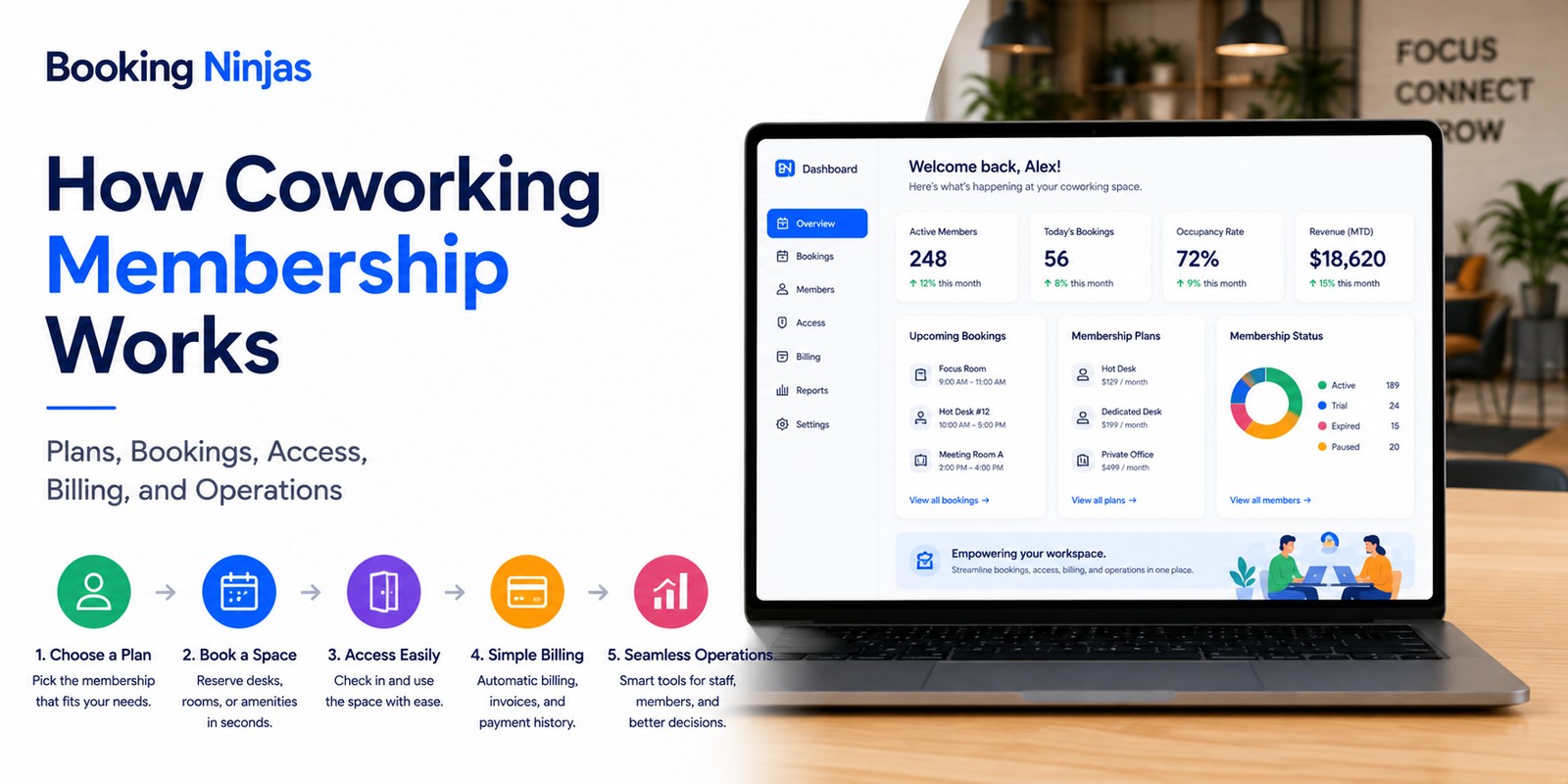
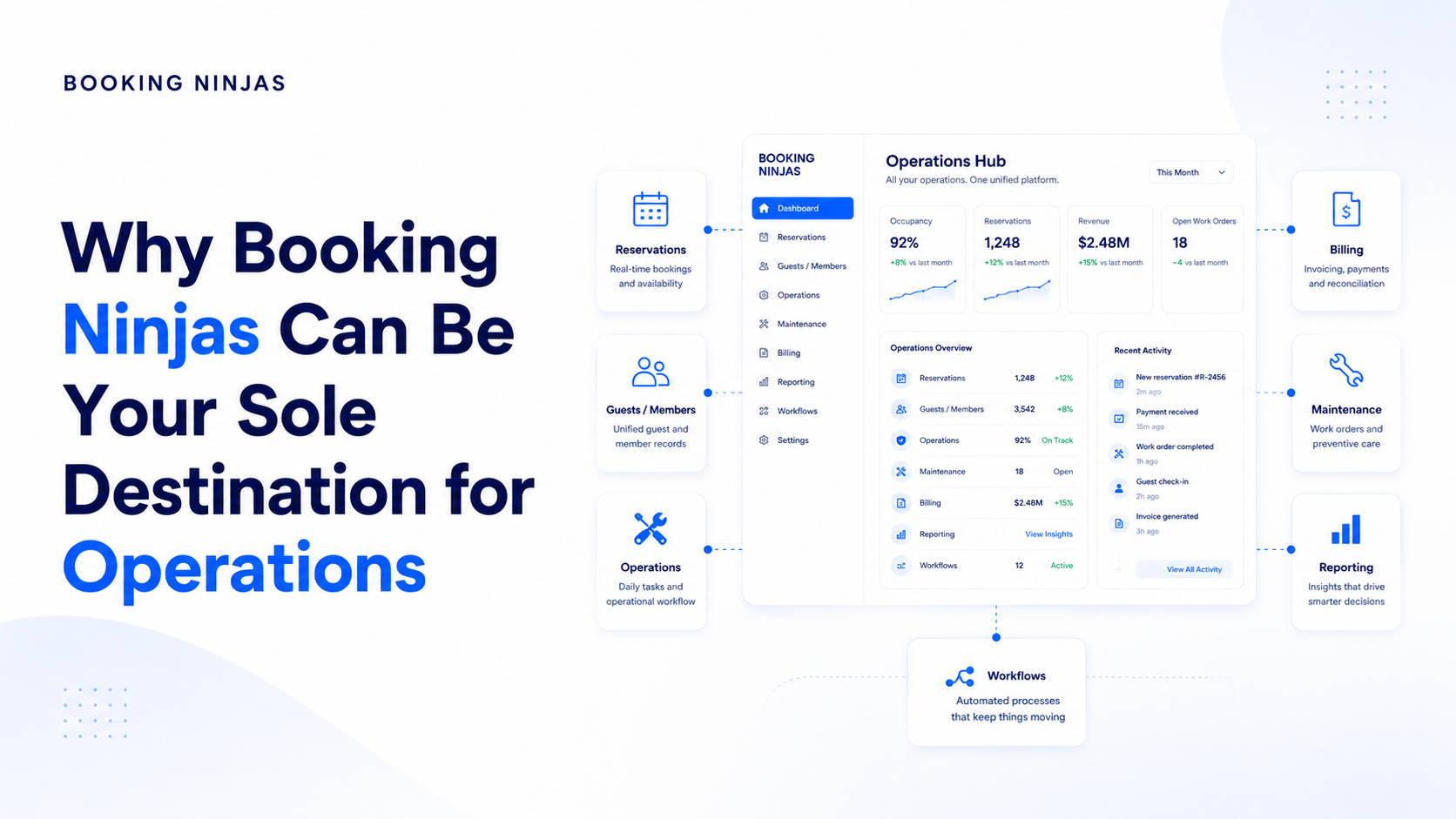
Booking Ninjas is a Salesforce-native platform for bookings and operations . Coworking member records, memberships, space bookings, billing, communication, requests, community-manager workflows, and reporting can therefore operate within the broader Salesforce environment according to the configured implementation.
Community management remains a human and organizational function. The role of the platform is to connect the records and workflows surrounding that work so staff can see what happened, what needs attention, and how the member relates to the wider operation.
Connect memberships, space bookings, facilities, billing, staff, and community operations.
Explore Coworking Management →Give members controlled access to membership information, events, bookings, invoices, communication, requests, and account activity.
Explore Member Portal →Coordinate announcements, reminders, workflow notifications, recipient rules, and communication history.
Explore Notification Management →Capture, assign, prioritize, escalate, and track member and operational requests.
Explore Request Management →Connect community activity with rooms and other reservable coworking resources where required.
Explore Reservation Management →Configure assignments, approvals, escalation, notifications, branching, and exception handling around community operations.
Explore Workflow & Process →Report across connected membership, participation, booking, request, customer, and operational records.
Explore Insights →Frequently asked questions
What is community building in a coworking space?
Community building in a coworking space is the deliberate organization of communication, events, programs, member interaction, feedback, and support around the people using the coworking environment. It complements membership and space management rather than replacing them.
Is coworking community management the same as membership management?
No. Membership management defines the member's plan, status, entitlements, billing, and lifecycle. Community management focuses on communication, participation, events, relationships, requests, feedback, and other forms of member engagement.
What does a coworking community manager do?
A coworking community manager can coordinate onboarding, announcements, events, member inquiries, feedback, introductions, programs, and follow-up. The exact role depends on the coworking operator's size, services, staffing model, and community strategy.
Do coworking spaces need community events?
Not every coworking community needs the same event schedule. Events can provide structured opportunities for networking, education, collaboration, or social participation, but their value should be evaluated from the needs and actual participation of the member community.
Can coworking members register for events through a portal?
Booking Ninjas Member Portal can support event registration, attendance history, reminders, program resources, inquiries, and other configured member-facing activity within the wider Salesforce-based operating environment.
Can member requests and feedback be tracked?
Yes. Booking Ninjas Request Management can connect member or operational requests with ownership, priority, status, notifications, escalation, and historical reporting. The workflow can be configured according to the coworking operator's process.
Does a strong coworking community guarantee member retention?
No. Community participation may be one part of the member experience, but renewals and cancellations can also depend on pricing, location, workspace availability, access, facilities, service, business changes, usage patterns, and other factors.
Is Booking Ninjas coworking software built on Salesforce?
Yes. Booking Ninjas is Salesforce-native, allowing coworking membership, bookings, billing, member portals, requests, communication, workflows, reporting, automation, and integrations to use the broader Salesforce platform foundation.
Connect the community to the operation behind it
See how Booking Ninjas can connect coworking members, memberships, events, communication, bookings, requests, community-manager workflows, billing, and reporting within one Salesforce-native operating environment.