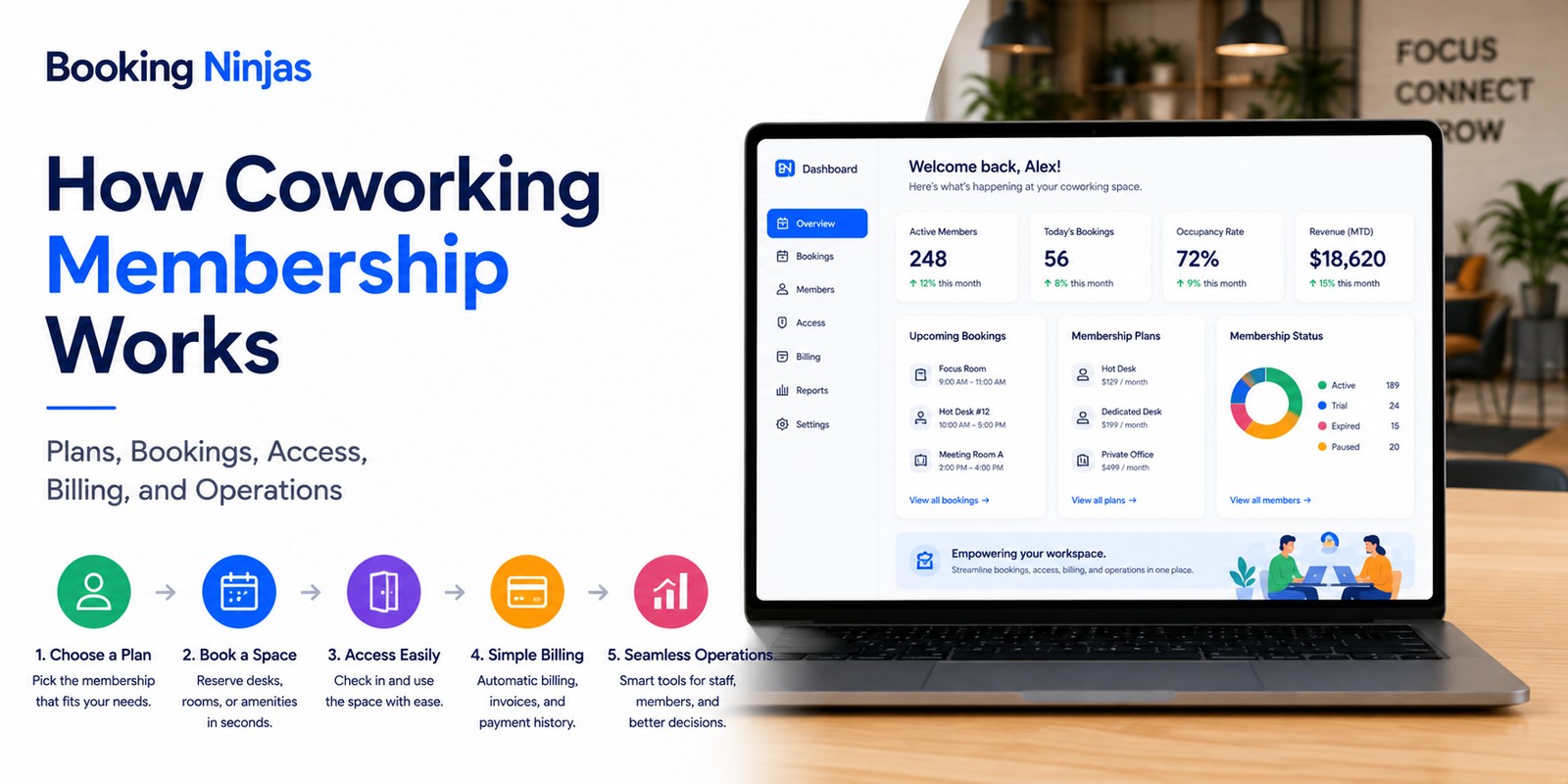
A coworking membership is more than a recurring fee for access to a workspace. Operationally, it defines the relationship between a member, a membership plan, the spaces and services they can use, booking rules, access rights, charges, payments, and the membership lifecycle.
That distinction becomes important as coworking operations combine flexible desks, dedicated workspaces, offices, meeting rooms, amenities, events, add-on services, recurring payments, and multiple locations.
What is a coworking membership?
A coworking membership is an agreement that gives a person or organization defined rights to use a coworking environment according to a particular plan.
Those rights can be broader than simply entering the building. Depending on the plan, membership rules can define:
- Which locations can be used
- Which desks, offices, or rooms can be booked
- When access is permitted
- How many bookings or credits are included
- Which amenities are included
- Which services create additional charges
- Who can use the membership
- How renewal or cancellation works
The membership plan therefore acts as a set of commercial and operational rules connecting the member with the space.
What is the difference between membership, booking, access, and billing?
| Record | What it answers | Example |
|---|---|---|
| Membership | What plan and rights does the member have? | Flexible workspace membership with defined booking allowances. |
| Availability | Which spaces can still be used or booked for a given time? | Three meeting rooms remain available at 2 p.m. |
| Booking | Which specific resource has the member reserved? | Meeting Room A from 2 p.m. to 3 p.m. |
| Access | Which physical or digital areas can the member enter? | Access to the workspace during configured membership hours. |
| Billing | What does the member owe for the membership and usage? | Monthly membership charge plus an applicable room booking. |
What does the coworking membership lifecycle look like?
Create the member record and connect it with the selected plan, agreement, dates, and applicable rules.
Apply plan entitlements to bookings, space access, amenities, credits, and other permitted services.
Connect recurring dues and applicable usage or add-on charges with invoices and payments.
Handle renewal, cancellation, plan changes, account status, and the resulting operational effects.
Who can use coworking memberships?
Coworking membership models can serve several types of workspace users rather than one fixed demographic.
Depending on the coworking operator, these can include:
- Freelancers and independent professionals
- Entrepreneurs
- Startups
- Small teams
- Remote employees
- Project-based teams
- Businesses using flexible satellite space
- People needing occasional professional workspace
The relevant membership model depends more on how the person or organization needs to use the space than on their age or profession alone.
What types of coworking membership plans can operators offer?
There is no universal set of coworking membership plans. Operators can structure plans according to the spaces, services, access rules, and commercial model they provide.
Common models include:
| Plan model | Typical entitlement | Operational question |
|---|---|---|
| Flexible or hot desk | Use of eligible shared workspace without one permanently assigned desk. | Does the member need to reserve a desk, or can eligible capacity be used without advance assignment? |
| Dedicated desk | Ongoing use of a specific desk or workstation. | Is the desk continuously assigned to the member during the active agreement? |
| Private office | Use of an assigned office by an individual or team. | How many people, access rights, services, and shared facilities are included? |
| Time-based membership | Access during specified periods such as particular days, evenings, weekends, or a defined number of hours. | How does the system enforce the permitted usage window? |
| Meeting-room membership | A defined allowance, credit balance, or commercial rate for reservable meeting space. | What is included and what becomes an additional charge? |
| Community or limited-access plan | Membership relationship with limited physical-space usage and selected benefits or activities. | Which services require an active membership even when regular workspace use is not included? |
| Virtual office | Defined non-desk services such as a business address or other operator-provided virtual-office services. | Which physical, administrative, or bookable services remain available to the member? |
Operators can also combine these models or create tiers with different booking allowances, services, hours, locations, credits, or rates.
What should a coworking membership plan define?
A membership plan becomes operationally useful when its inclusions and limitations are represented as clear rules.
- Start and end dates
- Renewal rules
- Permitted locations
- Permitted space or resource types
- Access hours
- Booking allowances
- Usage credits
- Guest allowances
- Included amenities or services
- Member-specific rates
- Additional usage charges
- Cancellation or change rules
This makes the plan more than a product name such as “Premium” or “Flexible.” It defines what the system should allow when the member actually tries to use the coworking operation.
How should membership connect with desks, offices, and meeting-room bookings?
Membership and reservation management solve different parts of the process.
The membership can determine whether a member is eligible to use a resource and under what commercial conditions. Reservation management determines whether that specific desk, office, room, or shared resource can actually be booked for the requested period.
A connected booking flow can therefore evaluate:
- Active membership status
- Membership plan
- Eligible resource type
- Current availability
- Capacity
- Requested date and time
- Booking allowance or credits
- Applicable member or usage charge
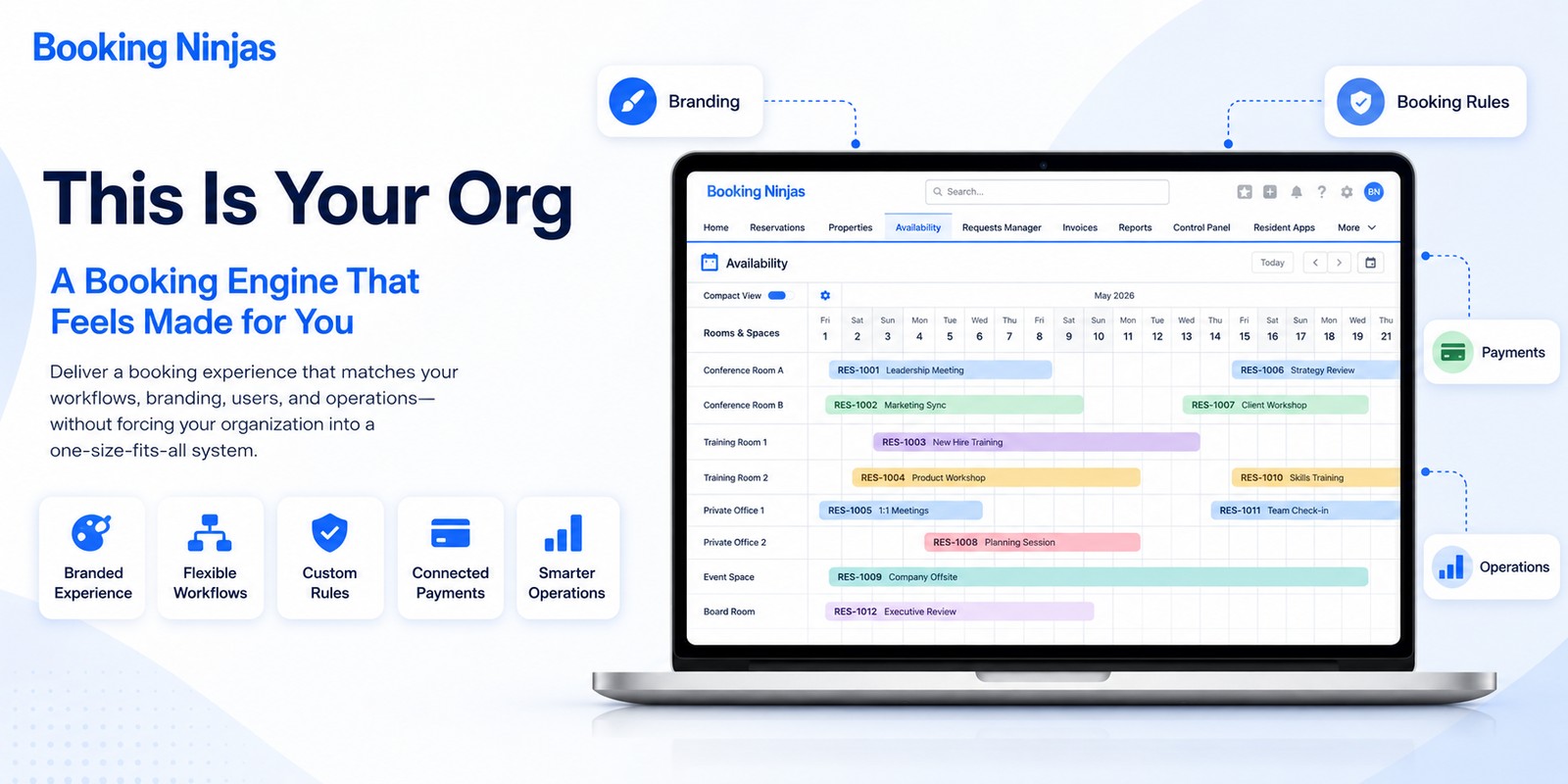
Booking Ninjas' Reservation Management provides centralized reservation records that can connect bookings with availability, rules, workflows, and reporting.
How should coworking membership connect with space access?
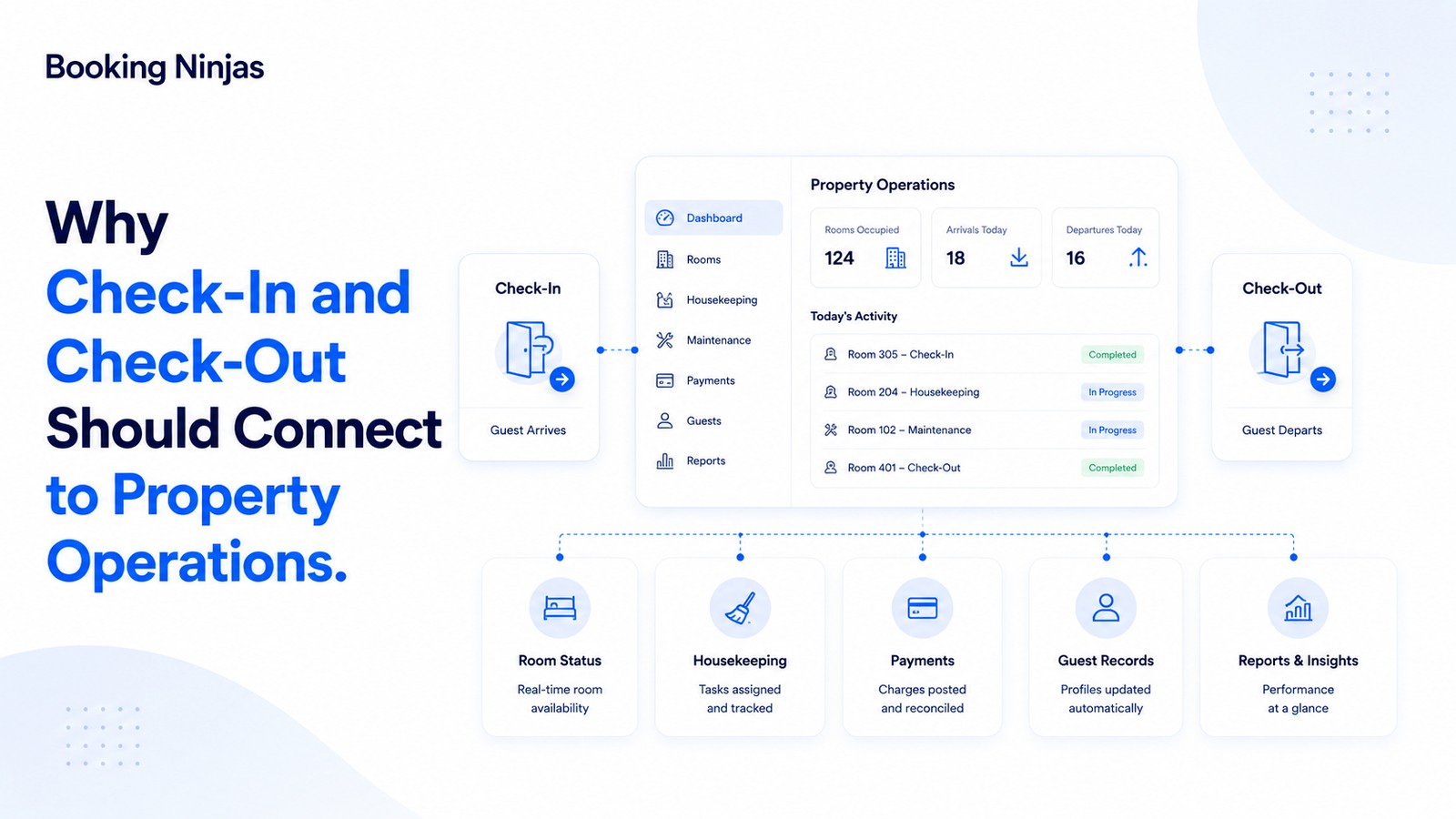
Membership status can provide part of the context for determining who should have access to a coworking location or resource.
An access workflow may need to consider:
- Member identity
- Active membership status
- Plan
- Location
- Permitted hours
- Specific reservation
- Space or resource
- Start and end of entitlement
Booking Ninjas' Access Control supports connections between property records and supported physical or digital access infrastructure.
The actual credential method and access behavior depend on the external access system and the configured implementation.
How does coworking membership billing work?
Coworking billing can contain both recurring and usage-related components.
Depending on the membership model, the member account may include:
- Recurring membership dues
- Private office or desk charges
- Meeting-room usage
- Additional hours
- Guest fees
- Equipment or service charges
- Credits or discounts
- Applicable adjustments
- Invoices
- Payments
Booking Ninjas' Recurring Billing supports scheduled billing cycles for memberships and subscriptions, while the broader Billing & Payment environment connects invoicing, payments, and related financial workflows.
How should coworking operators structure membership pricing?
There is no universal price for a hot desk, private office, meeting room allowance, or other coworking membership.
Pricing decisions can consider factors such as:
- Location
- Available capacity
- Resource type
- Access hours
- Included services
- Booking allowances
- Plan duration
- Operating costs
- Demand patterns
- Local market positioning
- Additional usage pricing
- Commercial objectives
Operators should distinguish the base membership price from services or usage that create separate charges so both members and staff understand what the plan actually includes.
What should members be able to manage themselves?
A member-facing portal can provide controlled self-service for routine account activity instead of requiring every change or query to go through coworking staff.
Depending on the configured experience, this can include:
- Profile and contact information
- Membership information
- Upcoming bookings
- Booking history
- Configured booking changes
- Invoices
- Payment history
- Outstanding balances
- Documents
- Communication
Booking Ninjas' Member Portal connects member-facing account, booking, financial, document, and communication activity with the wider Salesforce-based operating environment.
Where does community fit into coworking membership?
Community can be an important part of the coworking value proposition, but it is different from the commercial and operational rules of membership.
Operators may choose to connect membership with:
- Member events
- Announcements
- Workshops
- Shared activities
- Communication
- Feedback
- Member services
- Community-specific benefits
These activities can support the member experience, but no single event, community feature, or communication strategy guarantees renewal or retention.
What information helps operators understand member retention?
Retention should be evaluated from actual membership and operating records rather than assumed from community activity alone.
Useful information can include:
- Active memberships
- Renewals
- Cancellations
- Plan changes
- Booking frequency
- Resource usage
- Member requests
- Payment status
- Feedback
- Operational issues
These records can help operators investigate why particular plans are being used, changed, or canceled. They do not by themselves prove the reason for a member's decision.
Which metrics help explain coworking membership performance?
| Metric | What it helps explain |
|---|---|
| Active memberships | Current number of active member relationships. |
| Membership mix | Distribution of members across plans or tiers. |
| Renewals | How many memberships continue into another defined period. |
| Cancellations | Memberships ending during the measurement period. |
| Space utilization | How much available desk, office, room, or shared-resource capacity is being used. |
| Booking demand | Which resources and time periods members are attempting to reserve. |
| Recurring billing | Membership-related recurring charges recorded during the period. |
| Usage-based charges | Additional financial activity generated by applicable resource or service usage. |
| Outstanding balances | Member charges that remain unpaid according to the configured billing records. |
Operators should define these metrics consistently so reports do not confuse membership volume, space utilization, bookings, and financial performance.
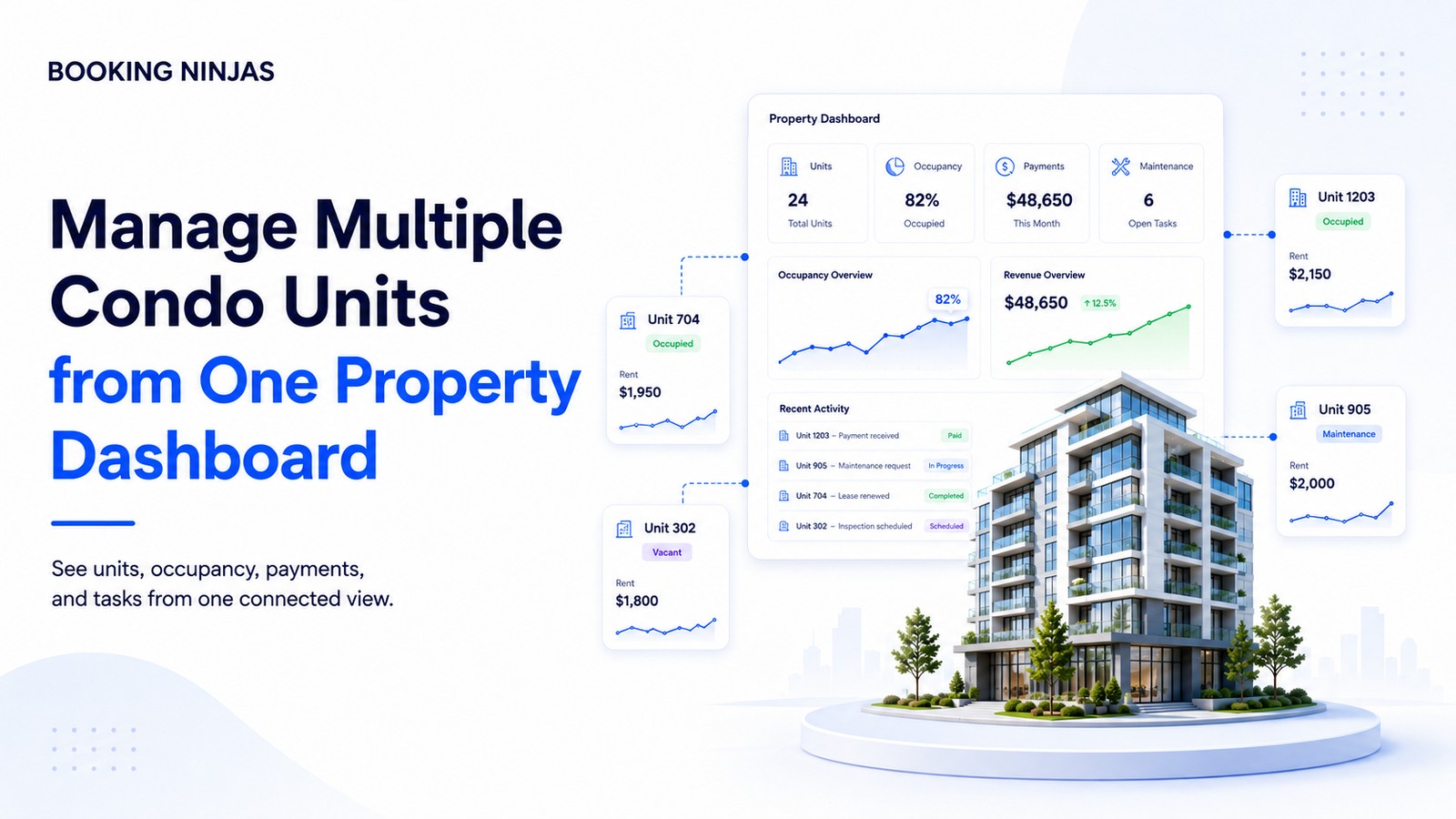
How does coworking membership change across multiple locations?
Multi-location coworking introduces additional membership rules.
An operator may need to determine:
- Which locations a plan includes
- Whether booking allowances are shared
- Whether rates vary by location
- How access rights differ
- Which location receives financial attribution
- How capacity is measured
- How member history follows the member
- How reporting compares locations
Centralized member records become more important when the same person can interact with several coworking locations under one relationship.
Where can AI support coworking membership operations?
AI can support analysis where sufficient relevant membership, booking, utilization, and financial data exists.
Potential uses can include:
- Demand-pattern detection
- Space-usage analysis
- Forecasting support
- Membership-pattern analysis
- Anomaly identification
- Operational prioritization
These outputs should be treated as decision support rather than a guarantee that a pricing, capacity, or membership decision will increase revenue or retention.
How should operators design a coworking membership model?
- Define the member. Decide whether memberships belong to individuals, organizations, teams, or another customer structure.
- Define the plan. Establish the plan term, included locations, resources, services, hours, and commercial rules.
- Define entitlements. Specify exactly what the member can use without an additional transaction or charge.
- Connect bookable resources. Determine which desks, rooms, offices, equipment, or other resources require reservations.
- Define access rules. Establish when and where the member should have access and how external access infrastructure participates.
- Define billing. Separate recurring dues from usage-based charges, add-ons, discounts, adjustments, and other financial activity.
- Define self-service. Decide which account, booking, payment, document, and communication actions members can complete themselves.
- Define lifecycle changes. Establish how upgrades, downgrades, freezes, renewals, cancellations, and expirations affect access, billing, and bookings.
- Measure the results. Review membership activity, utilization, billing, renewals, cancellations, and operational exceptions together.
How does Booking Ninjas connect coworking membership operations?
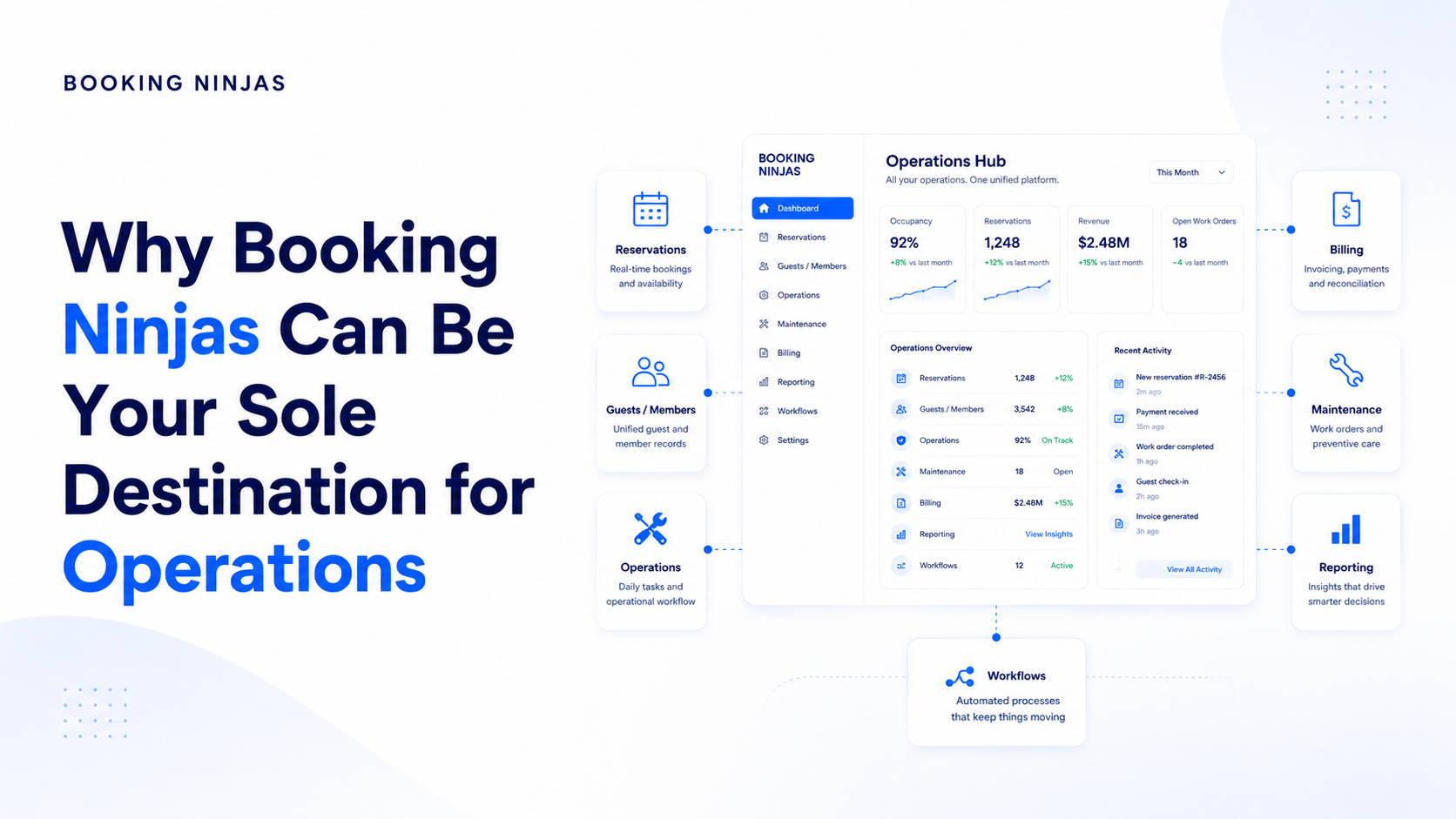
Booking Ninjas is a Salesforce-native platform for bookings and operations . Coworking member records, membership plans, space bookings, facilities, billing, access workflows, and reporting can therefore operate within the broader Salesforce environment according to the configured implementation.
This allows the membership record to connect with the operational activity that follows it instead of existing as a separate list of subscribers.
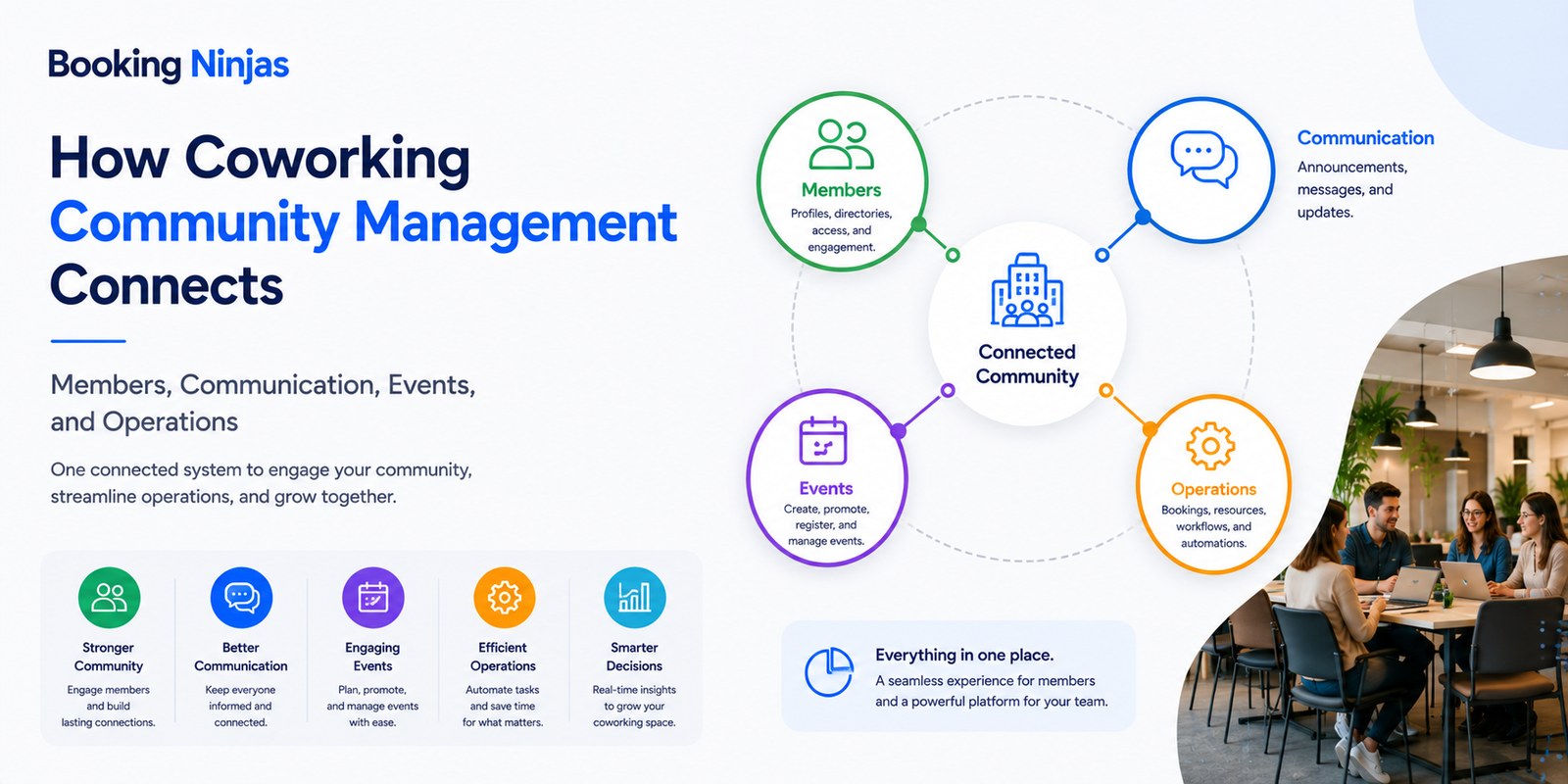
Connect memberships, desks, offices, rooms, facilities, billing, and daily coworking operations.
Explore Coworking Management →Give members controlled access to account information, bookings, invoices, payments, documents, and communication.
Explore Member Portal →Connect desks, offices, rooms, and other reservable resources with availability and booking workflows.
Explore Reservation Management →Manage recurring membership billing cycles and associated subscription records.
Explore Recurring Billing →Connect membership and property records with supported access infrastructure where required.
Explore Access Control →Connect invoices, recurring charges, payments, adjustments, and broader financial workflows.
Explore Billing & Payment →Report across connected membership, booking, utilization, customer, and financial information.
Explore Insights →Frequently asked questions
What is a coworking membership?
A coworking membership is an agreement that gives a person or organization defined rights to use a coworking environment according to a particular plan. The plan can define locations, spaces, booking allowances, access hours, services, charges, renewal rules, and other membership conditions.
What is the difference between a coworking membership and a booking?
A membership defines the member's ongoing plan and entitlements. A booking reserves a specific desk, office, meeting room, or other resource for a particular period. A member can therefore have an active membership without having a specific resource booked at every moment.
What types of coworking membership plans are common?
Coworking operators can offer models such as flexible or hot-desk access, dedicated desks, private offices, time-based access, meeting-room plans, community or limited-access memberships, and virtual-office services. The exact structure depends on the operator's spaces, services, and commercial model.
Can coworking memberships include meeting-room bookings?
Yes. A membership plan can include defined meeting-room entitlements, booking credits, member rates, or other configured rules. Actual room use still depends on availability and the booking conditions for the requested period.
Can coworking membership billing be automated?
Yes. Booking Ninjas Recurring Billing supports scheduled billing cycles for memberships and subscriptions. Additional usage, services, adjustments, invoices, and payments can be connected through the wider billing workflow according to the configured implementation.
Can members book coworking spaces themselves?
Booking Ninjas Member Portal can provide controlled self-service access to bookings and account activity. The specific resources, booking changes, permissions, and rules available to a member depend on the configured membership and operating model.
Can coworking membership control building access?
Membership and booking records can provide context for access workflows where a supported physical or digital access-control system is integrated. The actual credential and access behavior depend on the external system and implementation.
Is Booking Ninjas coworking software built on Salesforce?
Yes. Booking Ninjas is Salesforce-native, allowing coworking member records, membership plans, bookings, billing, facilities, workflows, reporting, permissions, automation, and integrations to use the broader Salesforce platform foundation.
Connect the membership to the space behind it
See how Booking Ninjas can connect coworking members, plans, desks, offices, room bookings, access, recurring billing, payments, facilities, and reporting within one Salesforce-native operating environment.